


Answered

jmlevyCorrect answer
Community Expert
March 30, 2024
Efectivamente, esto es lo que me tiene loca. Lo que he hecho ha sido crear 1 estilo donde busque 2 puntos y otro estilo para párrafos sin 2 puntos. No sé si es la solución, pero me ha funcionado 😉
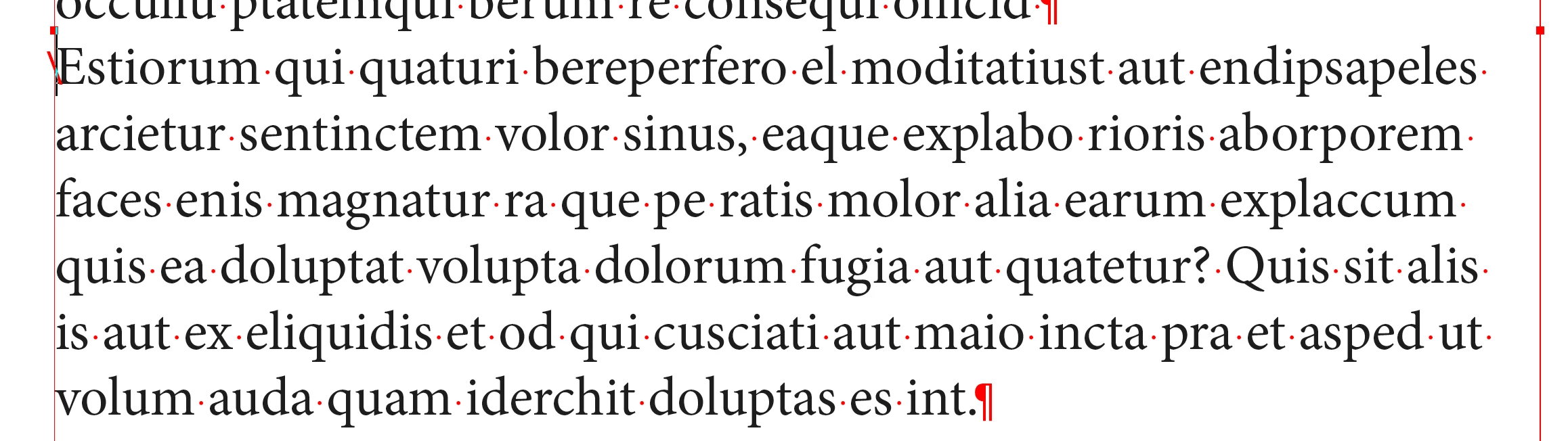
You can have one style only and insert an “end of nested style character” at the very beginning of the paragraph to force the bold character to stop. I use it very often.
Text menu > Insert a special character > other > end of nested style.
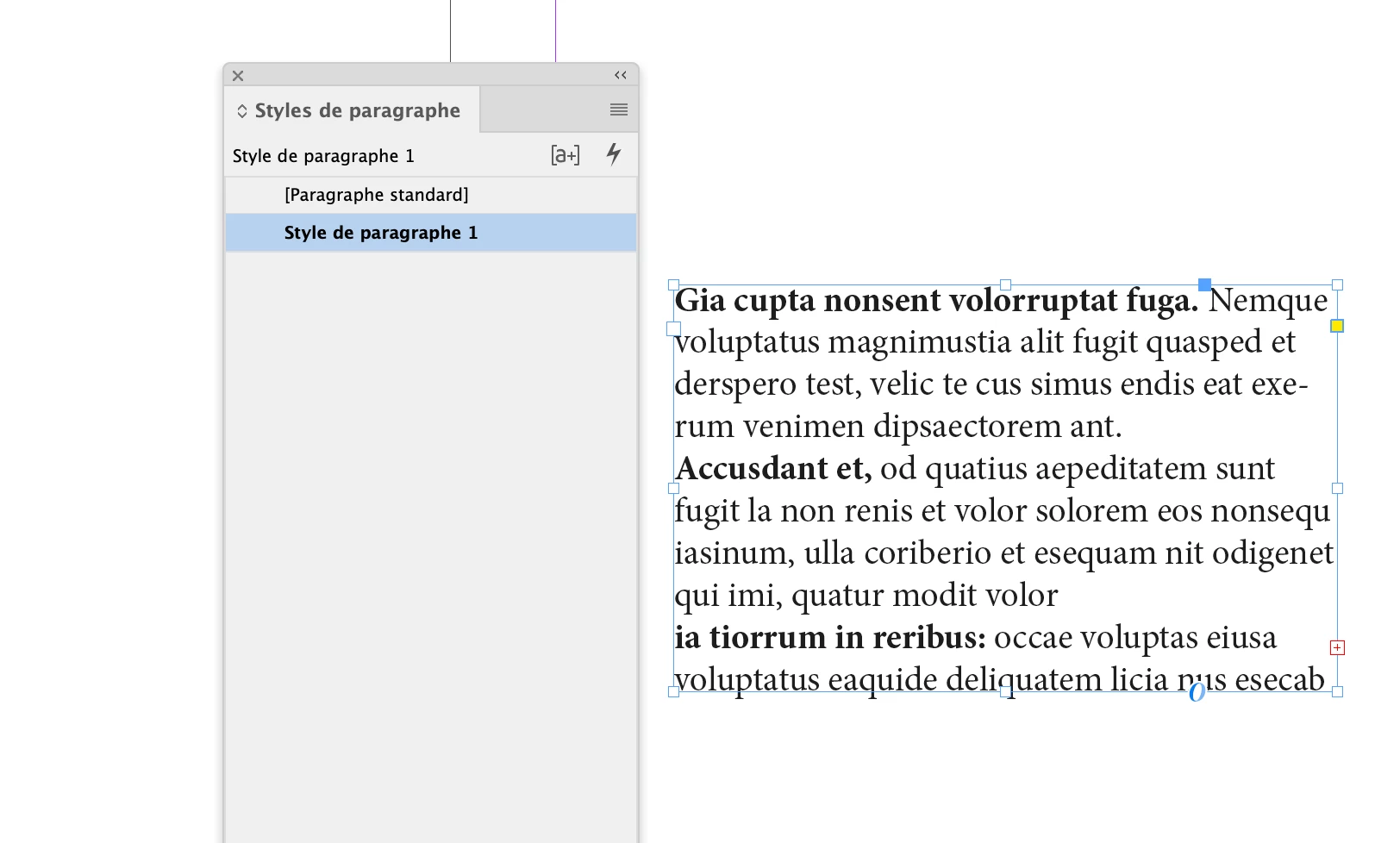
To go further, you could use a single paragraph style for all your exemples. Just choose to end the bold style by choosing either comma, dot, colon for the triggering character.

 AdChoices