
Participant
May 2, 2023
Answered

Everything becomes bolded when placing AI/PDF file

  • May 2, 2023
  • 4 replies
  • 961 views

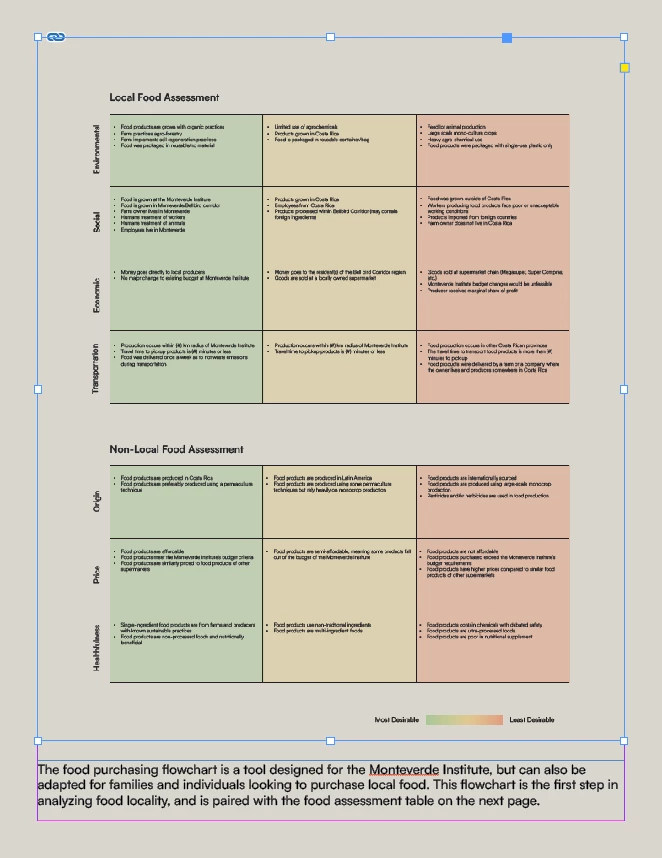
For some reason whenever I try to place this illustrator file into my indesign file all the text on the page and in the placed documant gets bolded. I have tried importing the file as a PDF and a PNG too it still does the same thing. I included two photos, one with the placed documant and own without so you can see the difference in the text. It is only this file that is giving me this problem, I have even tried resaving the AI file and nothing has worked.
 

This topic has been closed for replies.
Correct answer Barb Binder

I see that it looks bold but is this just a screen refresh issue? Try zooming in and then back out. Click on the text: is bold actually activated? Does it print/export to PDF as bold? I'm guessing it is a visual anomaly.


~Barb

4 replies

Bill Silbert
Community Expert
Community Expert
May 3, 2023

Try switching to High Quality Display (View>Display Performance>High QualityDisplay) and see if it looks any closer to the original file.

Randy Hagan
Community Expert
Community Expert
May 3, 2023

Did you render the fonts as outlines? Sometimes, when you turn text characters into drawings of the original letters, it may appear that the letterforms "thicken up" after creating outlines, but it will print fine on output.


To see if this is a big deal for you or not, I'd suggest:


  • Zooming the display zoom percentage to different views (e.g. 100%-200%-50%-Fit in Window views) to see if it appears the same at different screen views.
  • As Barb Binder suggested, try outputting a PDF/printing it and seeing if it appears bolded in the final product. It usually doesn't.


Hope this helps,


Randy

Steve Werner
Community Expert
Community Expert
May 2, 2023

If it only happens with that one file and not others, there's a possibility that there's some subtle corruption in the file. Sometimes, saving a file as IDML (File > Save As > InDesign CS4 or Later [IDML]) will clear corruption. Open the IDML file into InDesign again and see if the problem disappears.


Barb Binder
Community Expert
Barb BinderCommunity ExpertCorrect answer
Community Expert
May 2, 2023

I see that it looks bold but is this just a screen refresh issue? Try zooming in and then back out. Click on the text: is bold actually activated? Does it print/export to PDF as bold? I'm guessing it is a visual anomaly.


~Barb

~Barb at Rocky Mountain Training
Participant
May 3, 2023

Looks like the issue does go away when exporting to PDF. Do you know why it might be displaying like this in InDesign though?

Barb Binder
Community Expert
Community Expert
May 3, 2023

Hi @nathan_snorelander:


Sometimes InDesign just doesn't display content accurately—usually I can zoom in/out or change pages and it corrects itself. But if I'm concerned, I check the type specifications. I rely exclusively on styles for formatting, so working with the Style Override Highlighter enabled also helps me quickly differentiate between an actual issue and a display issue.


~Barb

~Barb at Rocky Mountain Training