
Participant
July 7, 2022
Answered

Excel Update Error

  • July 7, 2022
  • 1 reply
  • 503 views

"please place the document again to reset the link"
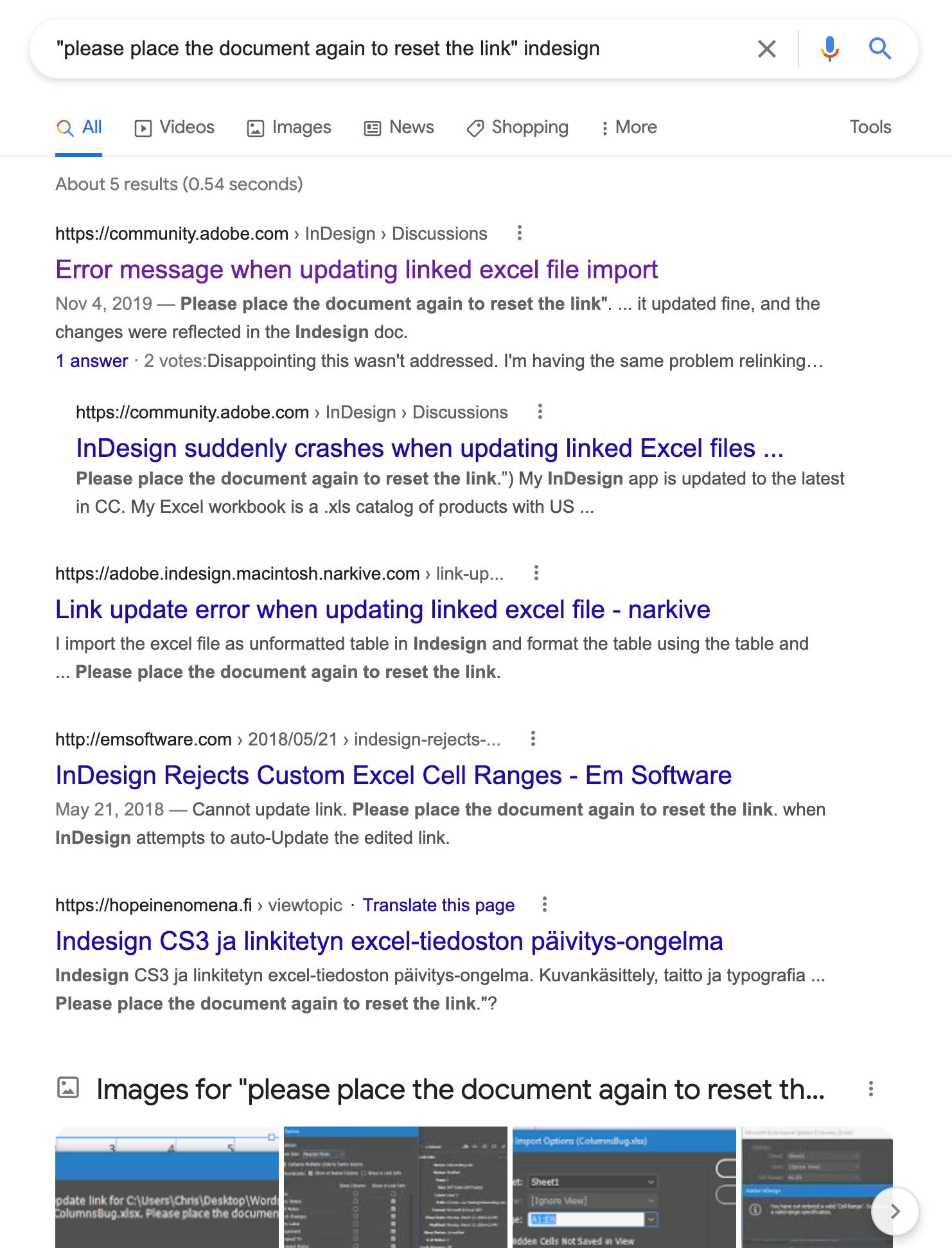
 

First of all there are only 5 results in google! 


I just spent all day linking imported tables to indesign from excel so that it would be easier for me to make multi-ligual tags for products for different countries.


However, now I am adding new data to the excel sheet and I get this error....


If I delete the new data that i typed into the excel and save this error goes away.


In the original file I was using A1:Y5


I want to add Z1:Z5 and it seems that I cannot without getting thi crazy error! What is this error? Why is it happening?

This topic has been closed for replies.
Correct answer Frans v.d. Geest

Creative, but why do you not use Data Merge for this?? This is not what tables are intended for...

Anyway, as this is one table used over and over, the cell range changes for all instances where the table is used, hence the warning it seems.

You definitely should use Data Merge, not tables.

1 reply

Frans v.d. Geest
Community Expert
Community Expert
July 7, 2022

Looks like InDesign can not find the original file. Did you move it? Renamed it? Was it in a USB stick maybe etc.?

Participant
July 8, 2022

The file was not moved or renamed. 


I made a 3 minute video of the issue. I appolgise there is no voice over. Please see link to YouTube below.


My goal with this whole file is that I will be able to update the excel sheet with various future language options to quickly and precisely made new tags for this product. 


I am not a master at making tables in InDesign so I made each page on indesign reference 5 seperate cells from the Excel Sheet. Here is a diagram.


I am just baffled by this error and it seems that the whole file is now "broken". 125 links is a tall order for time considering this was supposed to save time. This didn't happen until I added Z Column Data on the excel sheet. This video will quickly show you the workflow that lead to this issue. 


https://youtu.be/eOBTQClXfs0


Thank you to anyone for your time and help.


Frans v.d. Geest
Community Expert
Frans v.d. GeestCommunity ExpertCorrect answer
Community Expert
July 8, 2022

Creative, but why do you not use Data Merge for this?? This is not what tables are intended for...

Anyway, as this is one table used over and over, the cell range changes for all instances where the table is used, hence the warning it seems.

You definitely should use Data Merge, not tables.