Nociferyon
Participant
May 28, 2026
Answered

Export PDF InDesign Blocs Recadrés / Texte Invisible

  • May 28, 2026
  • 2 replies
  • 29 views

Bonjour.

J’ai un problème avec un export PDF interactif depuis InDesign.

Contexte :

  • J’importe des PDF dans InDesign.
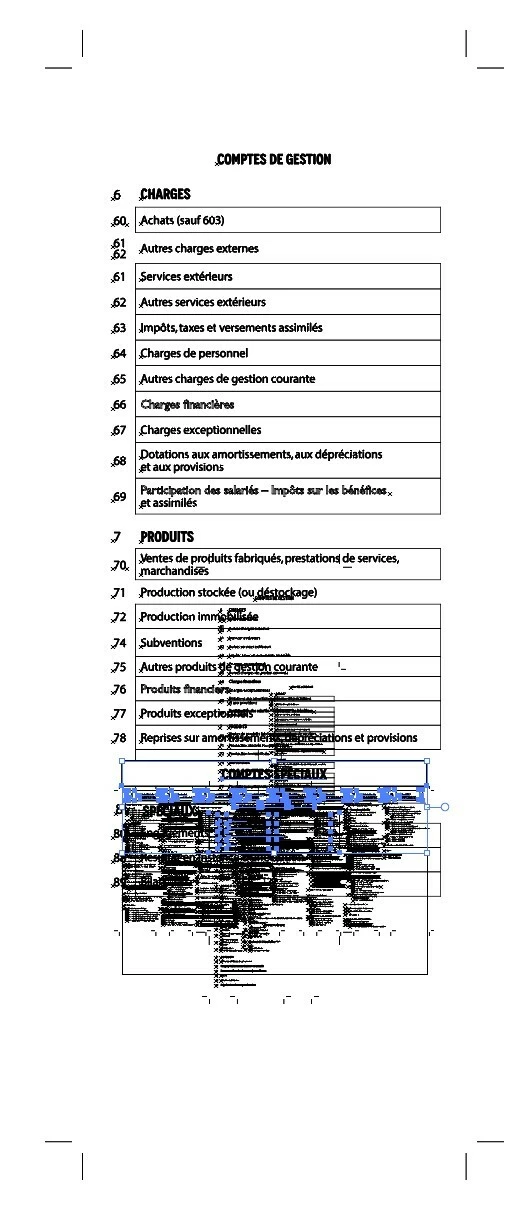
  • Je les recadre dans des blocs afin de n’afficher qu’une partie du contenu.
  • Ensuite j’exporte en Adobe PDF interactif.
  • Problème : dans le PDF exporté :
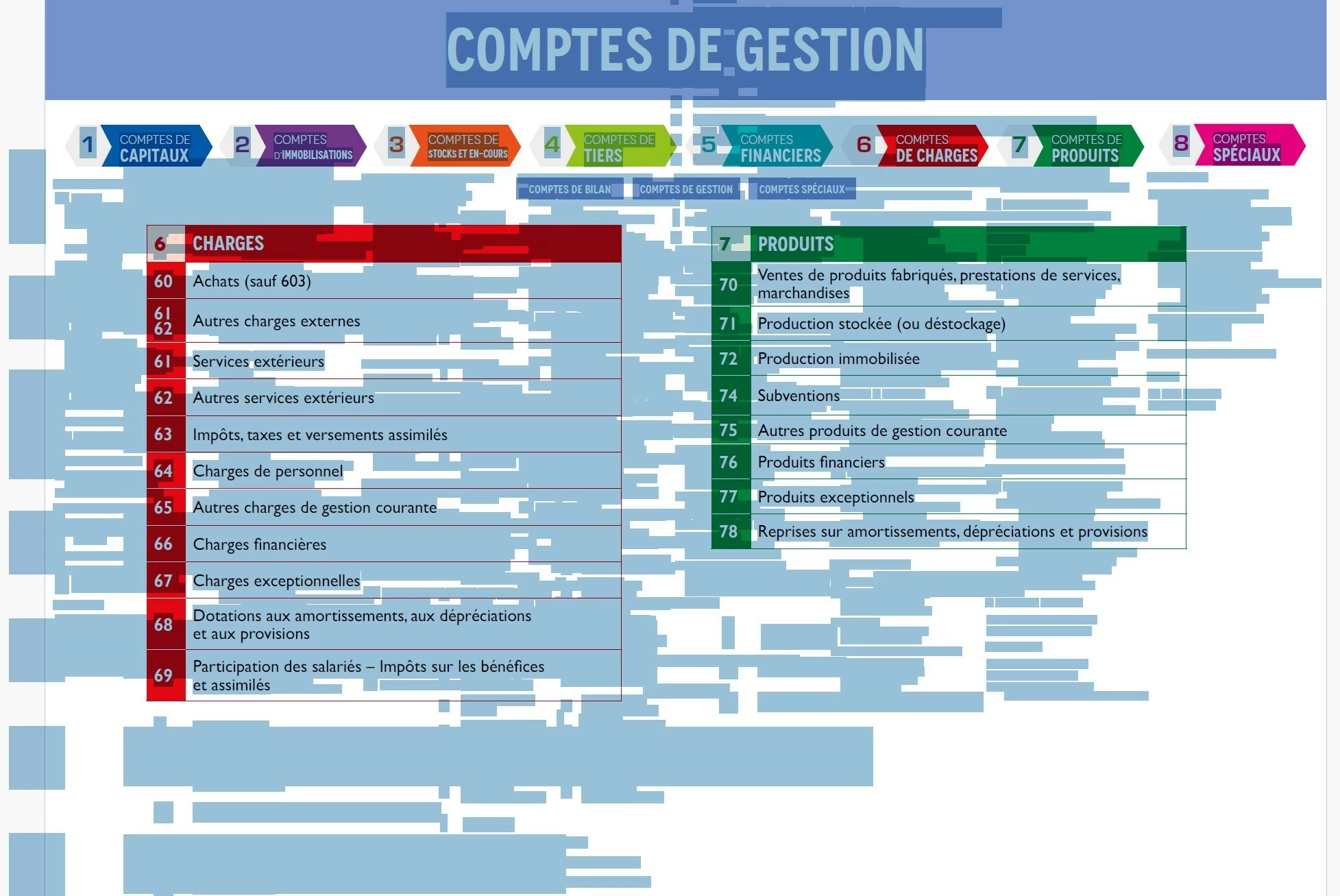
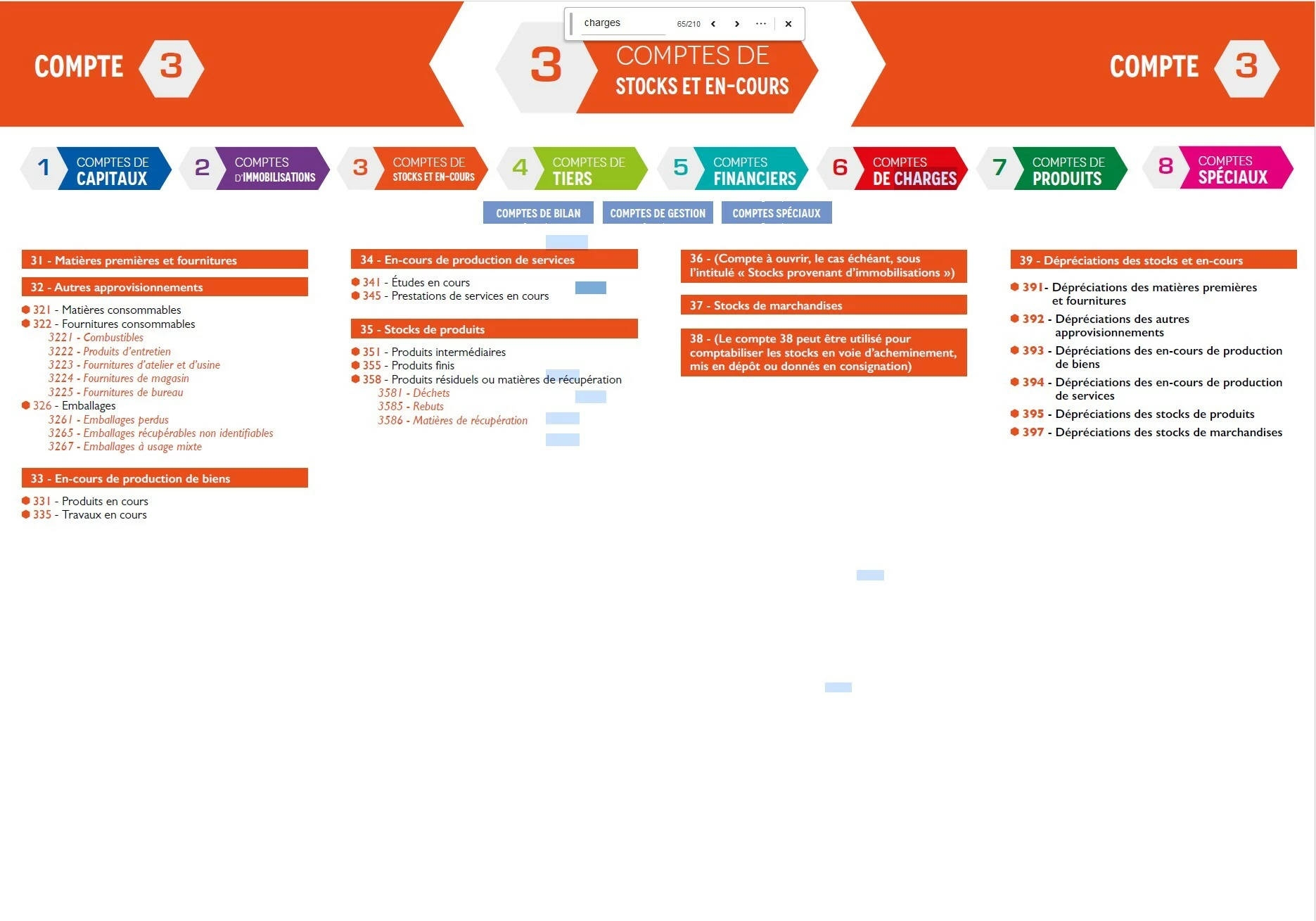
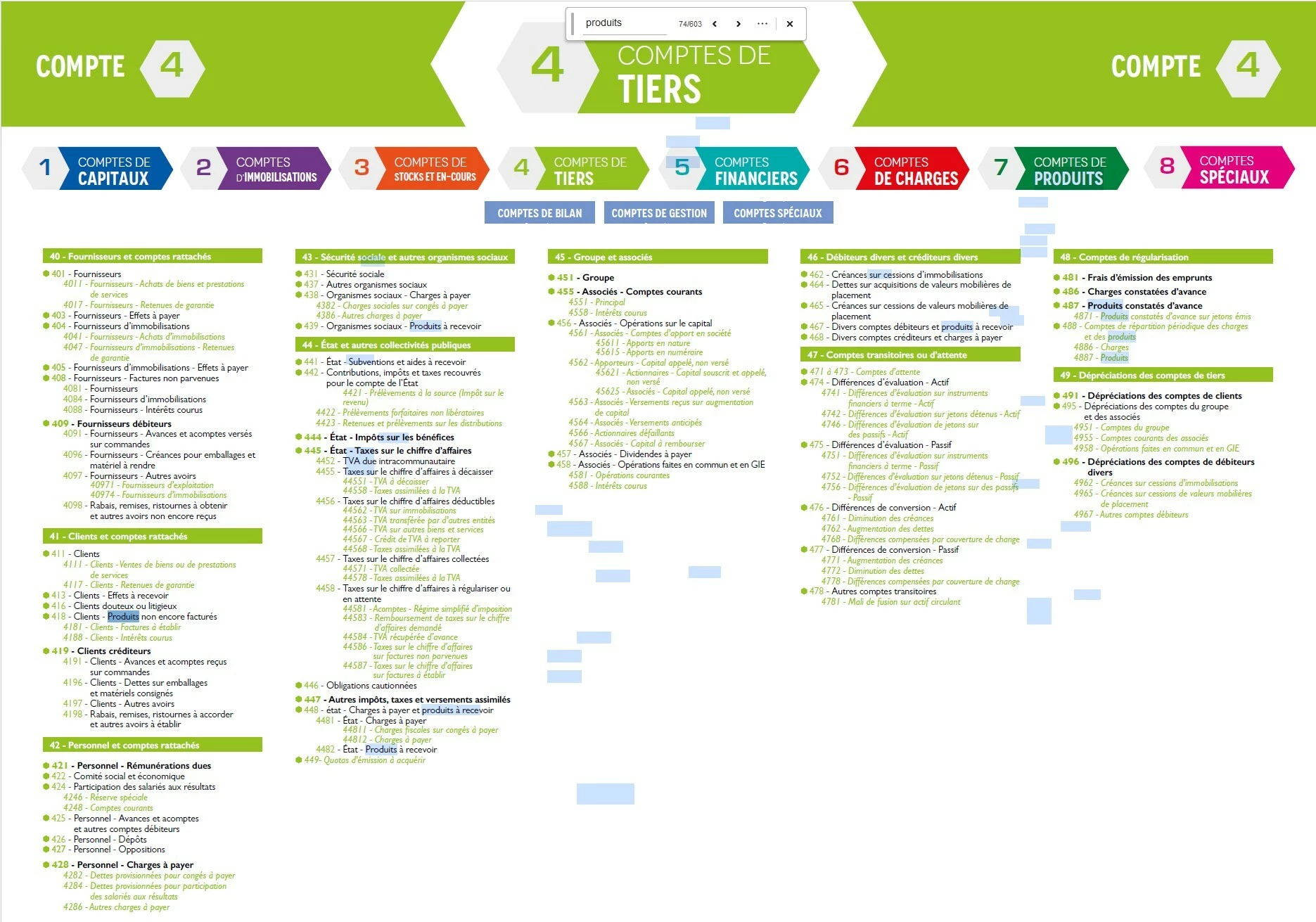
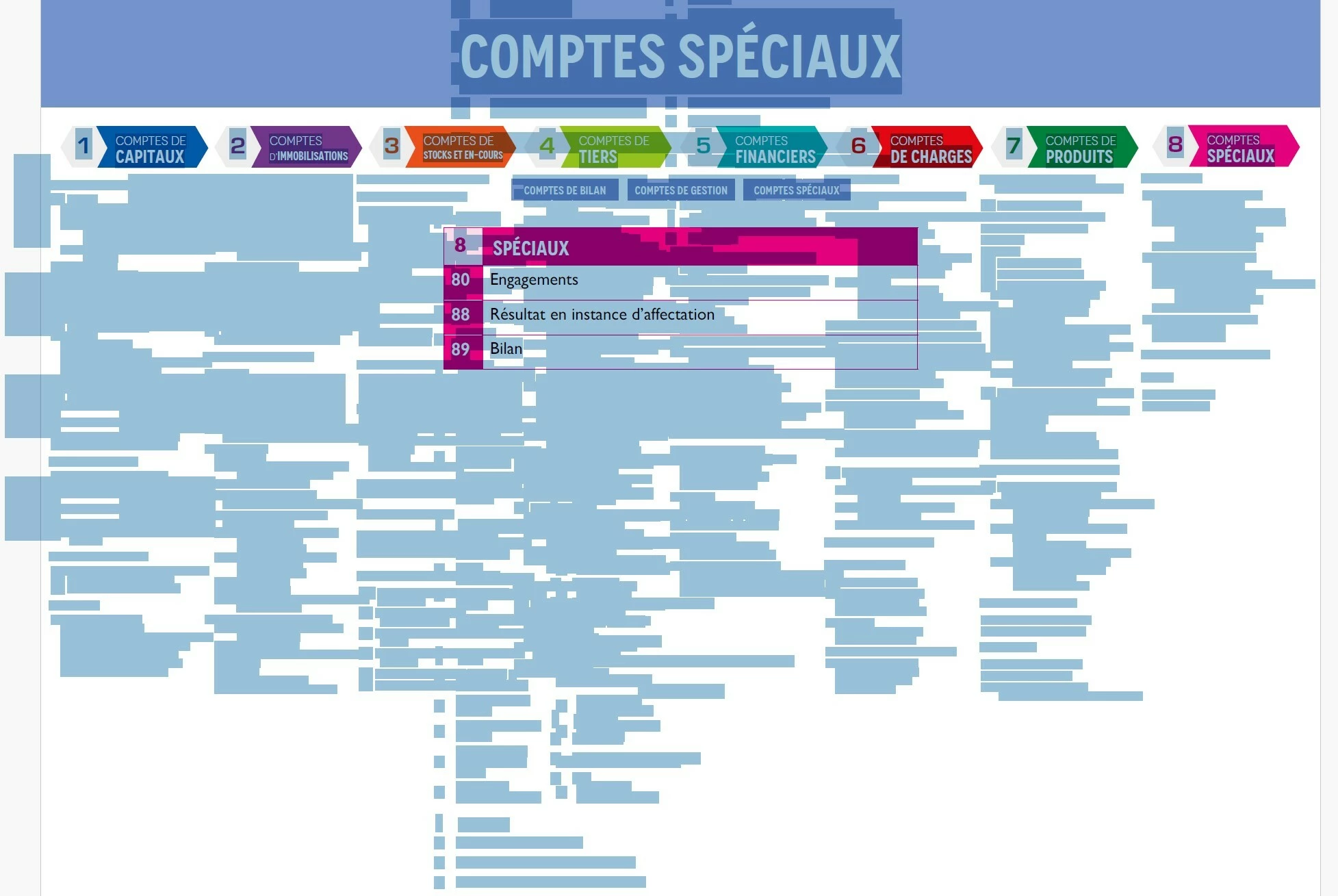
  1. la recherche texte trouve du contenu (texte) qui n’est pas visible (voir photos jointes)
  2. Acrobat surligne parfois du “vide”, on dirait que le texte situé hors du recadrage reste présent dans la structure du PDF.

J’ai compris que :

  • le recadrage InDesign est seulement visuel,
  • le contenu complet du PDF importé semble rester embarqué dans le PDF interactif exporté.

Contraintes :

  • Je ne peux pas : aplatir le PDF, convertir en image, ni “imprimer en PDF”, car j’ai besoin de conserver : les liens interactifs, la qualité vectorielle, et le texte recherchable.
  • Je veux pouvoir recherche du texte mais seulement dans mes blocs recadrés et pas en dehors
     

Question :

  • Existe-t-il une méthode pour  supprimer réellement le contenu hors recadrage des PDF importés, ou empêcher InDesign d’exporter le texte masqué des PDF placés ? Et faut-il obligatoirement : rogner/nettoyer les PDF avant importation dans InDesign ? Merci !

Ce problème est vraiment pénible, je ne vois pas pourquoi InDesign garde le contenu hors cadre… Si on recadre c’est qu’on le veut pas...

    Correct answer Abhishek Rao

    Hi ​@Nociferyon


    Thanks for sharing the details and screenshots. What you're seeing is expected behavior currently, as mentioned by the expert, InDesign only visually masks/crops placed PDFs and does not actually remove the hidden underlying PDF content during Interactive PDF export. That’s why the off-frame text remains searchable/selectable in Acrobat.

    A similar discussion around this behavior can be found here:
    https://community.adobe.com/t5/indesign-discussions/indesign-cropping-leaves-hidden-text-objects-in-a-pdf-need-to-view-in-quot-wireframe-quot-mode/m-p/14068852

    At the moment, the main workaround is to pre-crop/clean the source PDFs before placing them into InDesign. Unfortunately, there is currently no option to truly remove hidden text while preserving vector quality, searchable text, and interactivity.

    I understand this functionality is important, and I apologize for its unavailability at this time. Would you mind creating a UserVoice request here:
    https://indesign.uservoice.com/forums/601021-adobe-indesign-feature-requests

    Please also share the UserVoice link back in this thread so others can upvote it too.


    I hope this helps.


    Thanks,

    Abhishek

    2 replies

    Abhishek Rao
    Community Manager
    Abhishek RaoCommunity ManagerCorrect answer
    Community Manager
    May 28, 2026

    Hi ​@Nociferyon


    Thanks for sharing the details and screenshots. What you're seeing is expected behavior currently, as mentioned by the expert, InDesign only visually masks/crops placed PDFs and does not actually remove the hidden underlying PDF content during Interactive PDF export. That’s why the off-frame text remains searchable/selectable in Acrobat.

    A similar discussion around this behavior can be found here:
    https://community.adobe.com/t5/indesign-discussions/indesign-cropping-leaves-hidden-text-objects-in-a-pdf-need-to-view-in-quot-wireframe-quot-mode/m-p/14068852

    At the moment, the main workaround is to pre-crop/clean the source PDFs before placing them into InDesign. Unfortunately, there is currently no option to truly remove hidden text while preserving vector quality, searchable text, and interactivity.

    I understand this functionality is important, and I apologize for its unavailability at this time. Would you mind creating a UserVoice request here:
    https://indesign.uservoice.com/forums/601021-adobe-indesign-feature-requests

    Please also share the UserVoice link back in this thread so others can upvote it too.


    I hope this helps.


    Thanks,

    Abhishek

    Nociferyon
    Participant
    May 28, 2026
    leo.r
    Community Expert
    Community Expert
    May 28, 2026

    @Nociferyon  Please note that while this forum has an option to translate posts, the UserVoice forum doesn’t. If you want to give your request better exposure, you may want to translate it to English with Google Translate (or another tool), especially its title, and post in either English or both languages, if you wish.

    leo.r
    Community Expert
    Community Expert
    May 28, 2026

    Indeed, you can't truly "crop" a PDF that contains live text. How would you "crop" a font? Thus, you can only mask it. I agree that in an ideal world Acrobat shouldn't find text in masked areas. Same applies to countless other PDF viewers your users might use. 

    Nociferyon
    Participant
    May 28, 2026

    Merci pour votre réponse.

    Par rapport à votre question sur comment je veux recadrer une police à vrai dire, ce n’est pas trop mon problème, c’est le problème des ingénieurs et des développeurs.

    Vu la complexité, les possibilités, et la puissance des fonctionnalités dans InDesign, j’ai un peu de mal à concevoir qu’une chose aussi simple comme masquer du texte lors de l’exportation d’un PDF (alors que ce texte n’est pas visible sur la maquette) soit un problème.

    Quand on recadre un bloc d’un PDF importé qui contient du texte non vectoriel je ne vois vraiment pas pour quelle bonne raison le PDF continue d’afficher toute la police qui est en dehors de cette zone recadrée, ça n’a aucun sens ni aucune utilité car par définition quand on recadre un bloc, c’est qu’on veut pas ce qu’il y a autour…