Participant
January 21, 2020
Question

export quality problems

  • January 21, 2020
  • 3 replies
  • 483 views

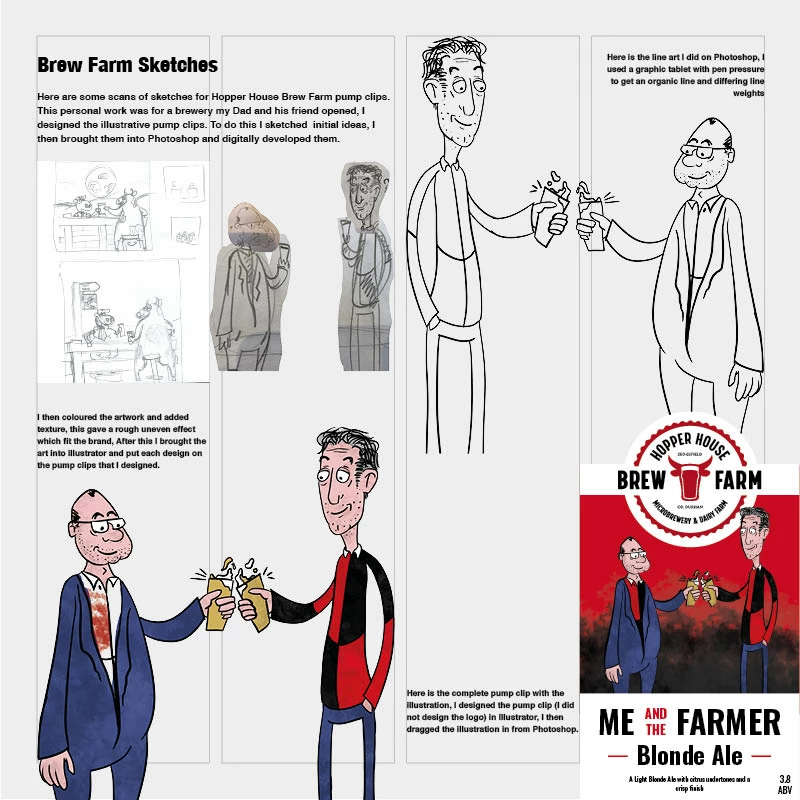
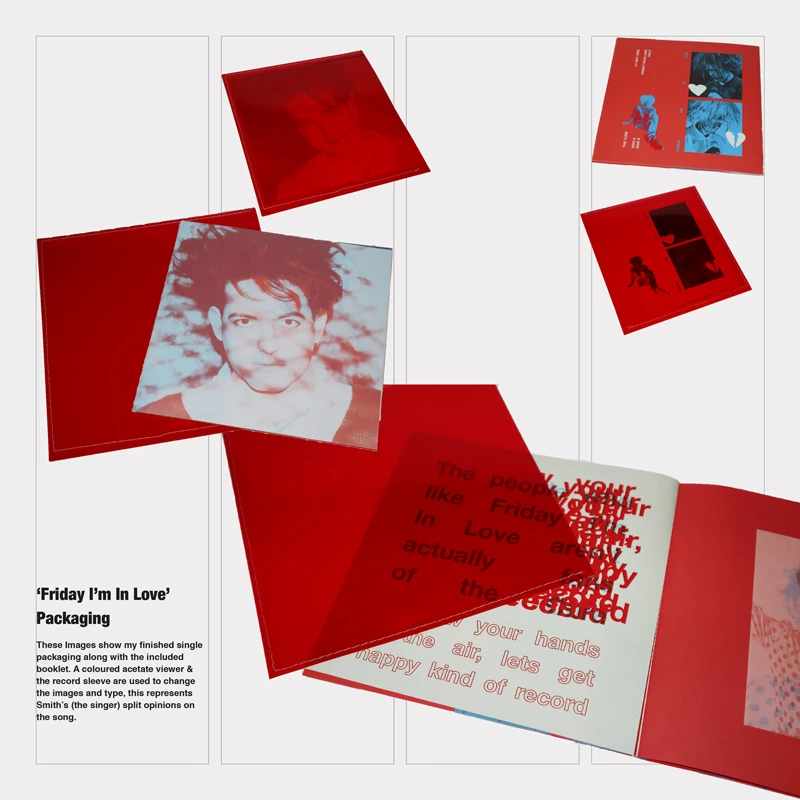
I am trying to export a digital portfolio that needs to be 800px by 800px, i made the indesign document those dimensions and when i view my pages actual size feature in indesign they look good, When I export the pages to JPEGs however they become very pixelated. Is there anyway to increase the quality when exporting without having a bigger resoloution.

Below are the best quality I can get
This topic has been closed for replies.

3 replies

Randy Hagan
Community Expert
Community Expert
January 21, 2020

You're in a tough spot here.


If you're exporting your pages as JPEGs at 800x800px resolution, it really doesn't matter how high the resolution of the placed images are. Because the end result is always going to be a fraction of 800px divided by the fraction of page a given graphic fills. Given the format, there is nothing you can do about the final resolution of the job. You're pretty much limited to JPEG compression/export quality, and the choice of blurry anti-aliasing or jagged edges in its absence.


I guess the question is: Do you have to supply the end result as JPEGs? If so, Bob's pretty much offered the best options for creating them. But if I could conceivably stop at the creating PDFs on a defined page of 800x800px, and rely on them to use the PDFs instead of plain ol' pixel files, I'd sure as heck do it ...

Participant
January 21, 2020

I'm afraid it the university have specified they will only take seperate 800px by800px jpeg images

Randy Hagan
Community Expert
Community Expert
January 21, 2020

Then I'm afraid that the only thing I can recommmend is to go big with your images on a lot of pages — e.g. spread your images for your Brew Farm Sketches across a two-page spread (or more) — and use the process Bob outlined to get the best results you can from the parameters you've been given.


This isn't on you. It's on whoever creatted the rules for submitting your portfolio. Are they posting your "pages" on a website? Otherwise, this seems like a rather odd constraint to place on artists submitting their best work ...

Derek Cross
Community Expert
Community Expert
January 21, 2020

As a matter of interest, how did you come to choose 800 x800px for the size of your digital portfolio?

Participant
January 21, 2020

The university asking for it decided on the size

BobLevine
Community Expert
Community Expert
January 21, 2020

You didn't tell us what settings you're using but InDesign really doesn't do pixels. It just interprets a pixel as 1/72 of an inch. Export a PDF, open it in Photoshop and save the JPG there.

Participant
January 21, 2020

i have tried that, the 2nd image i have shown was done in by saving a pdf as a JPEG in photoshop

Willi Adelberger
Community Expert
Community Expert
January 21, 2020

If you export to PDF which should be used in PHotoshop, take care that the PDF is a PDF/X-4. It increases quality.