bartonlew
Legend
March 24, 2023
Answered

Export to PDF 2-page view with cover standing alone

  • March 24, 2023
  • 1 reply
  • 11353 views

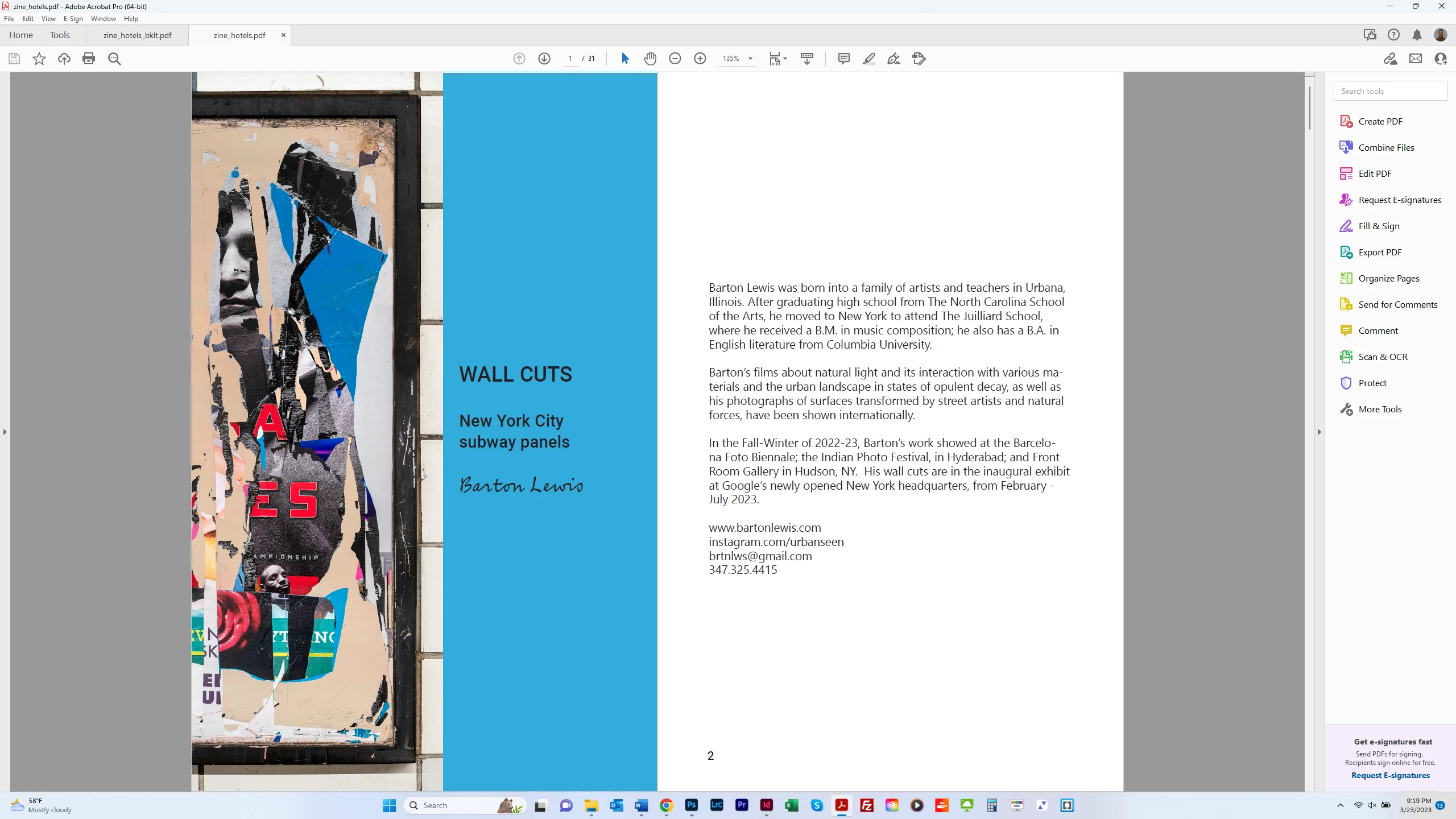
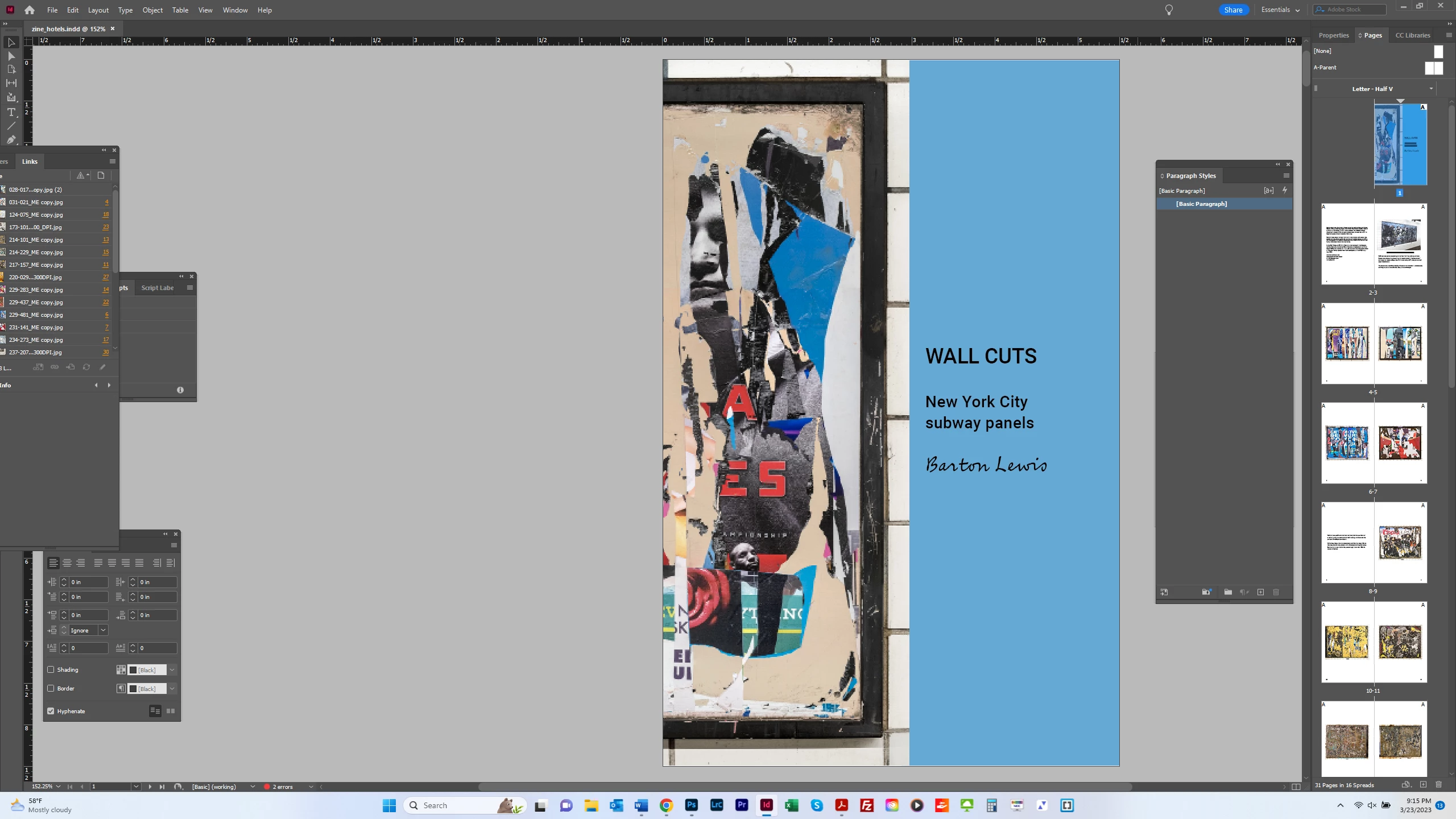
I want to export my zine and view it as a 2-page PDF, but with the cover appearing on its own, as it does in InDesign.  The 1st screen shot below shows this.  The 2d screen shot shows the PDF in 2-page view, with page 2 facing the cover.  This throws the pairing of images in facing pages off.  I want the convenience of someone looking at the PDF online but with the proper layout.  How can I achieve this?  Thanks.  


This topic has been closed for replies.
Correct answer Brad @ Roaring Mouse

It's better if you export your PDF as Reader's Spreads. If your file is properly setup as a facing-pages document, this will keep your cover as a page by itself and the remainder as two-up reader's spreads.

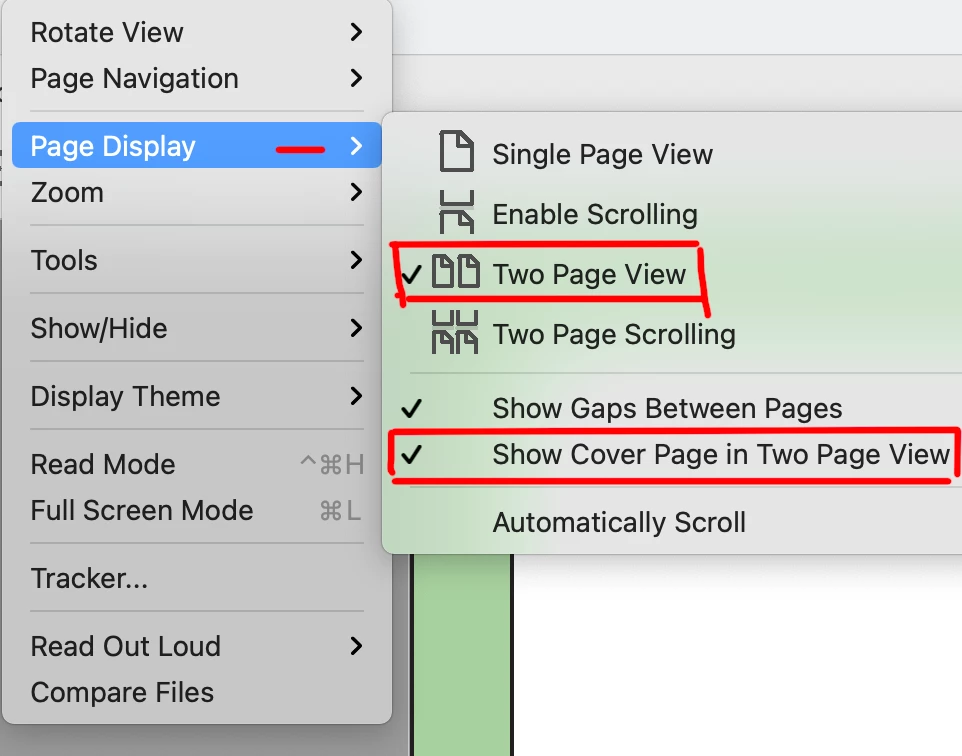
It can be done in Acrobat/Reader as well, but this is a preference of the person using the program:


1 reply

Brad @ Roaring Mouse
Community Expert
Brad @ Roaring MouseCommunity ExpertCorrect answer
Community Expert
March 24, 2023

It's better if you export your PDF as Reader's Spreads. If your file is properly setup as a facing-pages document, this will keep your cover as a page by itself and the remainder as two-up reader's spreads.

It can be done in Acrobat/Reader as well, but this is a preference of the person using the program:


James Gifford—NitroPress
Legend
March 24, 2023

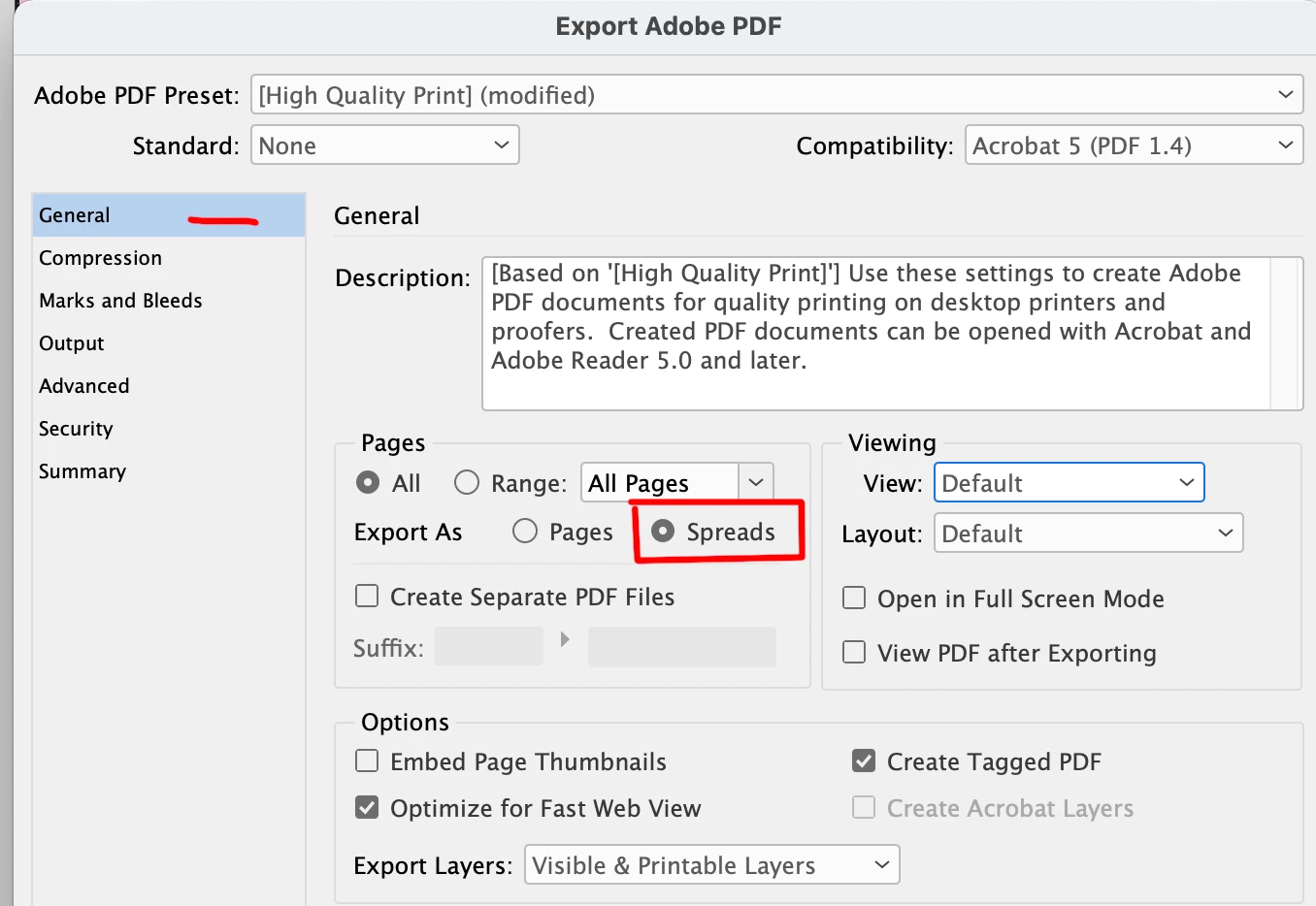
Uh, this can be set in ID export, too. I seem to recall that this option has come and gone a bit in recent releases, but here's how I do it in my exports:


But you're correct in that it's reader-dependent. IIRC, this is one of the things that third-party and browser PDF readers tend to ignore.


Brad @ Roaring Mouse
Community Expert
Community Expert
March 26, 2023

Thanks James. I had indeed missed that option on export. I think I forgot it existed because it never did what I wanted anyway. You are also correct that it is usually ignored in someway by other viewers. e.g. in Mac Preview, it still comes up by default as single pages unless you change its View setting. In one browser I tried, it came up properly, but with an annoying gap between left and right pages, so that kind of ruins the appearance of crossover pages.

Anyway, @bartonlew , you have options!