Participant
December 12, 2018
Answered

Exportar de indesign a pdf.

  • December 12, 2018
  • 2 replies
  • 765 views

Dear sirs,

How can I export an Indesign file to a pdf, without showing the vertical line that separate one page from the other in the pdf file?

Thanks

    This topic has been closed for replies.
    Correct answer vladan saveljic

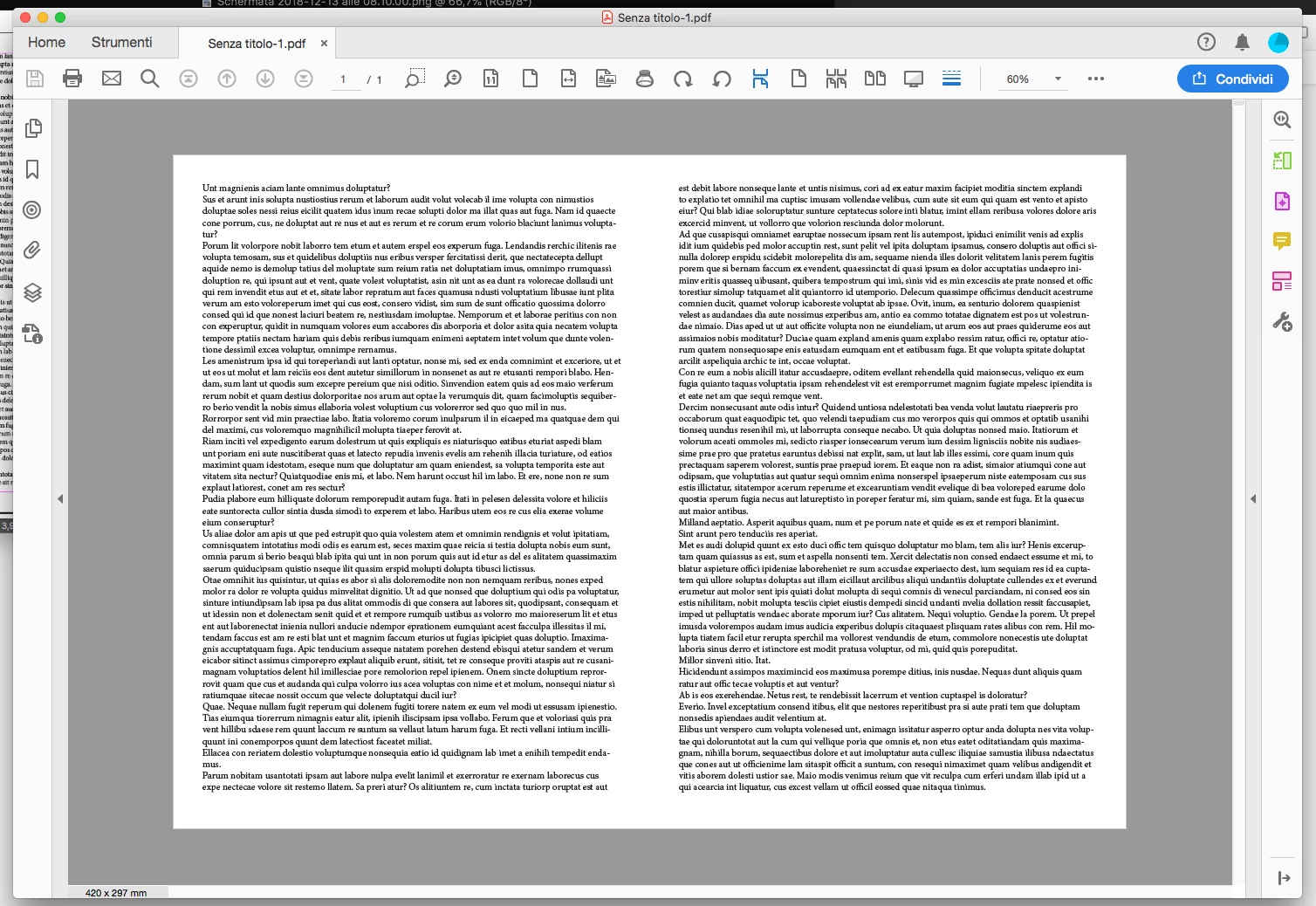
    do you want to get pdf in spreads?

    File > Export > select spreads

    and the result is pdf as bellow:
    2 replies

    vladan saveljic
    vladan saveljicCorrect answer
    Inspiring
    December 13, 2018

    do you want to get pdf in spreads?

    File > Export > select spreads

    and the result is pdf as bellow:

    Participant
    December 13, 2018

    Thank you so much for your answer,

    That was just  that I wanted,

    greetings

    Community Expert
    December 14, 2018

    Hi,

    I hope you do not send the PDF showing a single spread as one single PDF page to a commercial printing service :-)

    Perhaps they would reject the job. They'd need single pages, not whole spreads, for sheet imposition.

    Regards,
    Uwe

    Bill Silbert
    Community Expert
    Community Expert
    December 13, 2018

    Could you post a screen shot showing what you're talking about? When I export a pdf as spreads I never see a line separating my pages.