
Exported PDF from InDesign it is dimensionally larger than the InDesign file. Why?
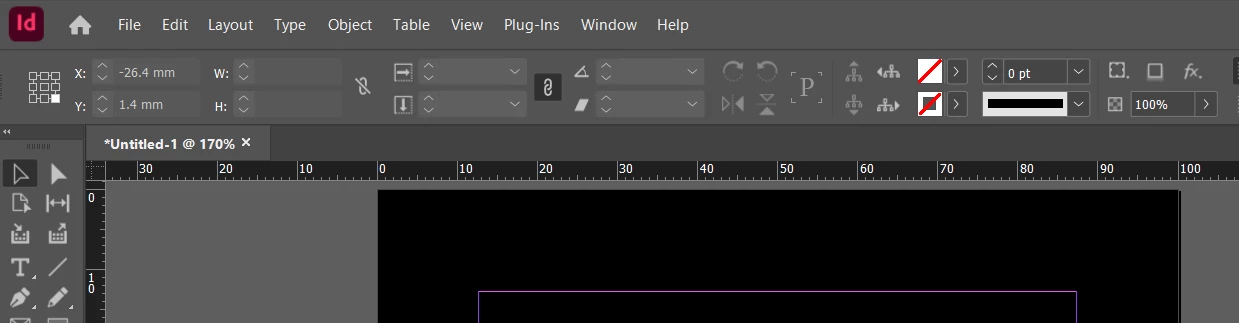
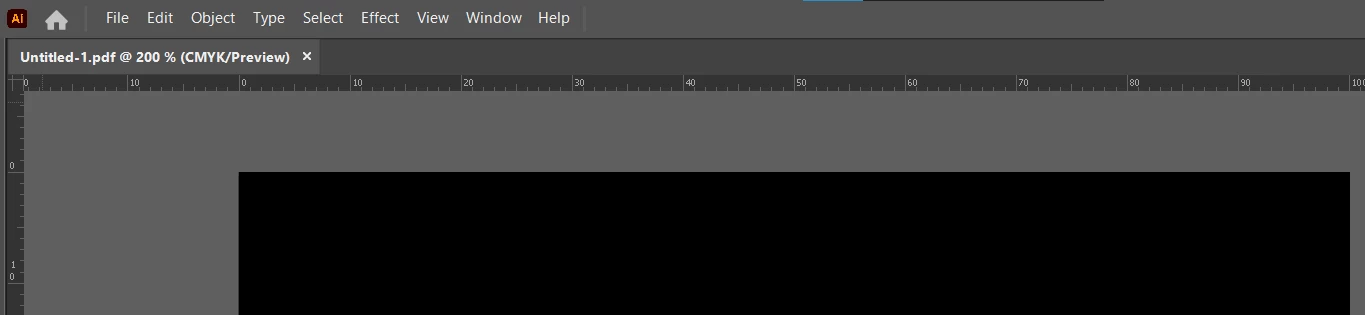
When I export a PDF from InDesign 2025, I get a file that is dimensionally larger than the InDesign file.
It should be identical in size.
How can I control the PDF export to be the correct / identical dimensions?
When I export as a JPEG and open it in Photoshop, I get a file that is exactly the 297mm wide that it should be (A4 landscape) .
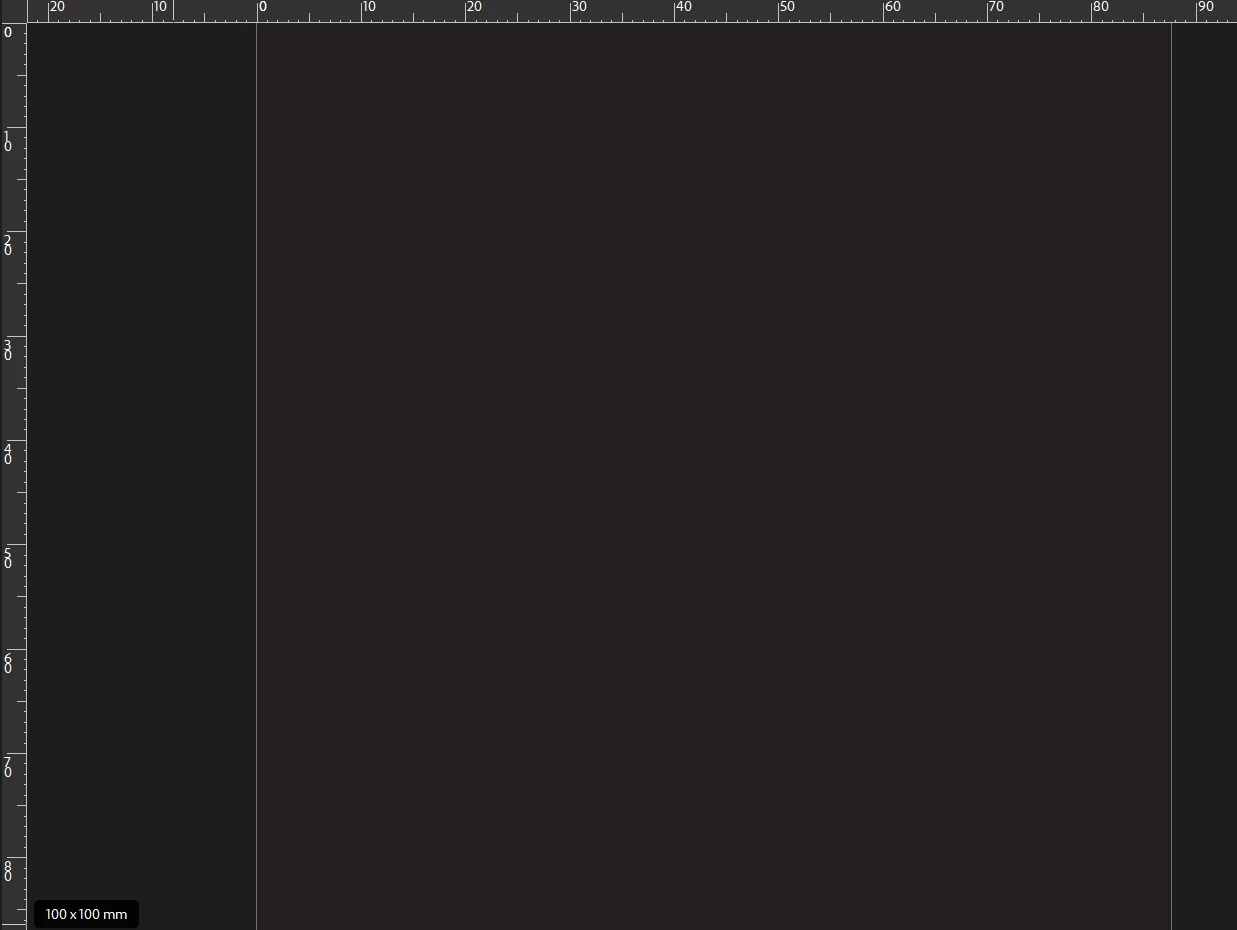
Exporting as a PDF and I get a PDF that is about 384mm wide, so a linear scaling of almost exactly 130%. It is driving me nuts! I've tried exporting as CS4, opening in InDesign 2024, exactly the same.
I have searched here and on the web, and found lots of suggestions about turning crop marks and bleed, etc on and off, but it's not that. (and lots of AI-generated nonsense that is talking about controlling file size of a PDF output, not dimensional size)
Do you have any thoughts on what might be causing this madness, and even better, how to correct it?
Many Thanks
Stephen





 AdChoices