Question
Exporting a PDF
I want to create PDFs of a book for a website. However I don't want them to look completely flat. I would like to show the gutter and a shadow around the spread. Something like the attached image. Can ayone help? Thanks
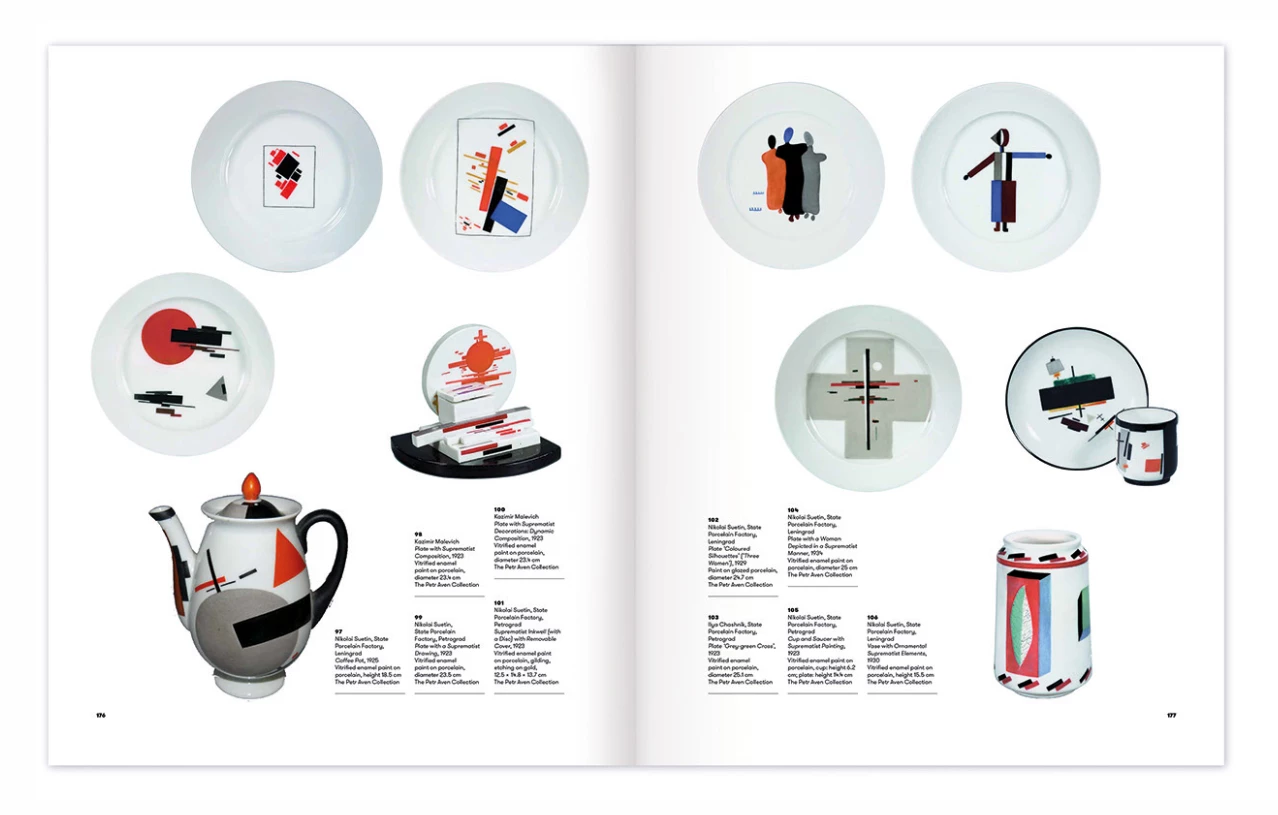

I want to create PDFs of a book for a website. However I don't want them to look completely flat. I would like to show the gutter and a shadow around the spread. Something like the attached image. Can ayone help? Thanks
Already have an account? Login
No account yet? Create an account
Enter your E-mail address. We'll send you an e-mail with instructions to reset your password.


 AdChoices