
Participant
December 6, 2022
Question

Exporting a PDF from InDesign without layers doesn't seem to work...

  • December 6, 2022
  • 3 replies
  • 2110 views

Hi folks,

I posted a request on a very old topic, and it was suggested I started a new post, so here it is.


I have tried every way I can think of to export a PDF from InDesign flattened, without the layers so that people cannot then easily open up my work and edit it.


Whichever way  I choose to export from InDesign, I can open up the PDF in a different publishing software, Affinity Publisher, and the layers are still there being easily edited.


Here are some screen shots from a basic test publication...


My InDesign layers...
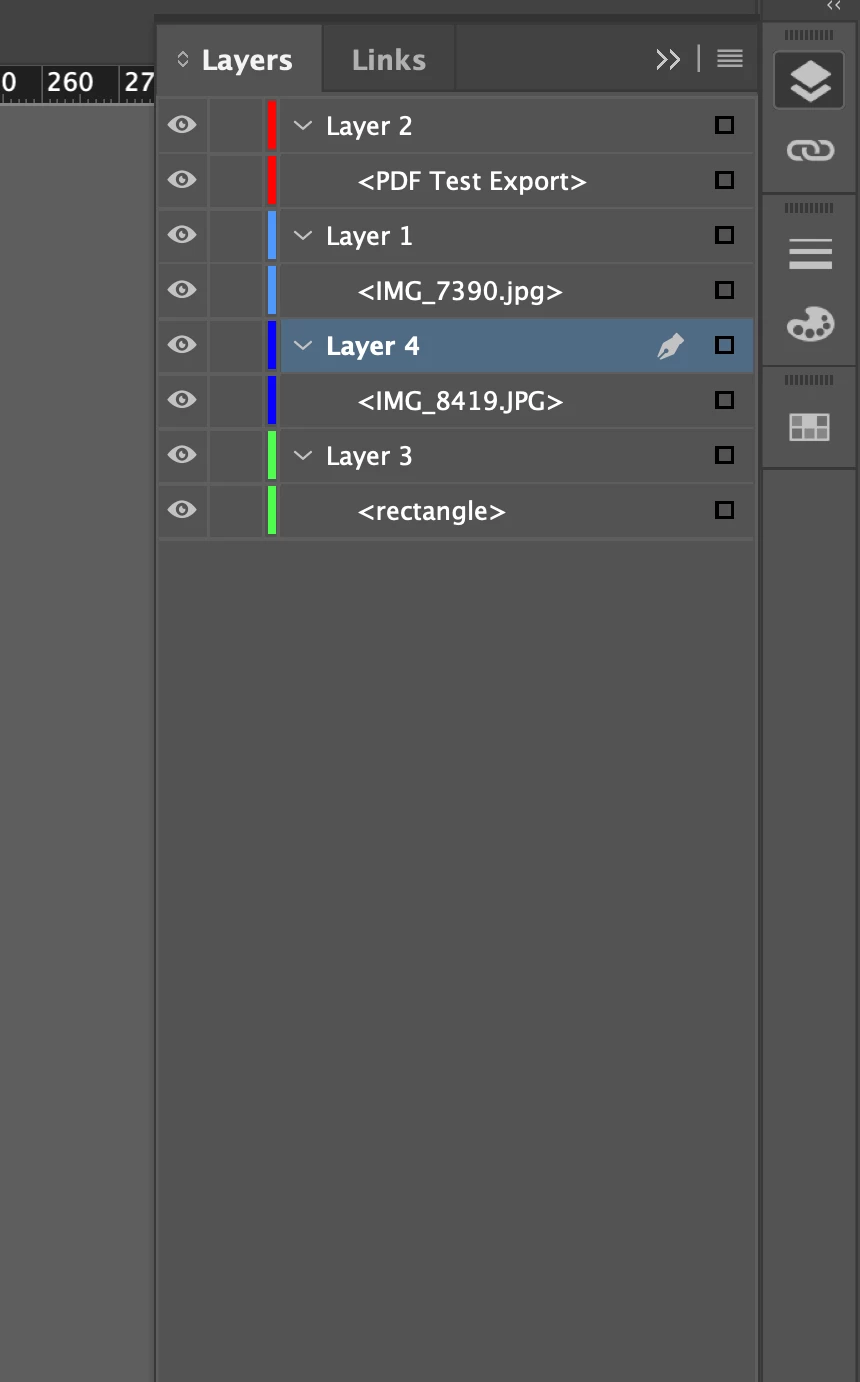
 

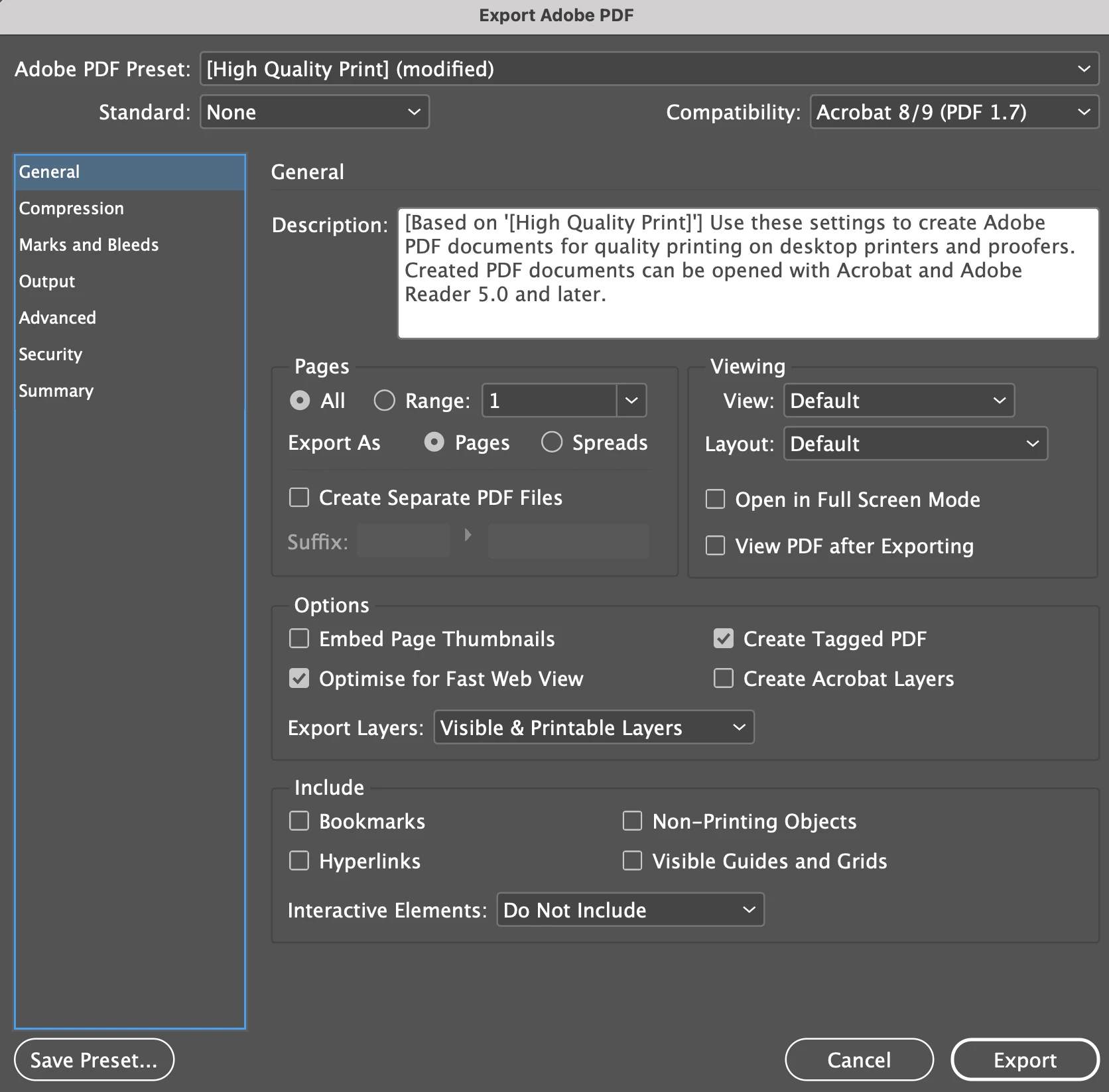
My first export with Acrobat 8/9 with 'Create Acrobat Layers' unchecked...
 

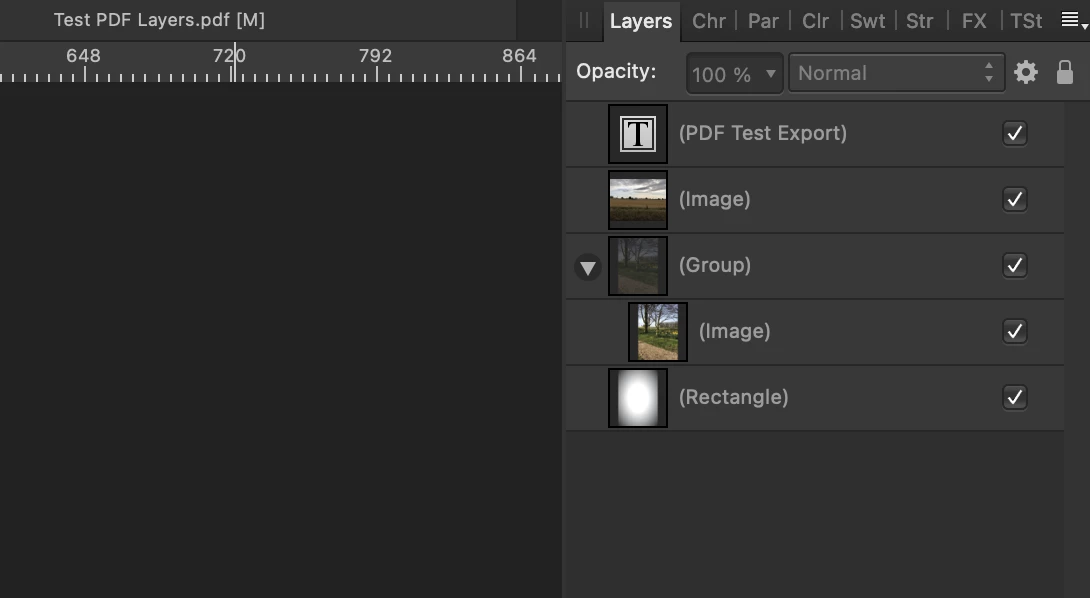
I then open the PDF in Affinity Publisher and the layers are all clear and editable...
 

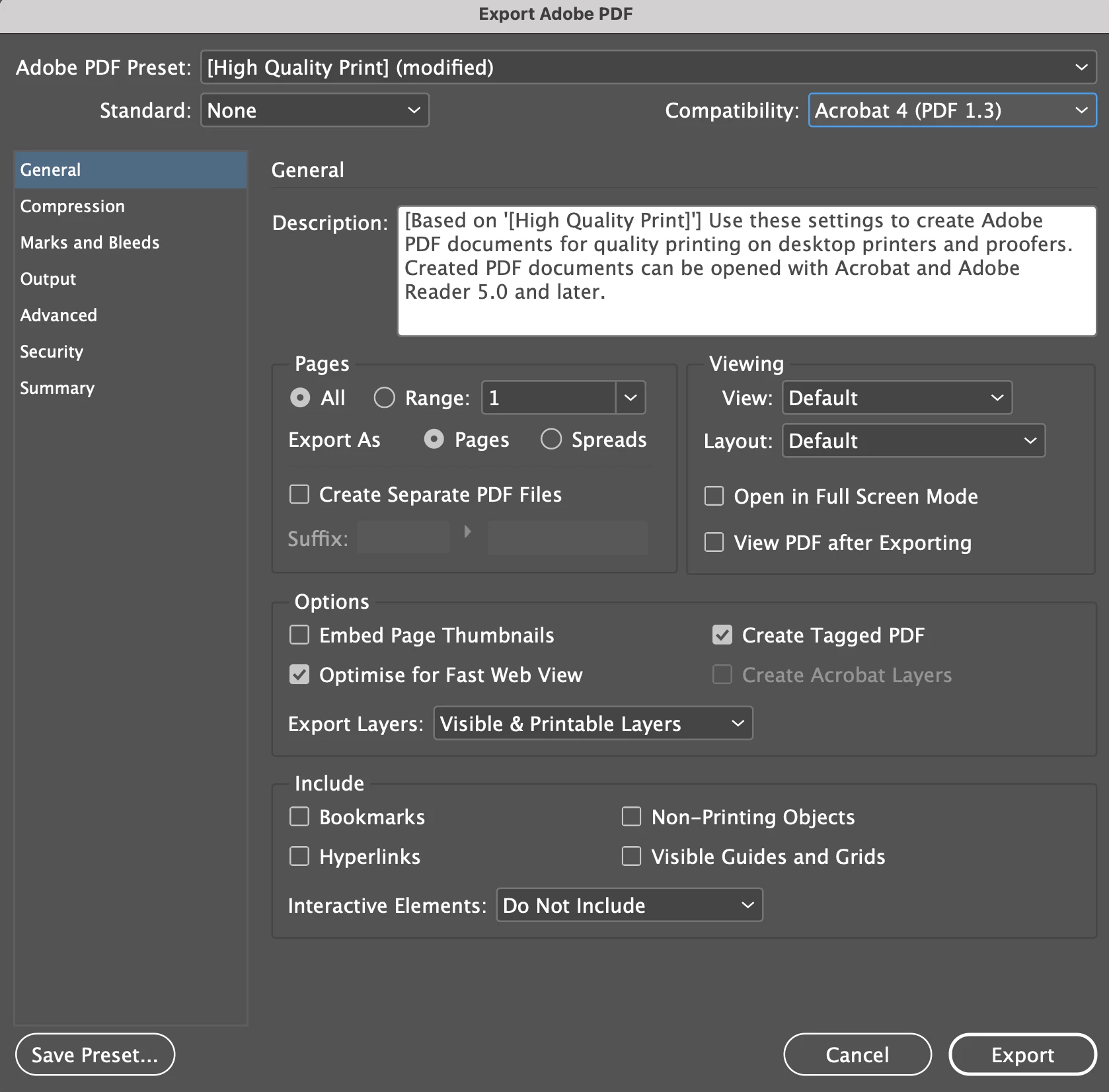
The second export was using Acrobat 4...
 

And this also showed all the layers, even though it added a few random 'curve' layers that didn't originally exist, the main images and text were still completely editable.
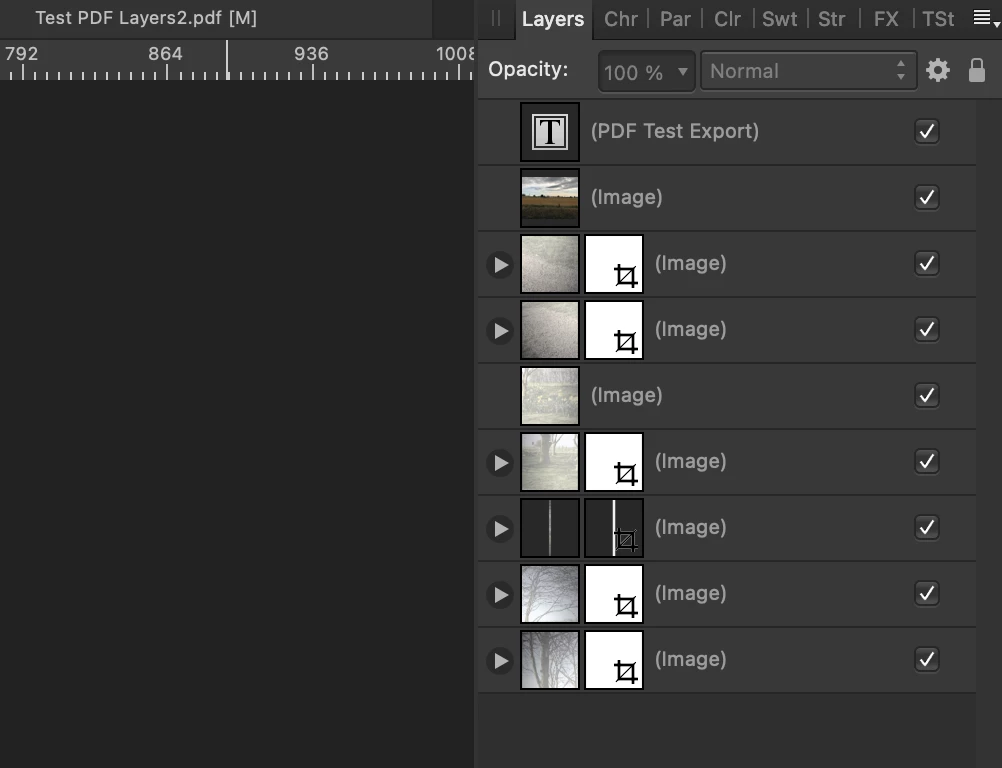
 

If anyone has any ideas of how I can get rid of these layers so that my work cannot be edited by someone using Affinity Publisher (or possibly other publishing software?) I would be extremely grateful!

This topic has been closed for replies.

3 replies

rob day
Community Expert
Community Expert
December 7, 2022

so that my work cannot be edited by someone using Affinity Publisher (or possibly other publishing software?)


Hi @Atom Man , I think it is important to clarify (as others have noted) there is a difference between InDesign page items and Layers. In your example <PDF Test Export> is a page item object not a Layer—Layer 2 is an InDesign Layer, but it is not showing up as a layer in your Affinity capture.


Putting aside best practices, if you simply want to make it difficult to edit content, you can export a flattened PDF (PDF/X-1a) and force the text and other page item to rasters, which is effectively what Luke is suggesting, but as a direct PDF export:


Include a transparent object anywhere on the spread and Export to Acrobat 4 (PDF 1.3) with a Transparency Flattener preset set to all rasters


In AcrobatPro you can see the text page item has been converted into an image:


I’ve attached the PDF

Willi Adelberger
Community Expert
Community Expert
December 6, 2022

What you see in Affinity are not layers. Those are objects. If you don't want to export them, don't export a PDF. 

Luke Jennings3
Community Expert
Community Expert
December 6, 2022

Any pdf that can be viewed can be edited, one way or another. If you want to make it difficult to edit, you can export to an image format, then open the image in Acrobat and save as a pdf. If you have many pages, export to a pdf from InDesign, then use an Acrobat preflight profile to convert the pdf page content into an image. The preflight profile settings can be edited, but you first need to duplicate the profile from the Preflight fly-out menu. Converting to an image will produce a much larger pdf.

BobLevine
Community Expert
Community Expert
December 6, 2022

It will also be completely inaccessible to screen readers. It's a horrific thing to do with absolutely no benefit to the audience. 

BobLevine
Community Expert
Community Expert
December 6, 2022

First and foremost, PDF is intended to be an end product but I have to say it's pretty impressive that Affinity can open them that well. That said, you are exporting to Adobe PDF. Beyond Acrobat or Reader, you are at the mercy of the whatever application is being used.


It doesn't look to me that you're seeing layers there...you're seeing individual objects on a single layer. Try another test with multiple objects on the same layer.

Atom ManAuthor
Participant
December 6, 2022


Hi BobLevine

Thanks for your feedback...


I tried putting all the objects onto one layer in InDesign...


Exported PDF without 'Create Acrobat Layers' checked...

Affinity can still break down all the objects/layers or whatever they are?


So it appears that full editability of a PDF (created with InDesign) is available within Affinity Publisher...

It leaves things very open to people potentially ripping off your hard work!

BobLevine
Community Expert
Community Expert
December 6, 2022

Okay, so I see this has nothing to do with layers and everything to do with someone opening your file and taking out bits and pieces. If you don't want that content to be used/abused by anyone, the only 100% foolproof method is to not distribute it. You can try to add a password but that's only guaranteed to work in Acrobat. Anything else is a crapshoot.


In short, stopping anyone from editing a PDF is a pipe dream. Sorry, but that's just the way it is.