
Participant
May 16, 2017
Question

Exporting different bleed depending on the page

  • May 16, 2017
  • 4 replies
  • 6010 views

Hello,

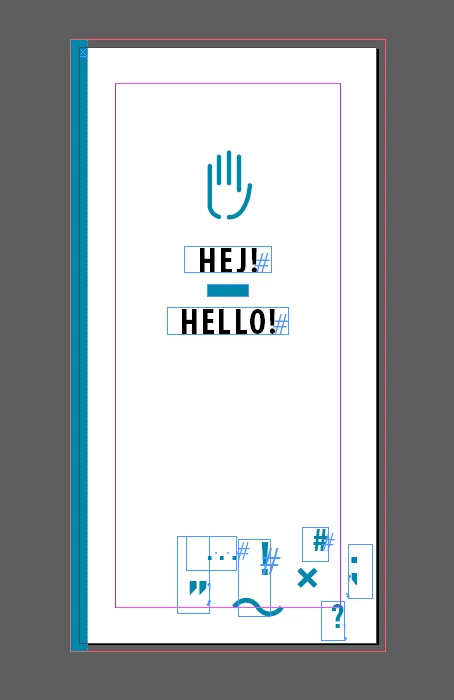
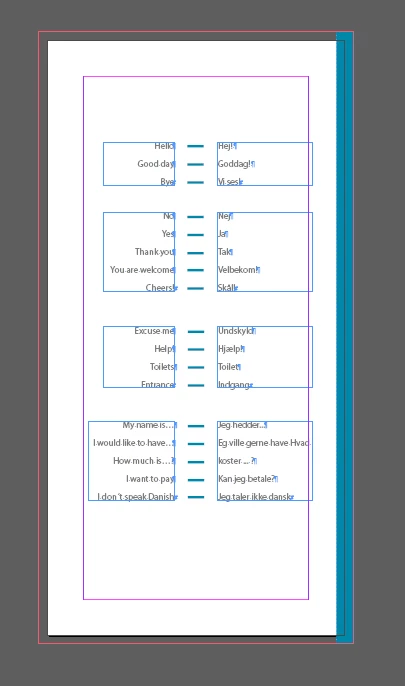
I've just received the printing spec for this project. I'm not an expert in printing unfortunately. It's a 105x210mm guide.
I have to export it in single pages, they asked for 3mm bleed in the outside but not in the inside, (and in all sides for the cover).
My question is: how can I set this differences in the final pdf? Because the "inside" is sometimes on the right and sometimes on the left, depending on the page of course.

If I export 3mm of bleed on all the sides, I think the crop marks will be wrong for the insides, am I wrong?

I could export 1 pdf with all the pages that goes on the left (with 0mm bleed on the right because it will be the inside), and 1 pdf with all the pages that goes on the right (with 0mm bleed on the left side), but I'm sure there must be a correct way to solve this problem. Can you help? Thanks
This topic has been closed for replies.

4 replies

Eternal Warrior
Inspiring
May 16, 2017
rob day
Community Expert
Community Expert
May 16, 2017

FWIW these articles may be useful:

HELP: Inner Bleed but "Facing Pages" spread

The splitting pages work around that often gets posted is a solution looking for a problem. The only case where you would need a true interior bleed would be a binding like wire-o where the interior edge is trimmed (not folded) and visible.

Re: Image edges bleeding to next page when exporting

Eternal Warrior
Inspiring
May 16, 2017

Thanks @rob_day!

Legend
May 16, 2017

The thing about bleed is that you want to cut through the page where there is image so that you don't see slivers of plain white paper if the cut is off a bit. This is noticeable on all edges except the spine, unless you have a spiral or wire binding. This is probably why they don't ask for a bleed at the spine. You may or may not want to have the appearance of bleed on 4 sides, but because the spine edge will be obscured by the binding, you only need for it to extend to the spine itself, and not bleed past. In fact, if it did bleed past the spine, it would show on the opposite page (if you are using facing pages).

As to the crop marks, I think you should expect to see crop marks on all 4 sides of each page, with the image bleeding off of the outside of the page but not going past the page edge at the spine. The printer will be imposing the pages into their own printer spreads, and could choose to align the crop marks at the spine and have the page edges abut. It would make sense for them to request no image past the page edge at the spine in that case. From a design perspective, you should decide if you want to, or are allowed to have image going past a predetermined margin at the spine. That's between you (as the designer) and the client you are designing for. I think the printer is just asking you to not go past the spine.

Then again, this is just a guess, so check with the printer.

Eternal Warrior
Inspiring
May 16, 2017

+1

Eternal Warrior
Inspiring
May 16, 2017

Forgive me if I'm covering basic stuff or it comes across as patronising.

I don't mean to be... I'm just not sure I completely understand the question?

Participant
May 16, 2017

I solved the problem: basically I thought that to do this properly I should have worked on single pages since the beginning. Instead I can work on double pages and then export the pdf in single pages and not into spreads. I forgot about it. Fortunately I did the project working on double pages.

In any case, thanks for all your information, they are a useful resume I can check in the future!

Eternal Warrior
Inspiring
May 16, 2017

Use bleed for managing outside settings and page margins for the inside? As this is essentially a guide anyway I'm not sure what you are getting at?

Crop marks will appear based on what the page dimensions have been set as....

Or in a visual representation:

What am I missing?

Best,

EW

Eternal Warrior
Inspiring
May 16, 2017

Also: with regards to the set up for a book why don't you use the facing pages option?

This should allow you to mitigate your worry about the internal bleed?