Answered
exporting graphic frame to EPUB
Hi
I'm sorry for perhaps asking obvious things, but which options should I use to correctly export such a simple graphic and text layout to the ePub format?
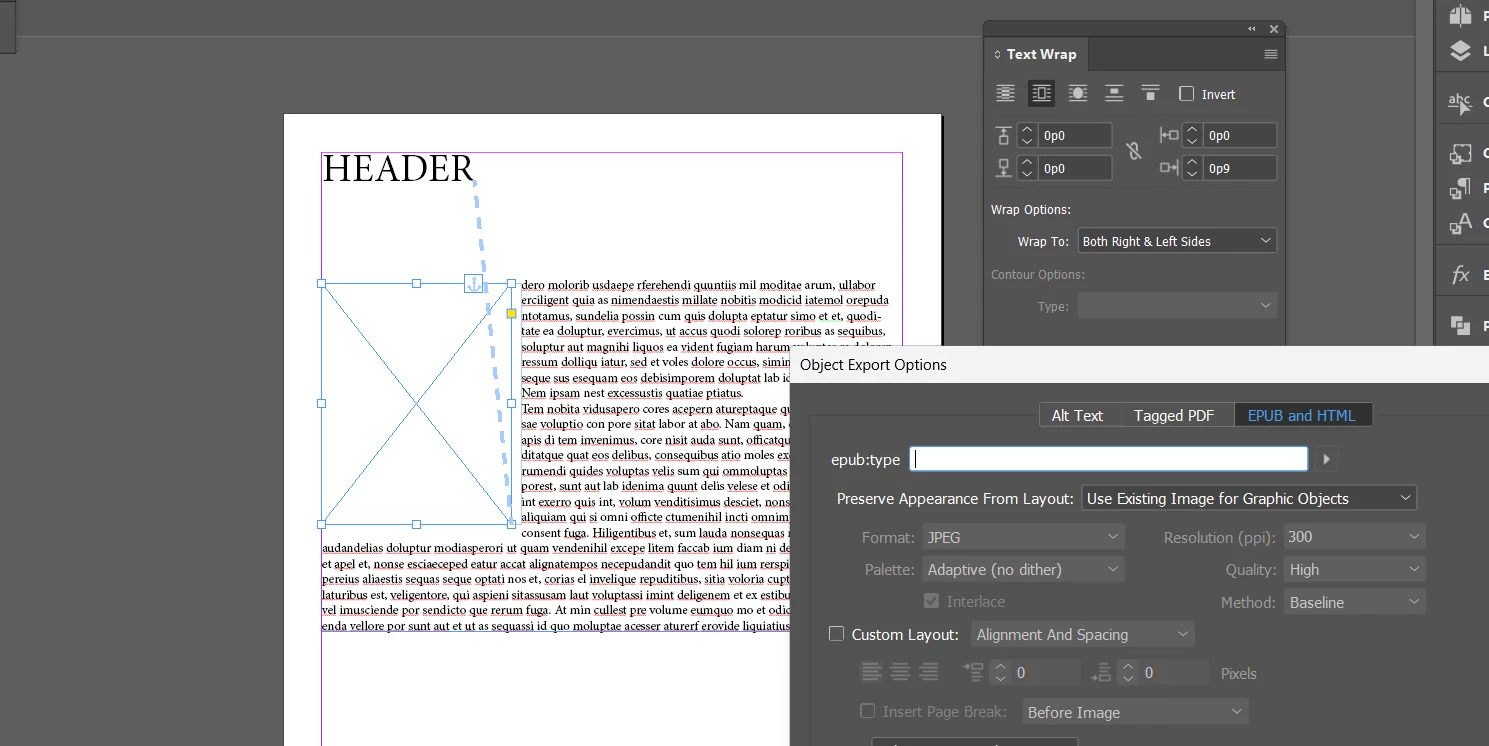
TIA

Hi
I'm sorry for perhaps asking obvious things, but which options should I use to correctly export such a simple graphic and text layout to the ePub format?
TIA
Thanks James,
I understand that the hardest part is to make simple and obvious things simple and obvious (this is a note for Adobe). Anyway, I managed to generate exactly such a layout. In the Object Export Options menu, I set Custom Layout to Float Left and set the size to Custom, providing approximately the image height.
But fortunately, that was a single case. In general, for the remaining 100 images, I set them all to inline. Generally, Epub maintains the desired format in that case.
Already have an account? Login
Enter your E-mail address. We'll send you an e-mail with instructions to reset your password.
 AdChoices