Participant
December 9, 2022
Question

EXPORTING PDF ERROR TILE REPEATING

  • December 9, 2022
  • 3 replies
  • 565 views

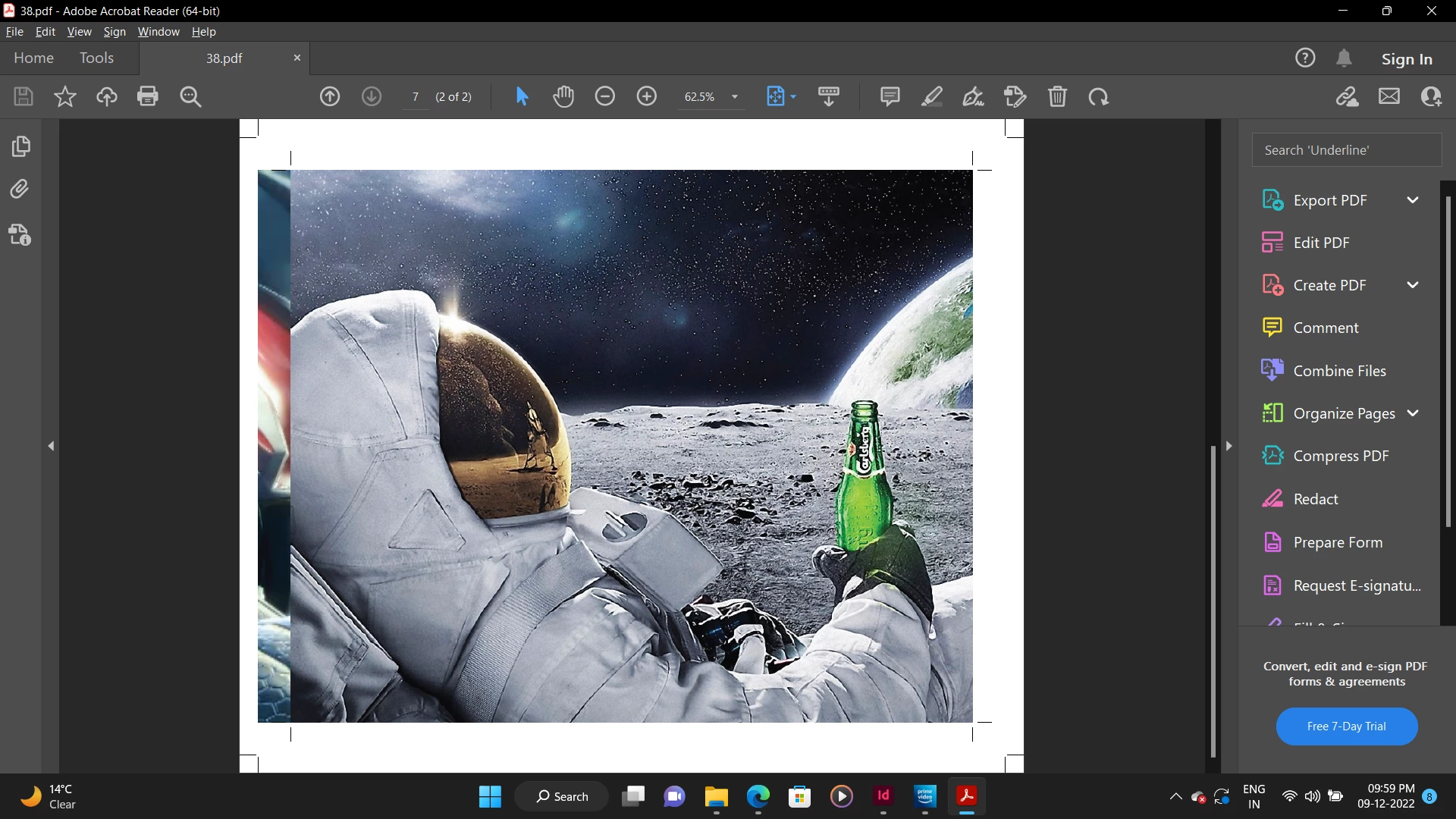
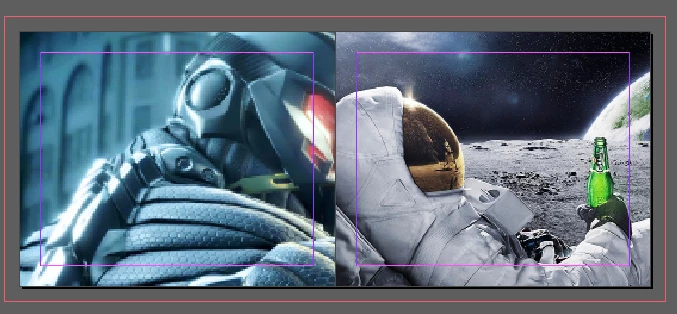
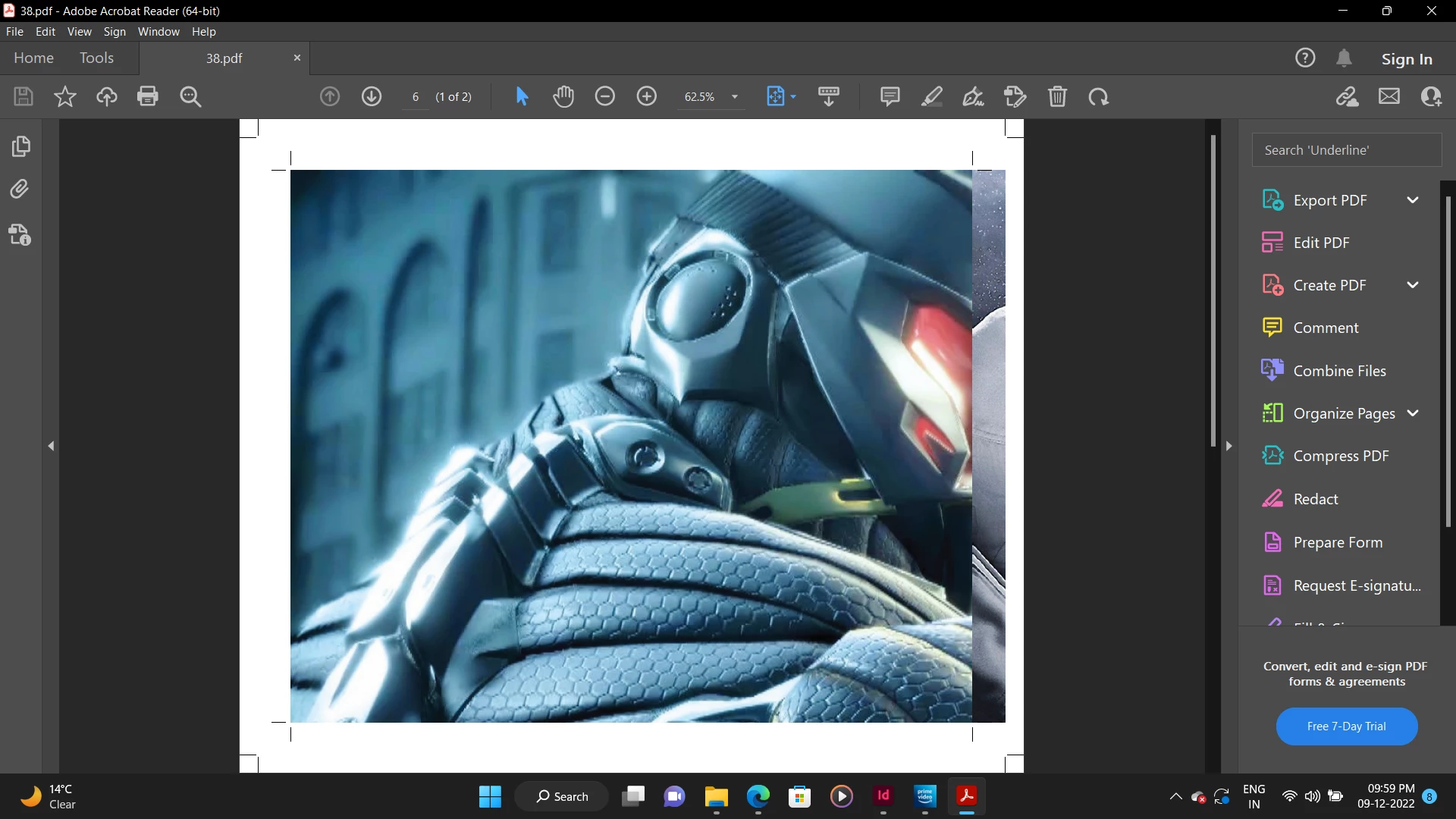
Hi! I am trying to export a design in my indesign file. i have exported with some bleed area, but my bleed area is getting exported with some of the repeated tiles from my next page, even though no content is interfering in another page. I have attached the design images and the export images along, pls help


This topic has been closed for replies.

3 replies

Brad @ Roaring Mouse
Community Expert
Community Expert
December 9, 2022

As others have said, this sliver of the opposite page is normal, and is just fine as that sliver is usually cropped off in imposition software the printer uses.

Of greater concern is you have exported your pages without bleed altogether. Your printer requires about 1/8" extra image on all sides

Community Expert
December 9, 2022

Yes that would be normal for the bleed to be visible - as this is a printing requirement.

Are you sending to a profesional printers?


You have a lot of crop marks going on in the file.

If the printer requested that you don't have this bleed - then on File>Export and PDF settings go to the Bleed Settings and set the Inside bleed to 0.


But in reality - it's completely fine for print.


Participant
December 9, 2022

yes sir, this is being sent to printers...

BobLevine
Community Expert
Community Expert
December 9, 2022

Set the inside bleed to zero.

Brad @ Roaring Mouse
Community Expert
Community Expert
December 9, 2022

"Set the inside bleed to zero."

Only if the printer requests that. Otherwise it is not ncessary. Our imposition templates place pages by default according to the PDF trim box so pages are placed automatically in the center of the print area of the page, no matter what the bleed dimensions. Even if there was some mis-positioning, even having a sliver of the opposite page at the gutter is better than having a white gap.