
Participant
September 3, 2017
Answered

Exporting pdf from indesign quallity

  • September 3, 2017
  • 3 replies
  • 344 views

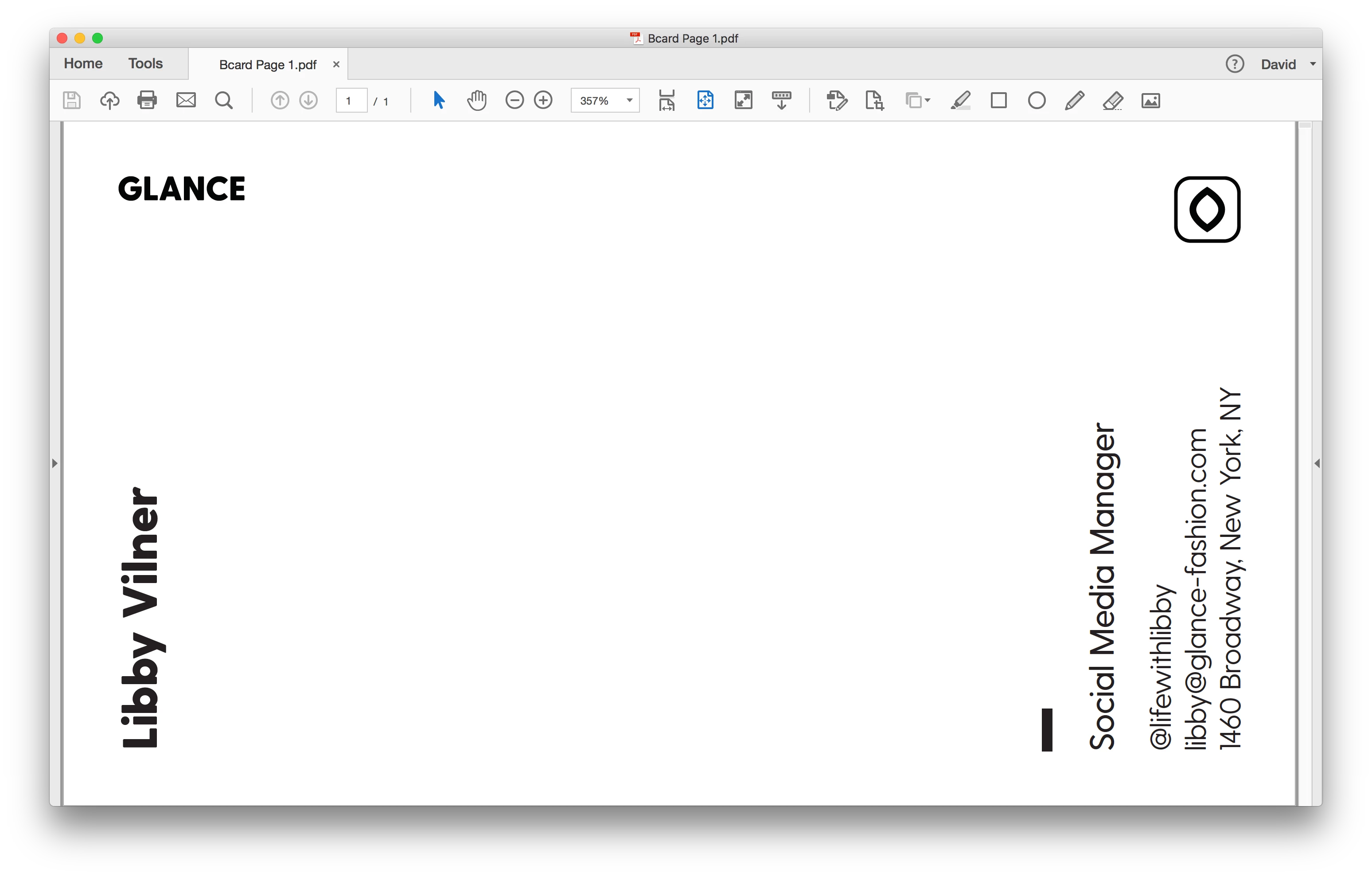
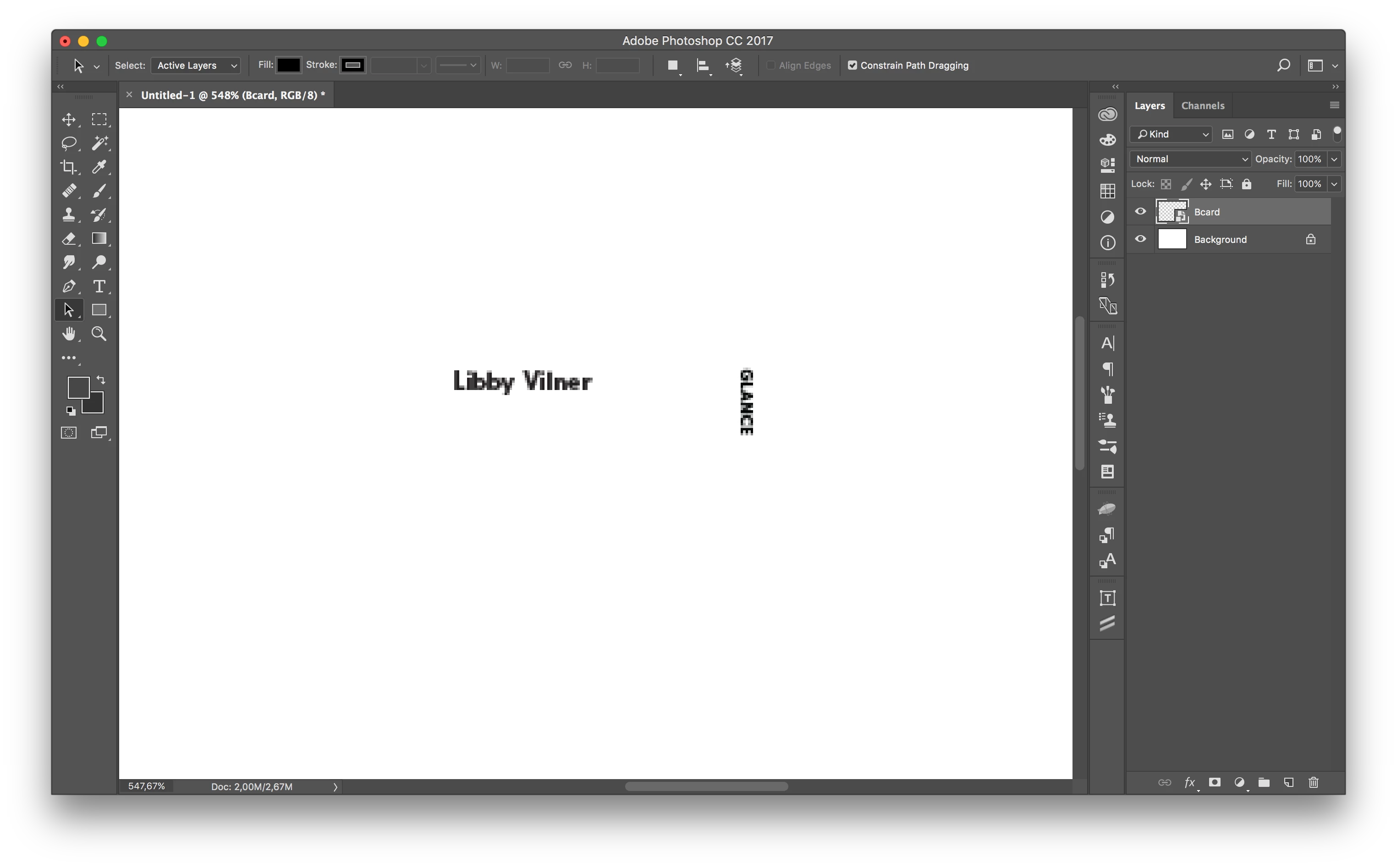
Hi, I've been struggling lately exporting a pdf from InDesign for print, I've exported it and got my pdf nice and clear, then when importing that to Photoshop to create a mockup of the print work the quality is greatly reduced, the txt is unreadable and pixelized , I've tried several settings on export nothing seems to work, i used to do this process a lot in the past and it worked seamlessly , did anything change ? how do i solve this?
    This topic has been closed for replies.
    Correct answer winterm

    In Photoshop, rasterized text at 548% zoom will look pixelated, inevitably.

    3 replies

    winterm
    wintermCorrect answer
    Legend
    September 3, 2017

    In Photoshop, rasterized text at 548% zoom will look pixelated, inevitably.

    Inspiring
    September 3, 2017

    Your Photoshop document is at 548 %, so look pixelated. Use greater image resolution and less zooming.

    Legend
    September 3, 2017

    Why do you use Photoshop? What can't you do in InDesign itself?