

Exporting to a PDF Without Hidden Layers
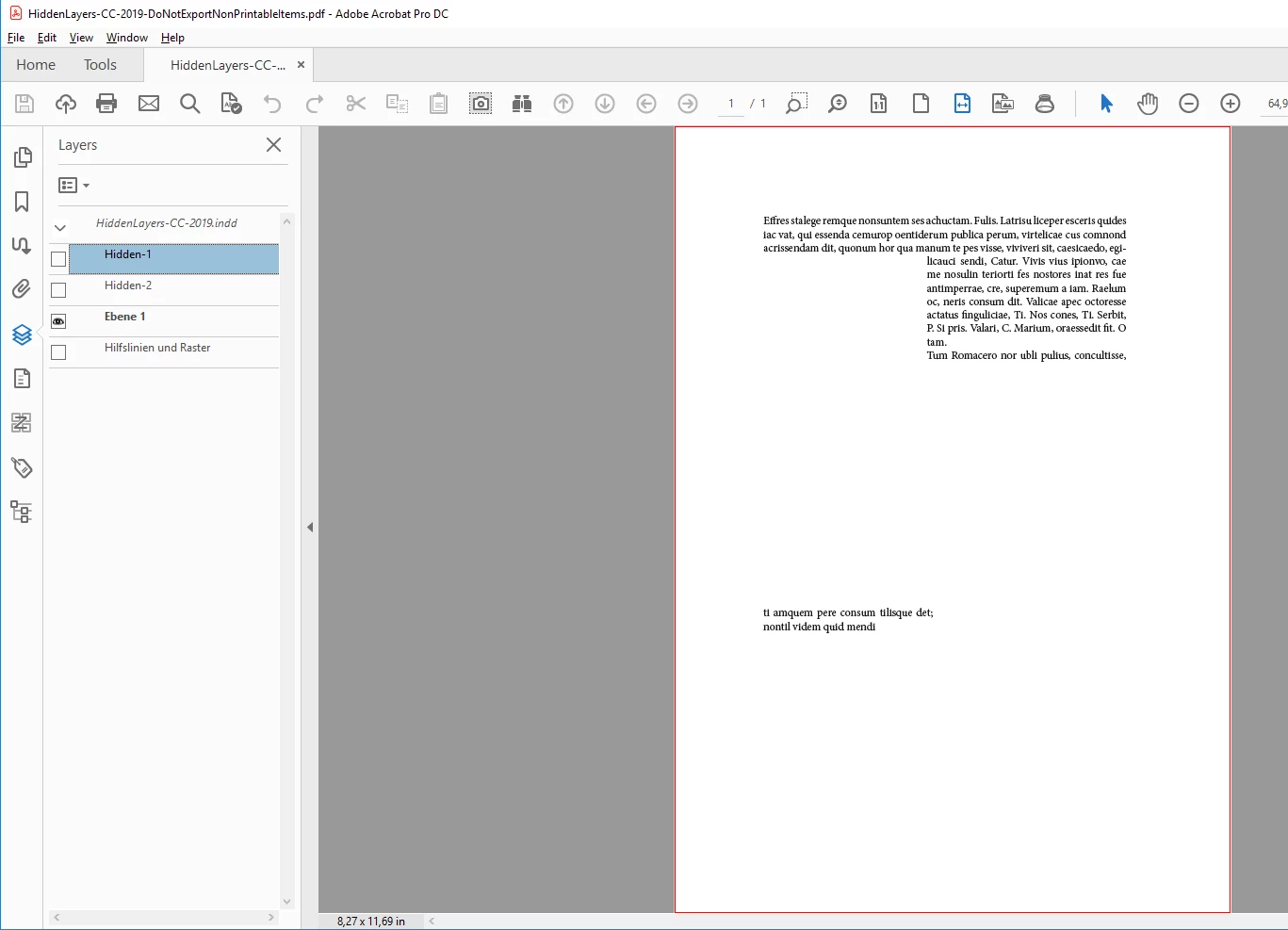
I'm trying to export an InDesign file to a PDF without hidden layers. Right now, whenever I export to a PDF, a bunch of extra invisible text is also exported and it messes with our searchability. The text is invisible in the PDF, but when you do a CTRL+F the hidden text shows up.
For example, we have a master InDesign file with all of our offices (50+) contact information in it. We then reference it in other InDesign files when we want to include our company contact information for that office. However, when the InDesign is exported, the invisible information is also included and the contact info for a bunch of other offices is still somewhere in the PDF.
Is there a way to export from InDesign into a PDF that would not include that other hidden information?


 AdChoices