
Question
Extra Items appear on Pages with Master Applied
Hi, relatively new to Indesign and having issues with Master Pages and some extra items appearing, that I can't figure out why.
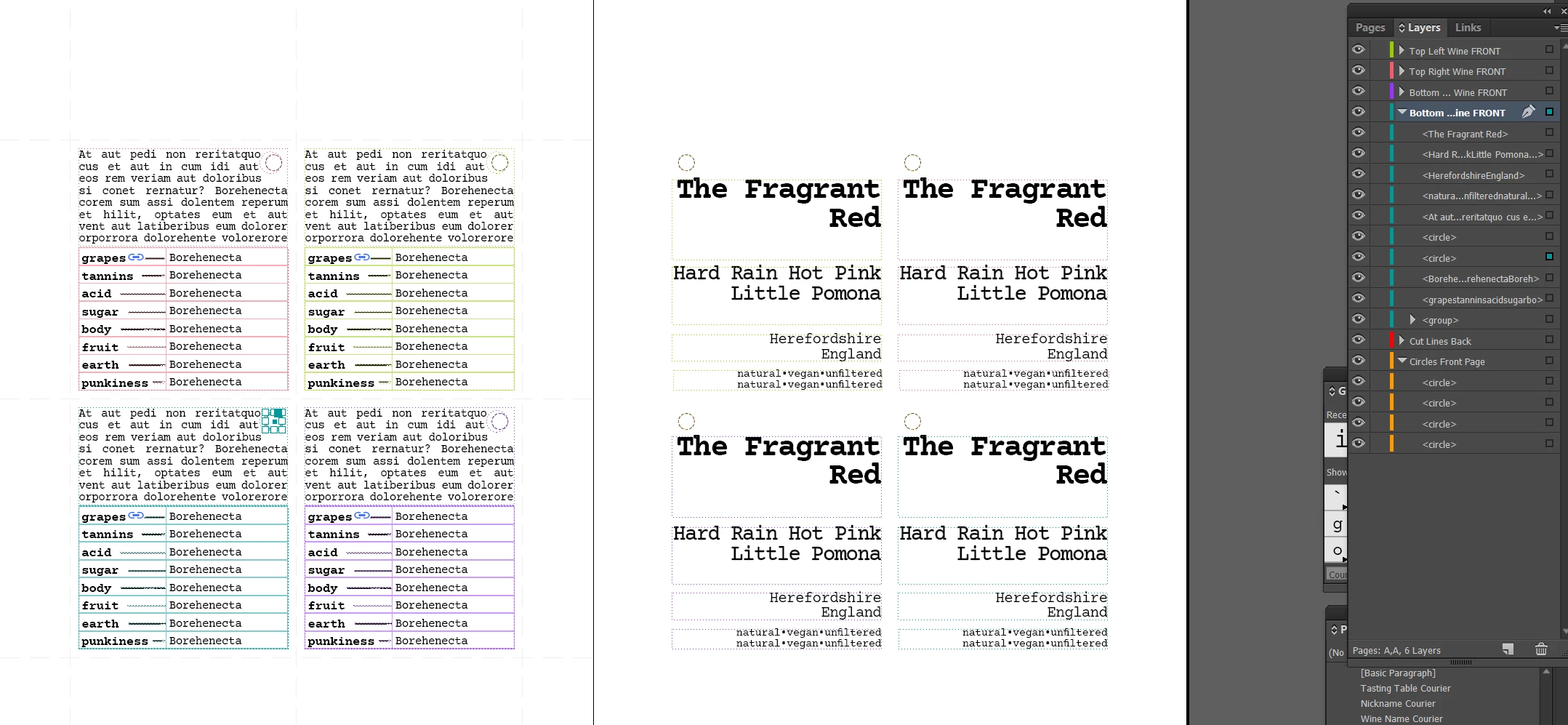
In shot below you can see I have four circles on the right of the spread, in the orange layer.
I also have 8 circles on the left side of the spread. Two under each wine layer, that are being used for text wrap.
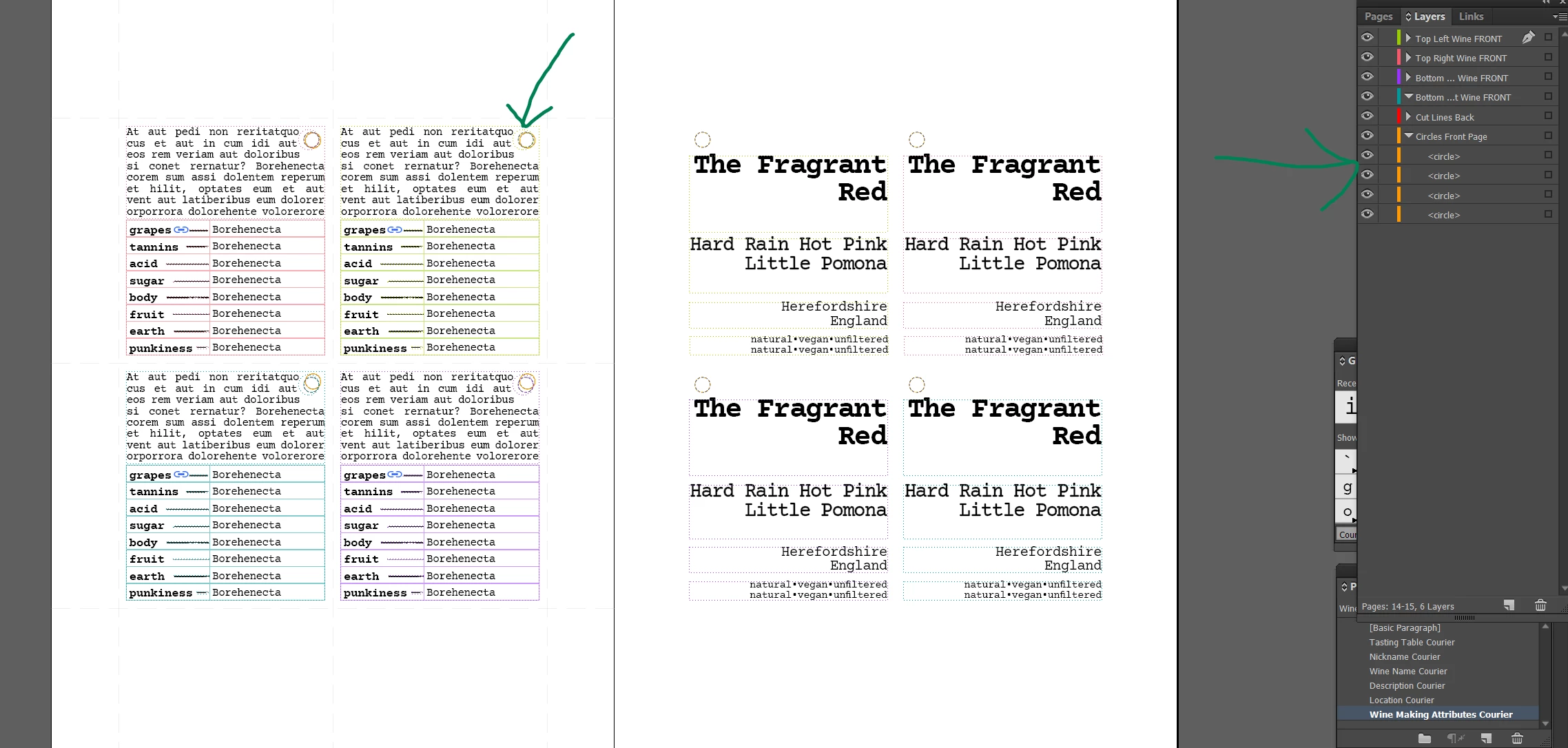
When I go to my pages with the master applied you can see there are four extra orange circles on the left of the spread, but it isn't showing in layers.
When I over ride the master page to edit the text, the extra four circles are showing in the layer.
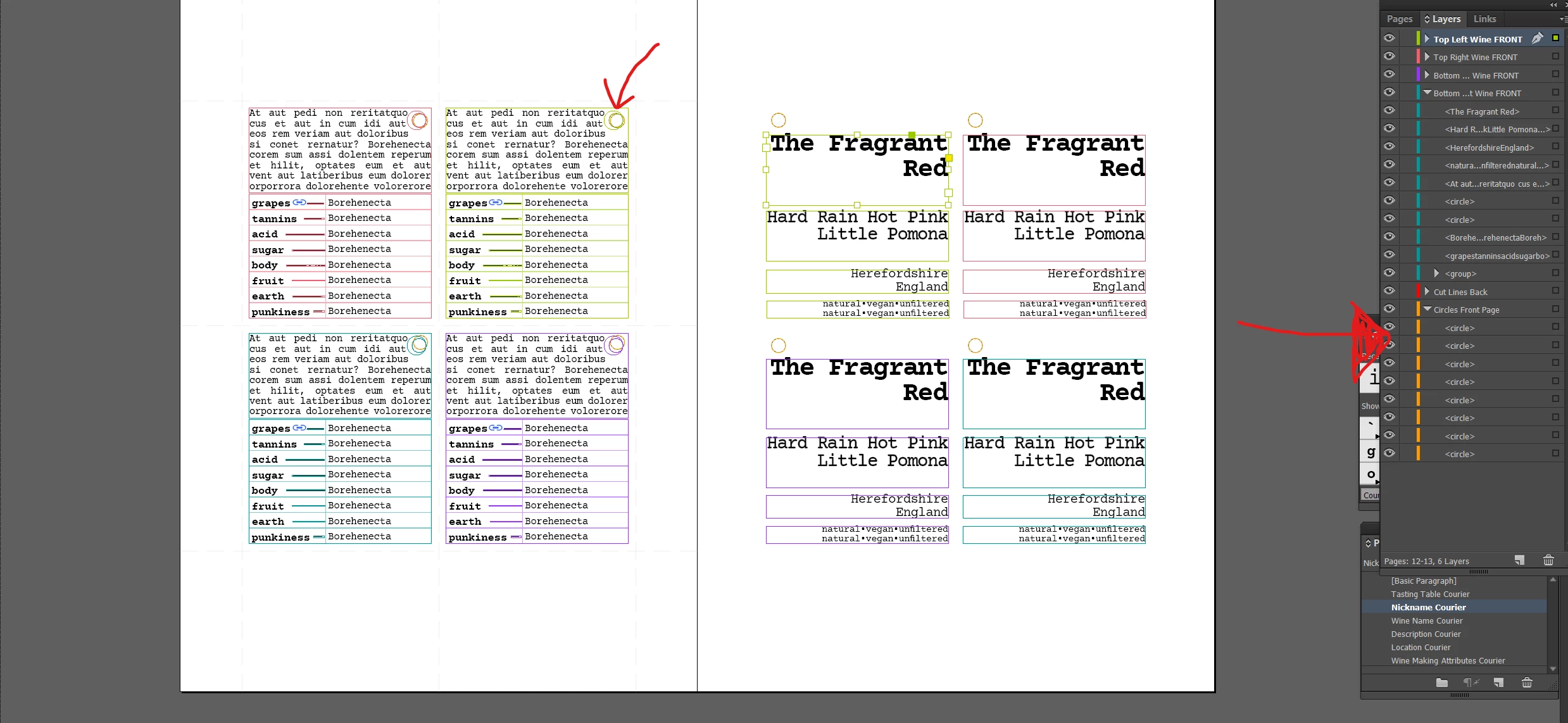
I cannot for the life of me figure out where these extra circles are coming from and how I get rid of them. Any insights what I am doing wrong?
Thanks!


 AdChoices