Hi @Begy ,
to make that all work what Peter and James said you first have to change your document from Facing Pages to a non facing pages one. You can do that in Page Setup.
Only with a non facing pages document you are able to move pages on the spread horizontally. Your screenshot of the Pages Panel is showing a spine; so currently it's a facing pages document.
To move pages:
select them with the Page Tool and use the Transform Panel to give them a new position.
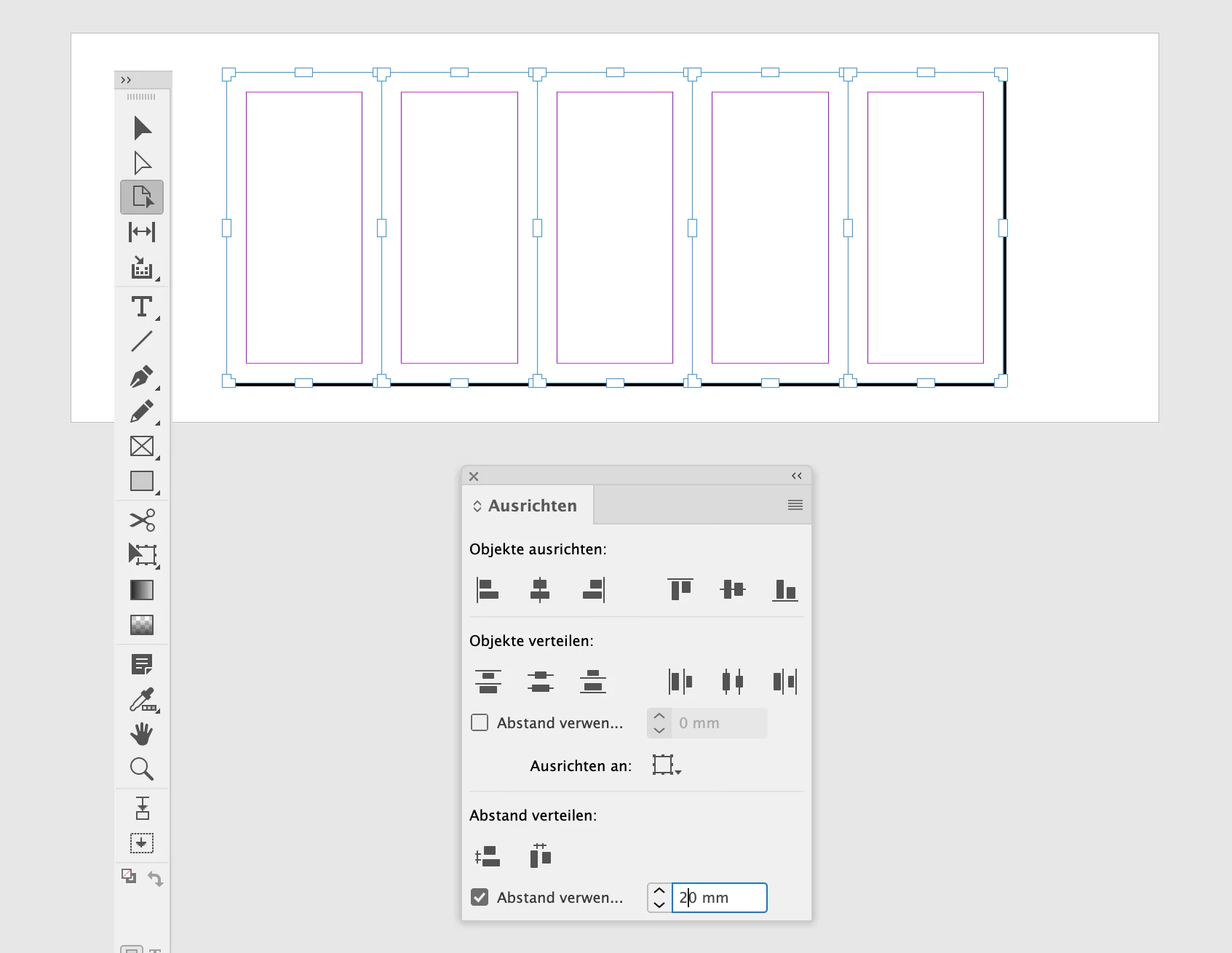
Or even better, select all pages on the spread or in the document with the Page Tool and use the Align Panel with the feature Align and Distribute. If you open the Align Panel to its full height, you can see the distribute feature where you can define a distance between the selected elements; in this case your pages on the spread.
From my German InDesign where I switched to the Page Tool and did a Select All to select all pages in my document:
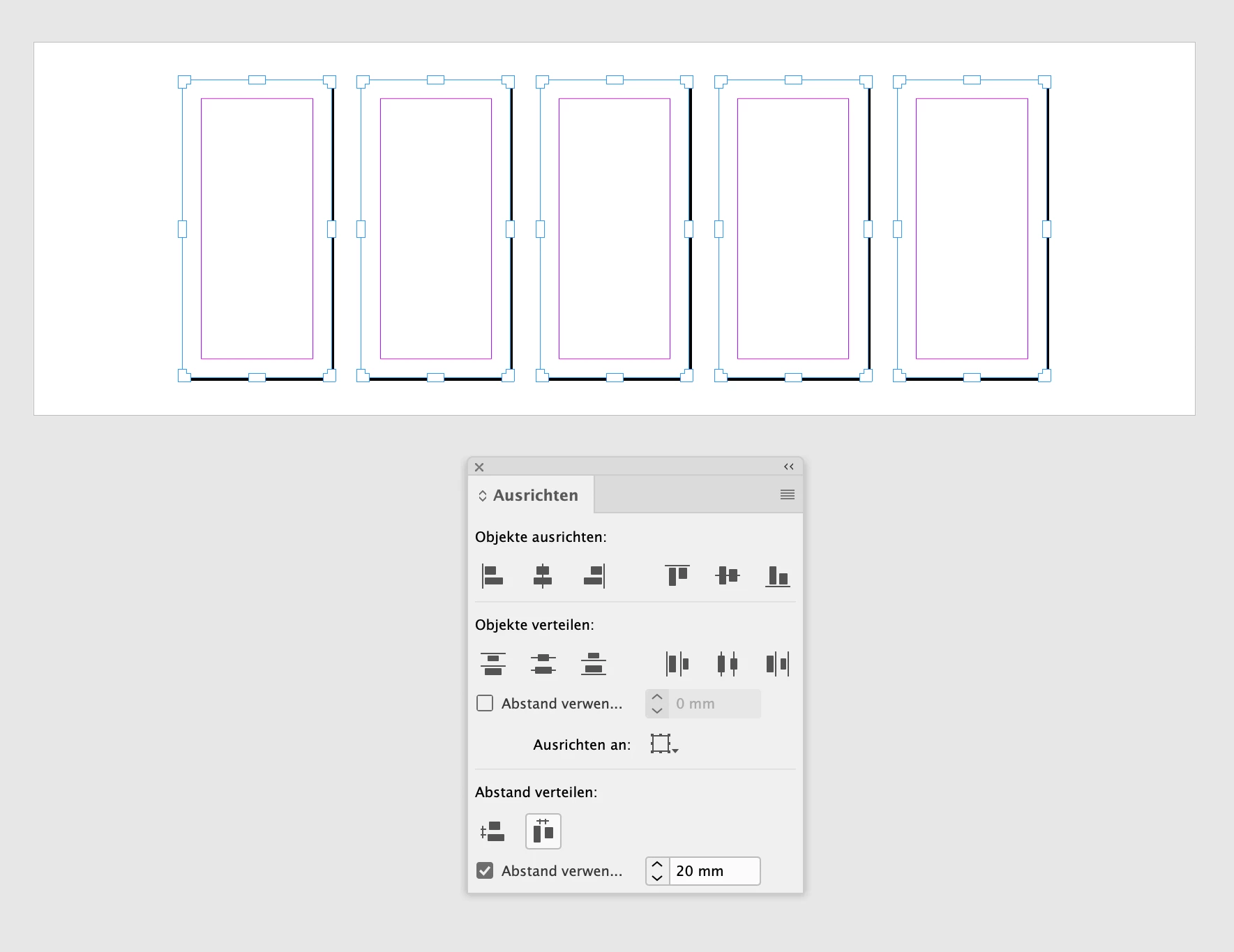
Here the result:
Regards,
Uwe Laubender
( Adobe Community Expert )

 AdChoices