
Question
Eye Dropper Tool moving Text throughout document
Hi all,
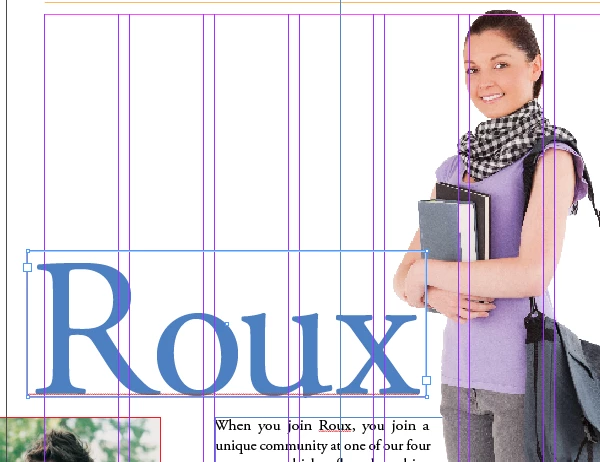
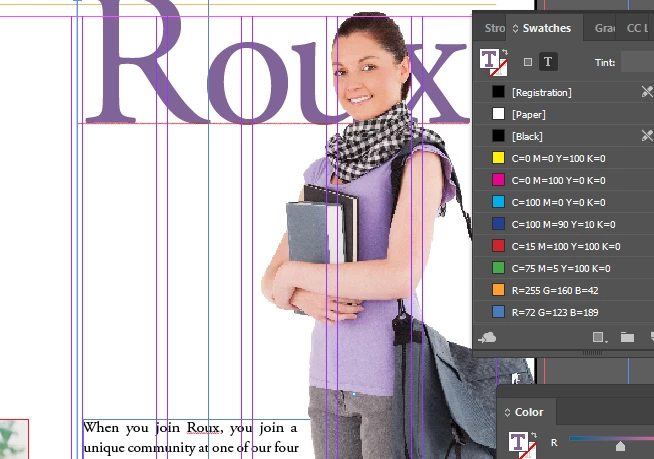
Very new to InDesign and am running into a weird issue. When playing with the eye dropper tool to create new color swatches or to copy existing color in a text, the text box will move relative to the image or item I'm grabbing color from. I'm attaching an example below.
Pre Eye Dropper Screenshot
Post Eye Dropper Application trying to color coordinate the purple color on the woman's shirt using the Color Window and Swatches Box
This happens in almost every example I'm using and I'm not entirely sure what it is I'm doing wrong.
Thanks for any help you can provide.


 AdChoices