katiew73440663
Participant
April 20, 2021
Answered

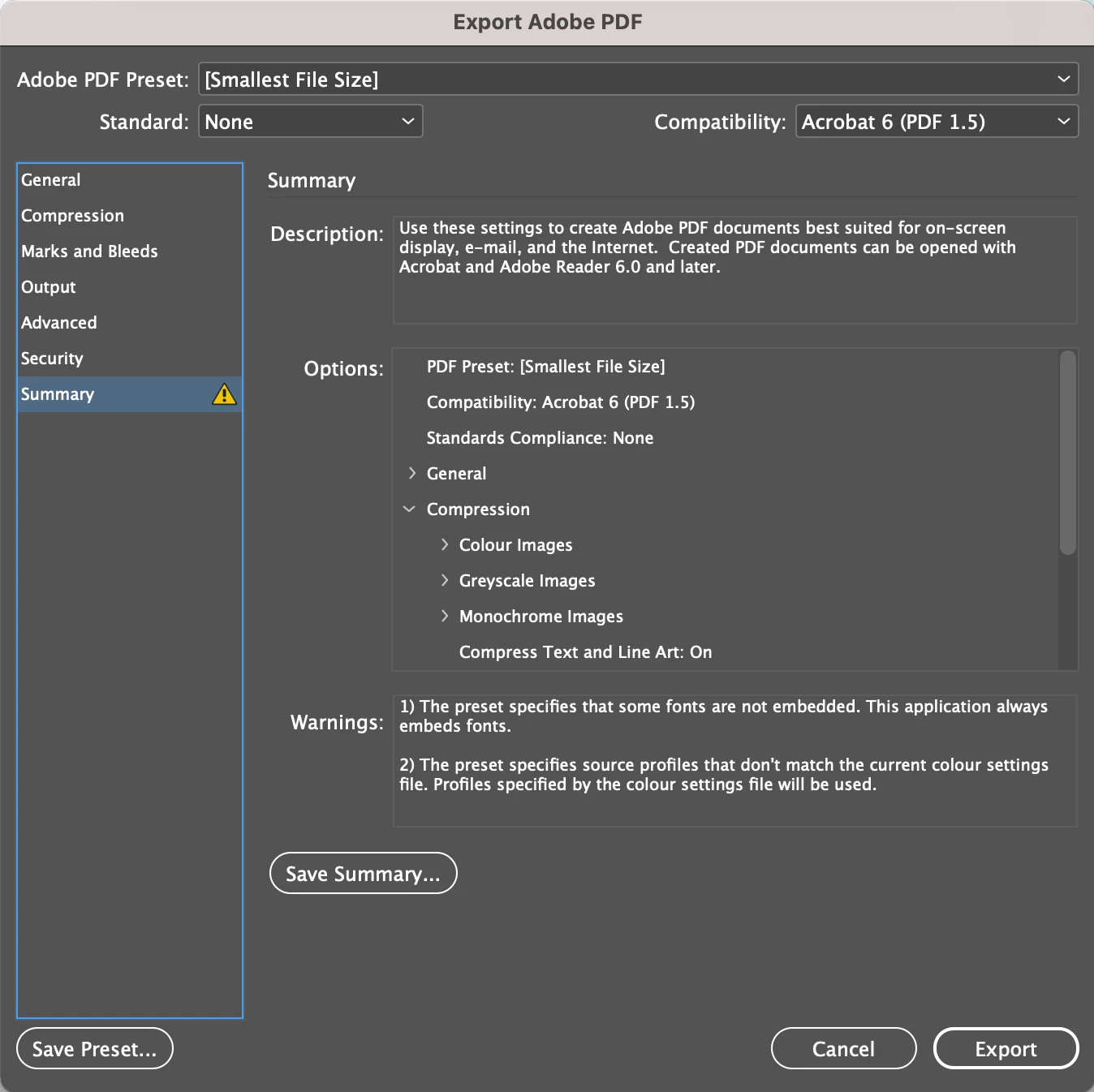
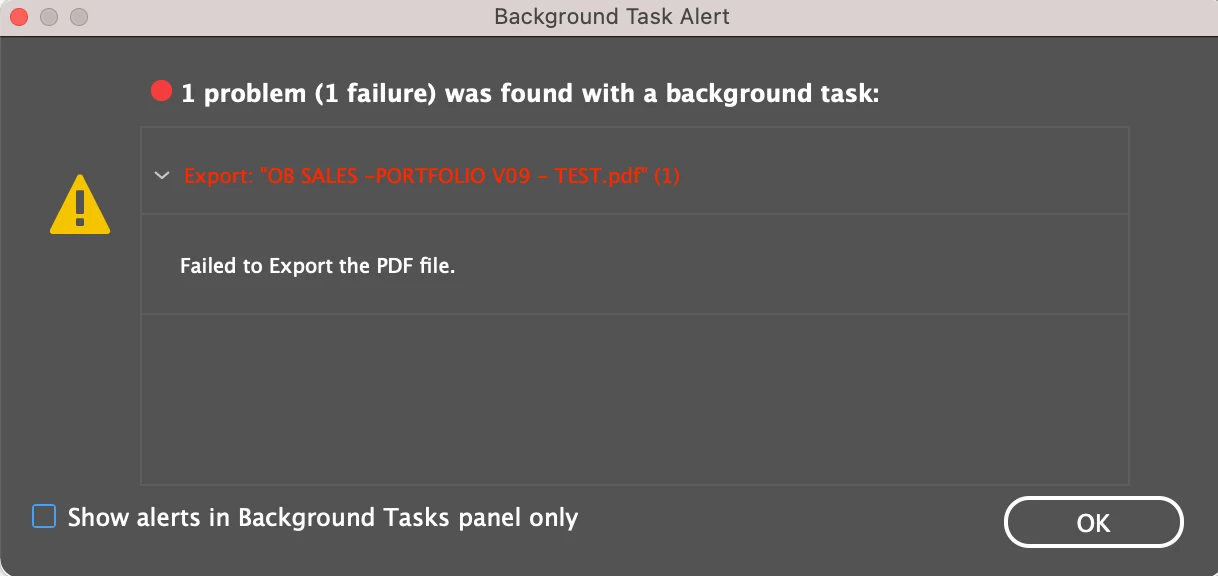
"Failed to Export" alert when exporting large InDesign doc.

  • April 20, 2021
  • 2 replies
  • 413 views

"Failed to Export" alert continues to appear however...

- I have tried exporting to IDML ("Failed to Export" appears). 
- I have exported the entire document in sections of either x5 or x10 pages and it works with no errors. So it makes me believe that there is no link/image issue?


Any advice would be helpful, thanks.
 

This topic has been closed for replies.
Correct answer Joely10623436

Try to save as … with new name. Why should you export to IDML? Better try packaging. Does this work?

2 replies

Dave Creamer of IDEAS
Community Expert
Community Expert
April 20, 2021

A couple of other tips for processing in the background...

  • You can view what is happening in the background using the Window>Utilities>Background Tasks. Sometimes watching what is happening in the panel can flag what page or image is hanging everything up. I was able to pinpoint a corrupt graphic by watching the panel closely.
  • You can disable the background tasks (export) completely. See solution 4 at https://helpx.adobe.com/indesign/kb/pdf-export-background-task-hangs.html.
  • If you can't tell where the problem is happening, try the "binary" output method: output the first half of the file and see if it works; output the second half and see if it works. If one section works, take the problem section and split it in half for output. Keep going smaller and smaller until you can pinpoint it to a certain set of pages. If the initial output doesn't work, try using quarters instead of halves. 


David Creamer: Community Expert (ACI and ACE 1995-2023)
Joely10623436
Community Expert
Joely10623436Community ExpertCorrect answer
Community Expert
April 20, 2021

Try to save as … with new name. Why should you export to IDML? Better try packaging. Does this work?

katiew73440663
Participant
April 20, 2021

So simple, thank you. Save As (with new name) worked. Thank you!