Inspiring
January 20, 2024
Answered

file format for custom text wrapping around greyscale image

  • January 20, 2024
  • 2 replies
  • 1107 views

I created an irregularly shaped, greyscale image in Photoshop. Now I want to place it in the lower-left side of an InDesign page, and custom wrap text around only the top-right edges of it. What is the best format to save the image in, for wrapping around the image? I believe I need a format that will render a transparent background. 
This topic has been closed for replies.
Correct answer Brad @ Roaring Mouse

I got it to wrap by saviongthe file in PSD, with a transparent background. 


I am still bewildered why InDesign won't wrap a TIFF.


Thanks!


"I am still bewildered why InDesign won't wrap a TIFF."

It can.

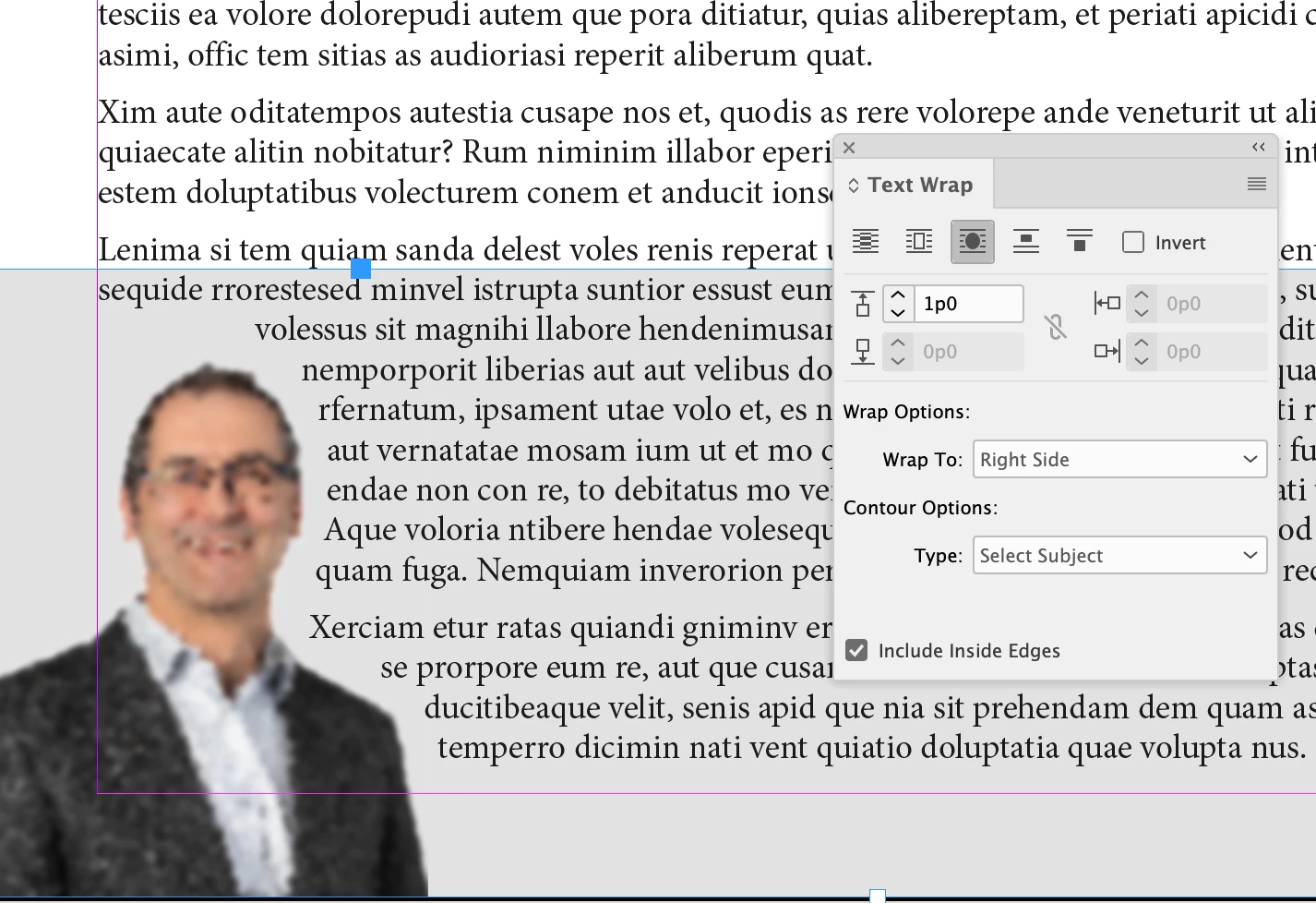
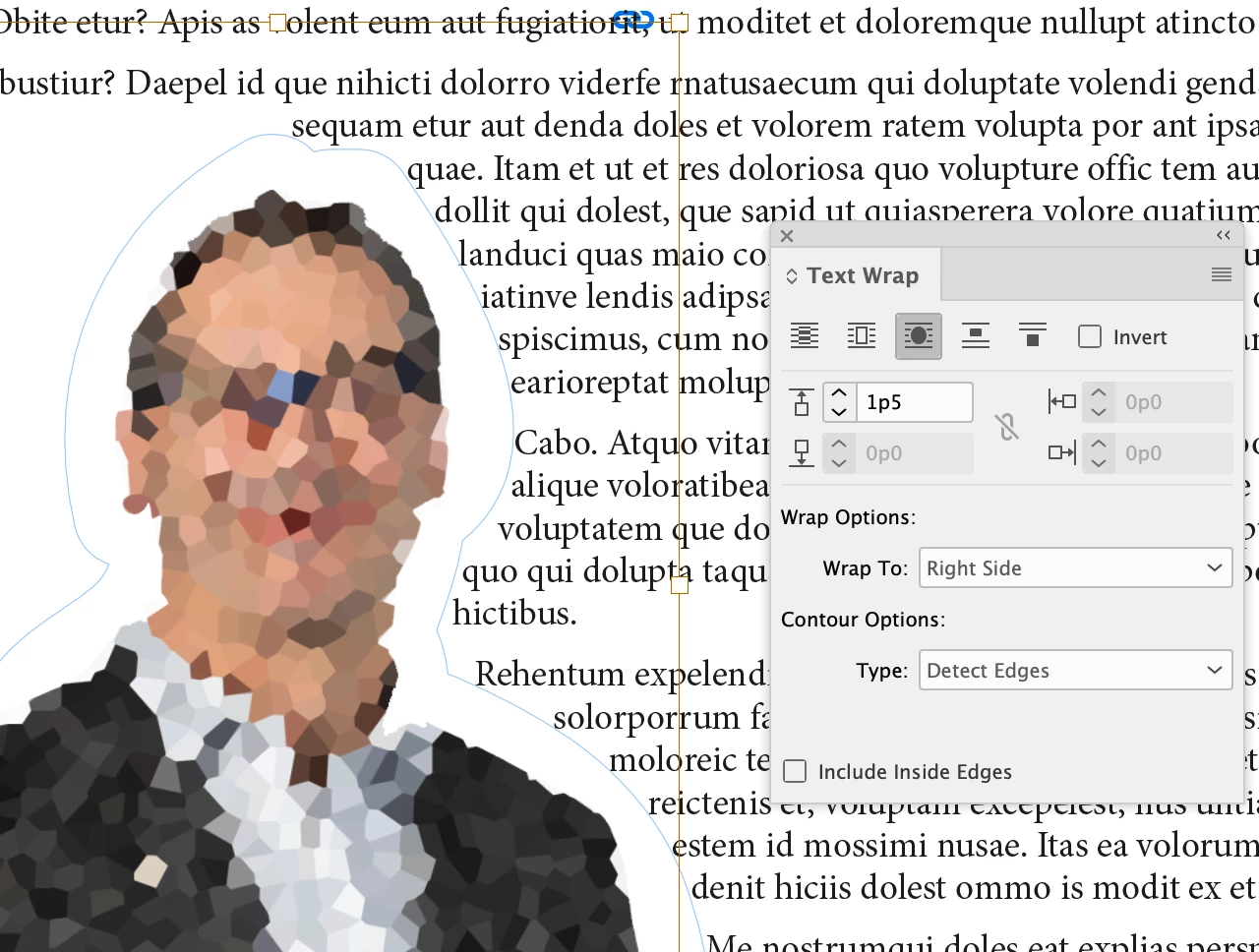
It does NOT need to be transparent. As long as you have a fairly flat/white background,  you use "Detect Edges" or "Select Subject" in the wrap Options. 

2 replies

Robert at ID-Tasker
Legend
January 20, 2024

Also, would be best if you add Clipping Path in Photoshop - so you can select it in InDesign:

Will work much better than if you would select DETECT EDGES.


Scott Falkner
Community Expert
Community Expert
January 21, 2024

You can also add a path in Photoshop to use as the path for wrapping the text. InDesign always wraps text around irregular shapes using a path, even if you use Wrap Around Object Shape, InDesign will create a path based on the shape of the image. Editing this path in InDesign is a huge pain in the bum. Photoshop’s pen tool is the second best in the suite, so editing the path there is much easier.

Robert at ID-Tasker
Legend
January 21, 2024

@Scott Falkner


You mean creating? Editing - moving points - is almost the same.


Unless you want to create multipath... 


But that's where my tool comes handy - you can easily copy multiple objects as TextWrap and Clipping paths.  


Derek Cross
Community Expert
Community Expert
January 20, 2024

As you have Photoshop use a PSD.