

Answered
File Place - aspect ratio of frame is wrong way round
Hi all. Apologies if this has been raised before - I've searched and can't find anything, but might be down to wrong search terms.
Anyway, I'm using Adobe InDesign CC and have recently hit an issue with placing images in my document. I'm using File > Place but when I select the image to import the aspect ratio of the frame that the image is being placed in is all wrong. The depth of the frame equals the height of the image, but it is too wide: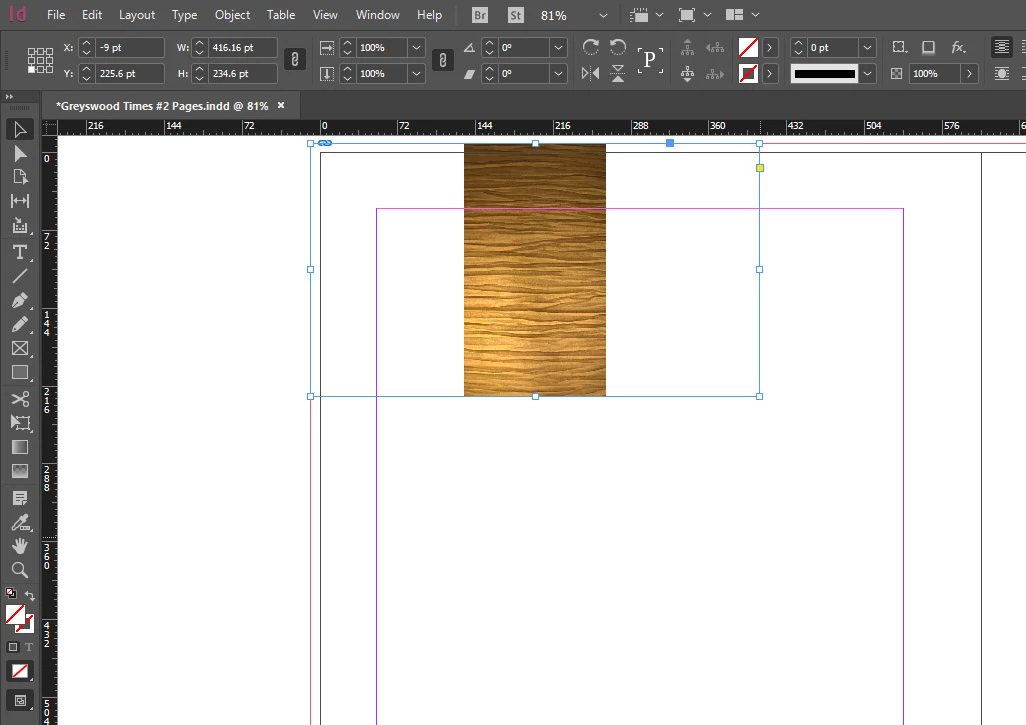
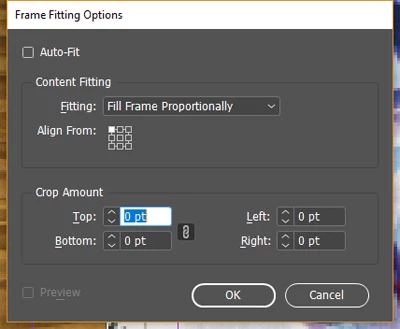
I'm guessing I may have clicked some option somewhere that has resulted in this. Does anyone out there know how to fix it? Thanks!


 AdChoices