
Participant
July 9, 2025
Question

File Shared for review not accessible any more.

  • July 9, 2025
  • 1 reply
  • 227 views

I shared a number of files for review from InDesign. The reviewer reviewd them and informed me. I am able to access two files and the comments successfully but while trying to access the link of one files I am getting error "Something Went Wrong, Go to files" error. 
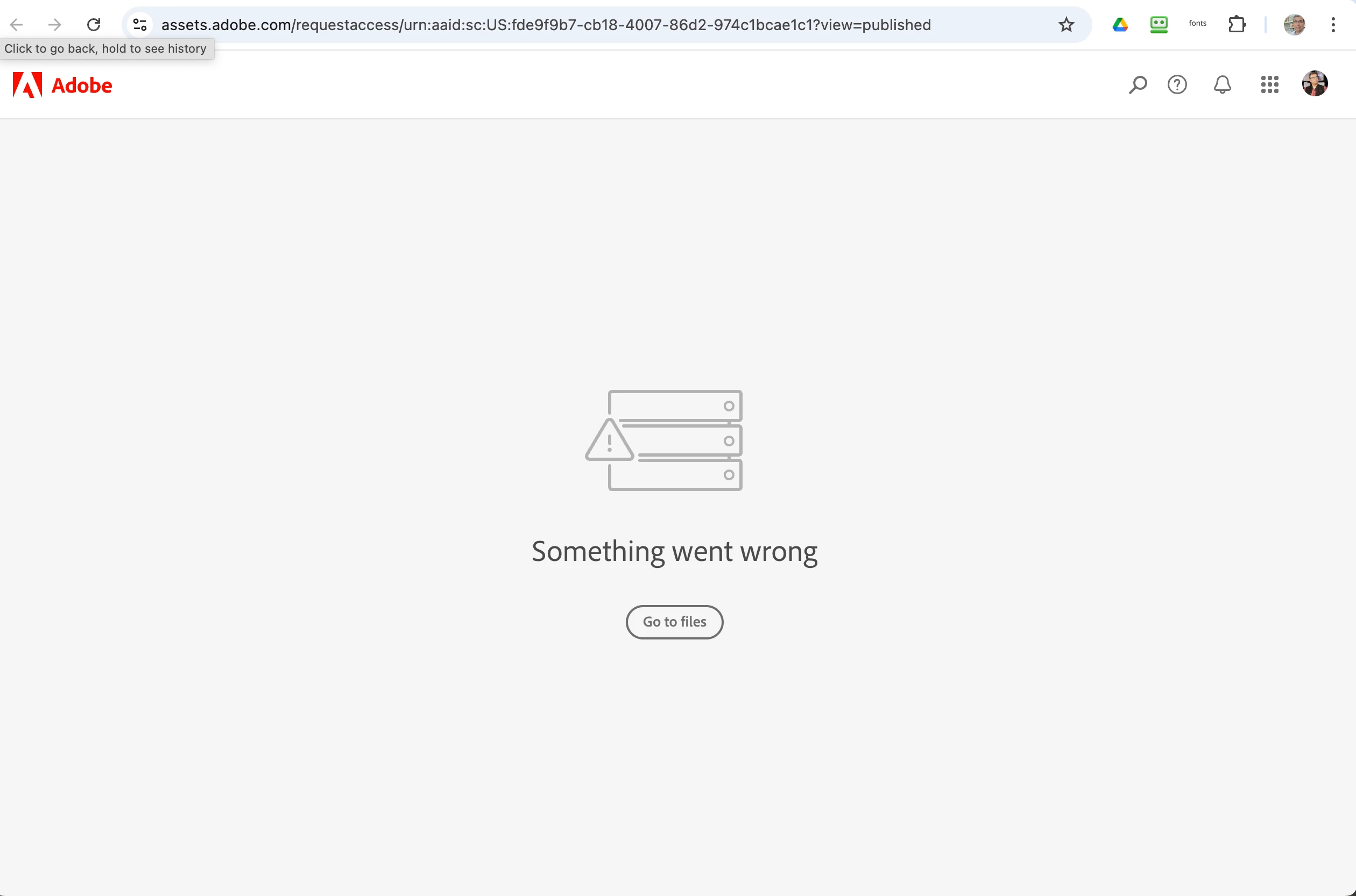


What happens to the edits suggested by my client? Are they gone forever? I will be killed if that happens.

1 reply

Abhishek Rao
Community Manager
Community Manager
July 9, 2025

Hi @Apurva_Ashar9356452,


Thanks for reaching out and sharing the screenshot. I understand how worrying this must feel, but don't worry, your client's comments should not be lost.

This error usually happens if the review link was changed or if there's a temporary issue with the server. I suggest signing out and back into your Adobe account, clearing your browser cache, and trying to access the link again. Also, please confirm which InDesign version and operating system you're using.

If possible, let me know whether this issue happens only with this one file or others too. 


Looking forward to your update!

 
Abhishek 
Participant
July 10, 2025

Thanks Abhishek for a quick reply.

We tried logging out and in into Adobe account. It didn’t work.  It is InDesign 19.5.1 x64 running on Windows 11.

This is a second instance of the same issue from the same computer and same Adobe account. Earlier we lost corrections from one huge InDesign document for the same client. Later, in the current situation we sent 3 files for review and we are able to access file 2 and 3 of the lot but have lost file 1. So, if I tell the client that the same problem has occured again, I will be in a very tight spot.

We will be happy even if the links to the reviewed comments can be viewed on web browser without the live link to InDesign file. I can send the links for both the lost files to you for further reference.

Abhishek Rao
Community Manager
Community Manager
July 10, 2025

Hi @Apurva_Ashar9356452,


Thanks for all the detials. I've shared the next action plan with you over DM. Please check it and follow the steps so we can assist you further.

Thanks so much!


Looking forward to your update.

Abhishek