
Answered
Find and change GREP characters
Hi,
Is It possible to find and change a word (or character style) in the end of each paragraph line from a finded text.
Is It possible to do this with a script?
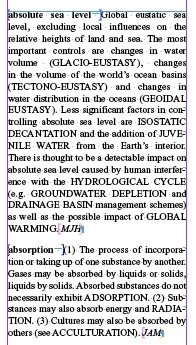
my Script
app.findGrepPreferences.appliedCharacterStyle = "Italic";
myFind = myDoc.findGrep();
for(i=0; i<myFind.length;i++){
myIndex = myFind.paragraphs[-1].parentStory.characters[myFind.index-1];
myIndex.contents = SpecialCharacters.EM_SPACE;
}
But its find all the italic styles and insert EM space.
I need to change only the end of the line character Style("Italic")
Any help would be great.
Hurix

 AdChoices