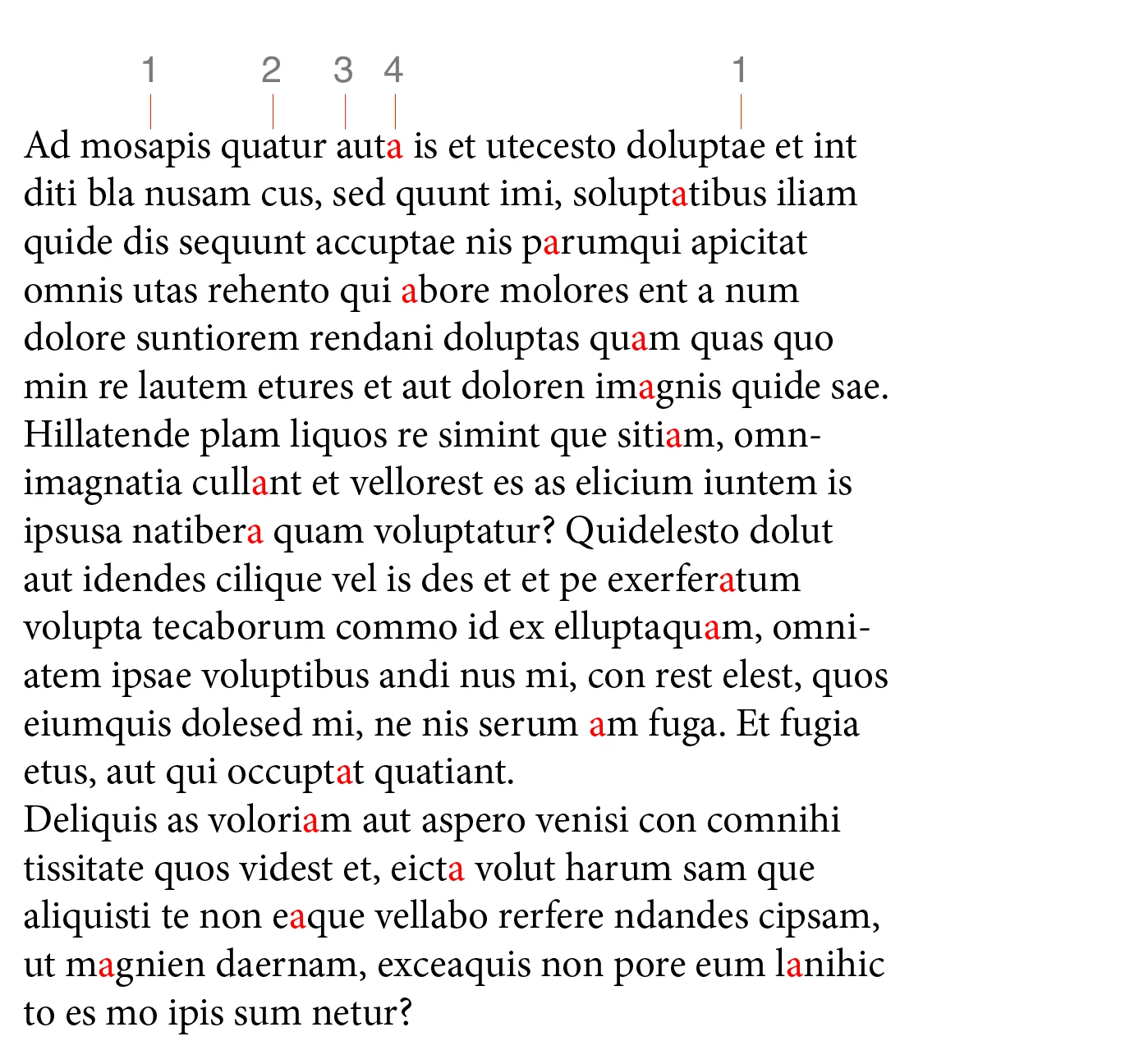
Hi @Rogerio5C09, here is a simple example. Because you don't want the change to apply to every found item, it means you can't use changeGrep or changeText and must do the changes manually.
- Mark
This example finds every 4th letter "a" and paints red. You can change the logic by editing the for loop line.
/**
 * Shows processing of every nth found objects (see `step` var).
 * This example uses findGrep, but findText or findObject
 * would be handled the same.
 * Note: This approach precludes the use of changeGrep, so the changes
 * must be done manually, as here for example the fillColor is changed.
 * @discussion https://community.adobe.com/t5/indesign-discussions/find-change-script-query/m-p/13939266#M533847
 */
function main() {

    var findWhat = 'a',
        step = 4;

    var doc = app.activeDocument;

    if (
        doc.selection.length == 0
        || app.selection[0].findGrep == undefined
    ) {
        alert('Please make a selection and try again.')
        return;
    }

    app.findGrepPreferences = NothingEnum.NOTHING;
    app.findGrepPreferences.findWhat = findWhat;

    var found = doc.selection[0].findGrep();

    for (var i = step - 1; i < found.length; i = i + step) {
        found[i].fillColor = getRed(doc);
    }

};

app.doScript(main, ScriptLanguage.JAVASCRIPT, undefined, UndoModes.ENTIRE_SCRIPT, 'Find every 4th');


/**
 * Returns 'Red' color.
 * @returns {Color}
 */
function getRed(doc) {

    var red = doc.colors.itemByName('Red');

    if (!red.isValid)
        red = doc.colors.add({ name: 'Red', space: ColorSpace.RGB, colorValue: [255, 0, 0], colorModel: ColorModel.PROCESS });

    return red;

};
 AdChoices