Participant
April 9, 2020
Answered

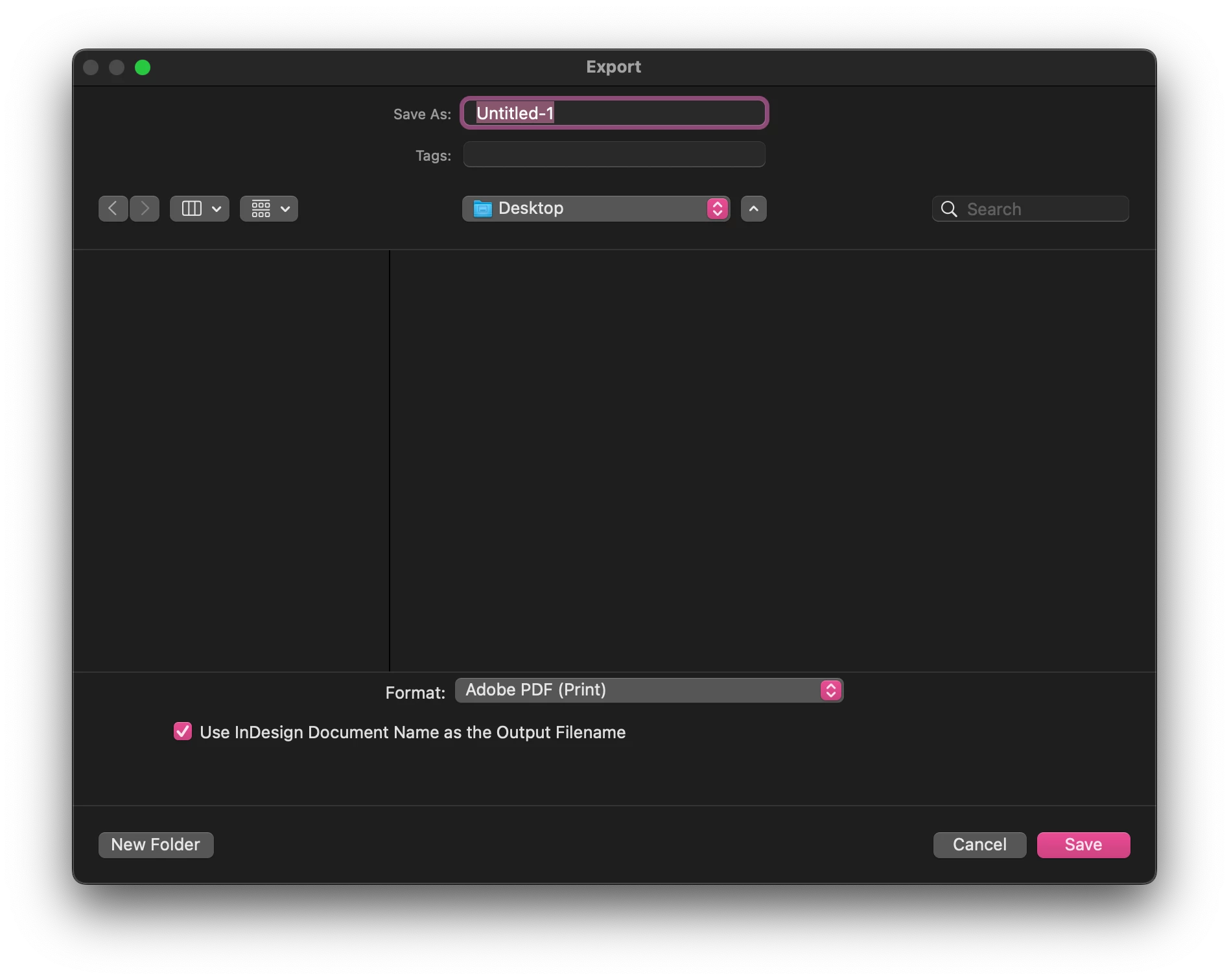
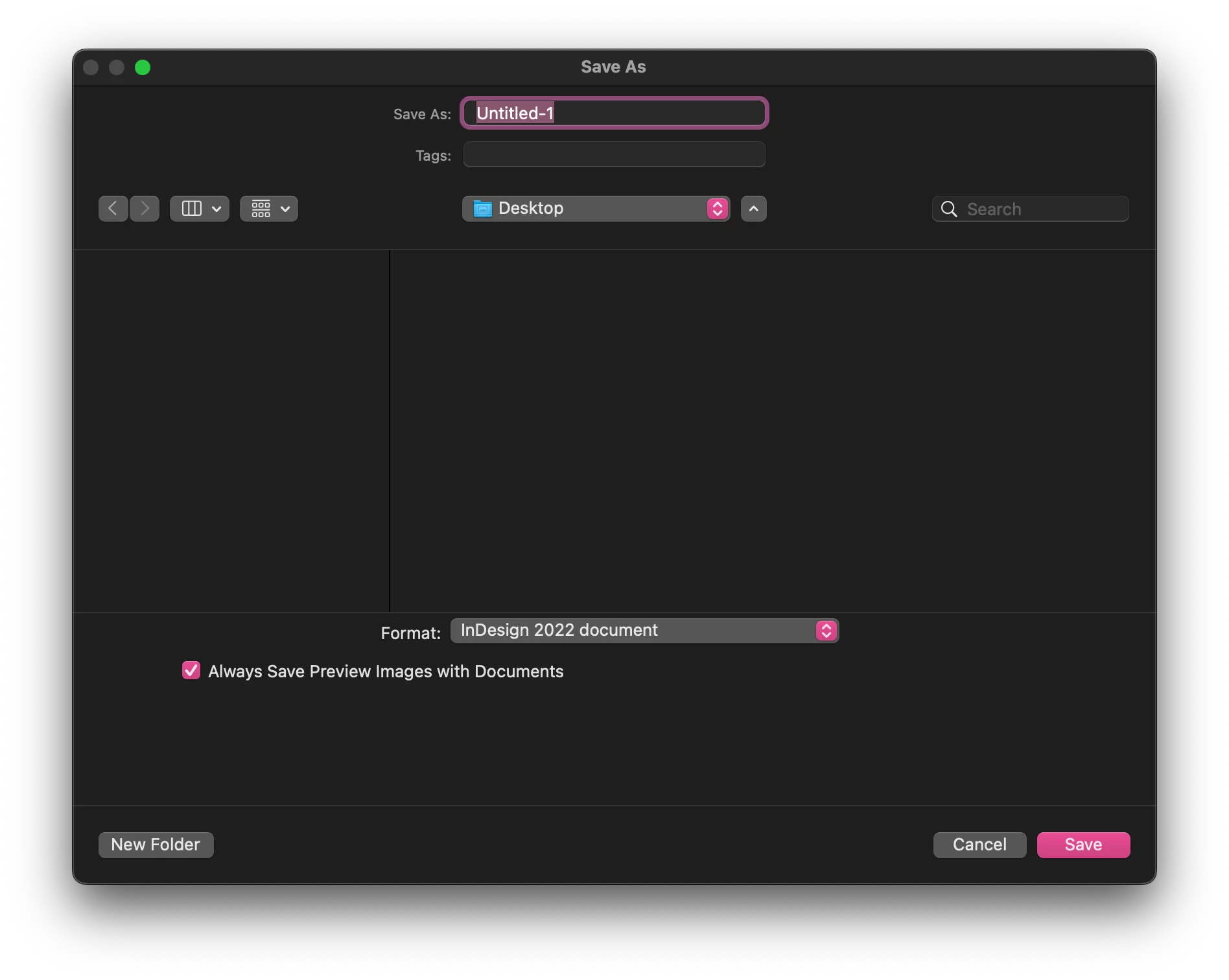
Finder window (Save As/Export, etc) show up in light color even though the system/app theme is dark

  • April 9, 2020
  • 11 replies
  • 9993 views

I know its not a huge issue but as a designer its a little irritating. When running under the darkest theme in Illustrator and Indesign the open, save, export, and place dialogues are all in light themes even with the OS in Dark mode. All of the dialouges in Photoshop however show up dark.


{Renamed by MOD}

Correct answer Christopher-James

Hi @msingleton 


I know this is an old thread but the answer from @Ashutosh_Mishra - Adobe Employee just said a lot about how Adobe are blind to anything any end user has to say, they don't even read a post correctly, time and time again!


You can force dark mode for the finder UI windows for InDesign for Mac using this command through the Terminal app.

Currently on InDesign 17.4


  1. Make sure InDesign is closed
  2. Open a new terminal window
  3. Copy and paste the below code and press return
  4. Open InDesign and test


defaults write com.adobe.InDesign NSRequiresAquaSystemAppearance -bool NO


 Hope this makes you happy that now all adobe apps have the same UI, it makes me happy (kind of, just now have to assign global palette names!!)

11 replies

Ashutosh_Mishra
Inspiring
April 10, 2020

Hi there,


Thanks for reaching out. You can always change the color theme of InDesign under Preferences > Interface.

I have also attached a screenshot as well for reference.


Hope it helps.


Regards,

Ashutosh

March 13, 2022

Hi, as it's been almost two years and this issue still occurs in the latest version of InDesign, can you please provide an update, date for a fix, do something, anything at all?

Participant
March 21, 2022

Agreed, its very strange. And just for documented refrenece here is the Save As dialogue in Indesign compared to Photoshop.