
Fine & coarse shortcuts for adjusting leading/kerning/type size
Hi There,
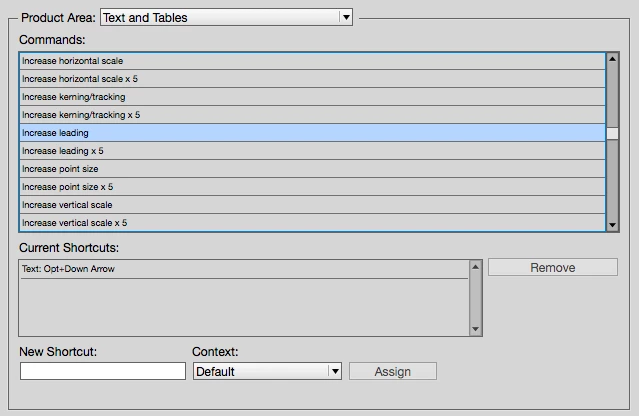
Is there a way to have both fine and course shortcuts for adjusting type size, leading and kerning in InDesign?
e.g.
OPT + Down Arrow = Coarse leading adjustment
SHFT + OPT + Down Arrow = Fine leading adjustment
Going to preferences every time defeats the purpose, and using the text palette doesn't work when changing multiple leading values - you don't want to make them the same value, you want to increase/decrease separately, but all in one go. It's been a while but I believe Quark allows for this.
After searching around, I noticed some people basically saying 'just use the mouse, it makes no difference'. But after 30 years training staff, the point in click crowd never understand why the shortcut crowd earn more money!
Any suggestions welcome.
Cheers
 AdChoices