Fixed Content (Image) Position
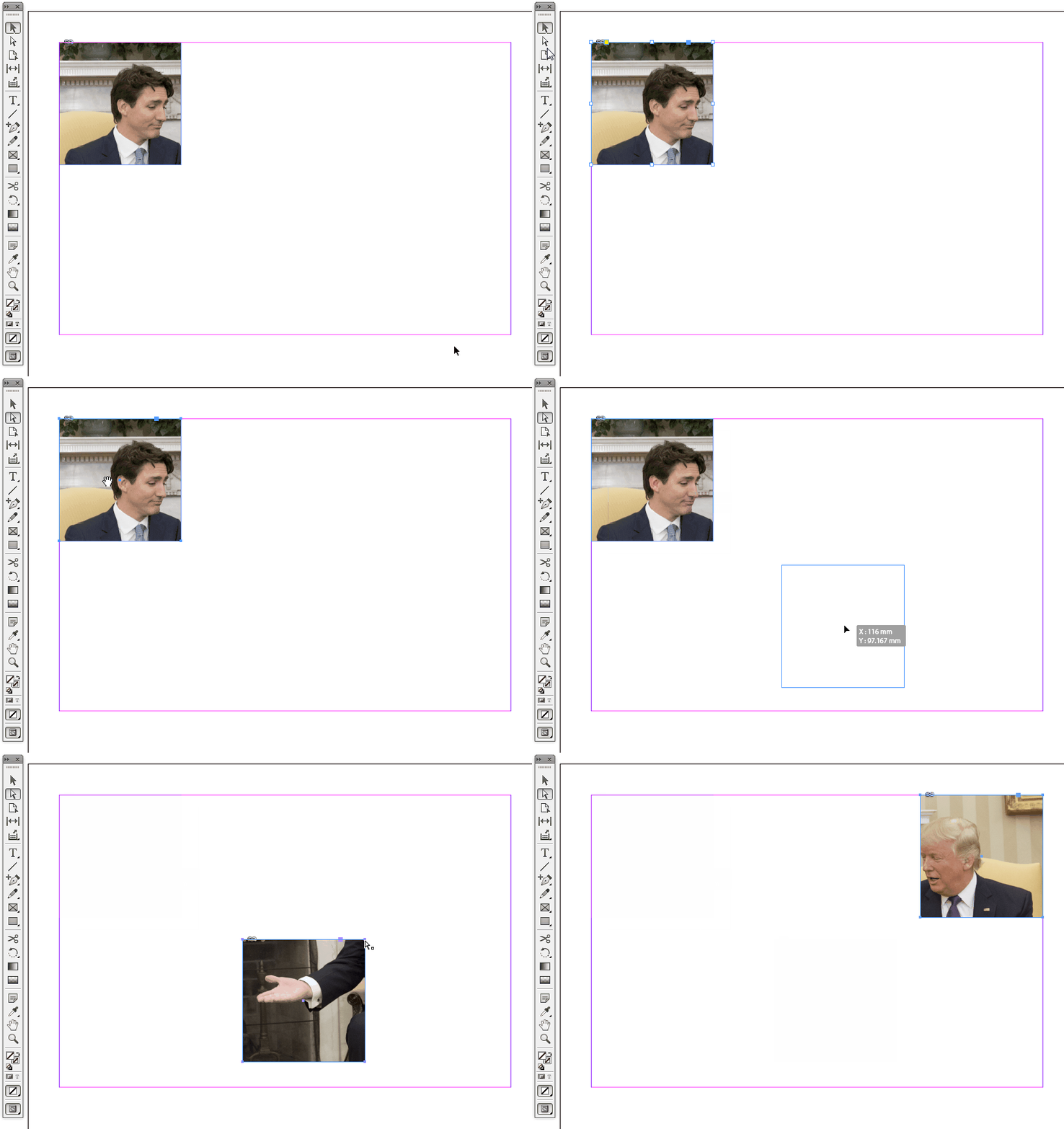
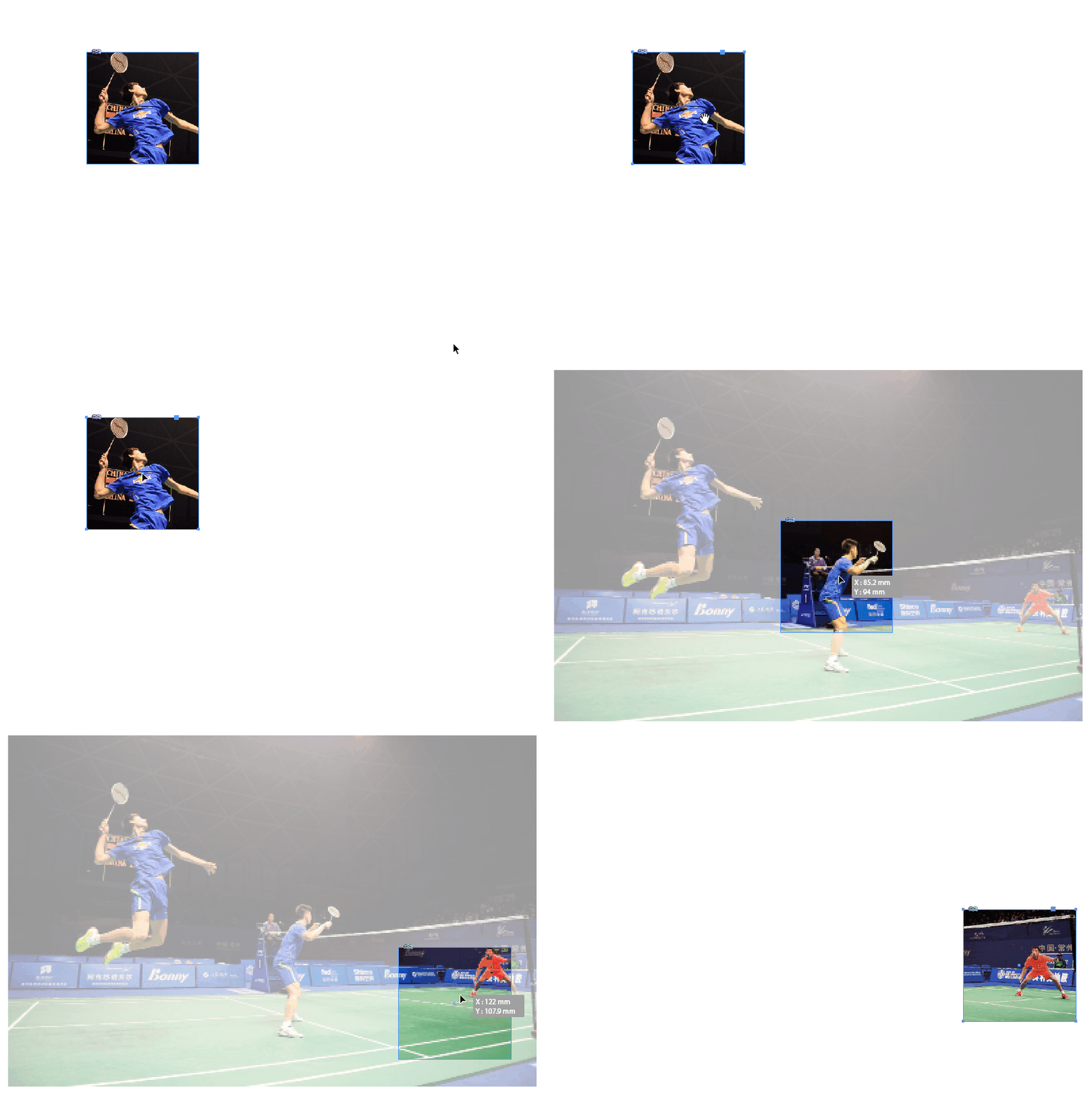
I have a full page background image that I want to use for several boxes on a single page, I've added the image as a content for a frame, which I'm then going to layer text etc. onto. However, when I copy and position the boxes however, the background image moves with the frame, meaning the visible portion of the background for every box is identical, which isn't what I want.
Put another way, if the first box I create is in the top left, it will show the top left portion of my background image, but if I move the box to the bottom right of the page, it will still show the top left portion of the background image, rather than the bottom right portion.
The only way I've found around this so far is to direct select the content (image) of each box and set the position of the content back to top left (0, 0), so that each box shows a different section of the background image. This is fine, but it means I need to do this every every time I move or create one of these boxes, which isn't ideal as I'm going to have quite a few of them in the end.
What I'm wondering is, is there some way that I can "lock" the content of a frame to the top left corner, so that all I'm moving is the frame itself? This would make things so much easier.
 AdChoices