
Answered
Fixing incorrect borders on existing images
Hi all,
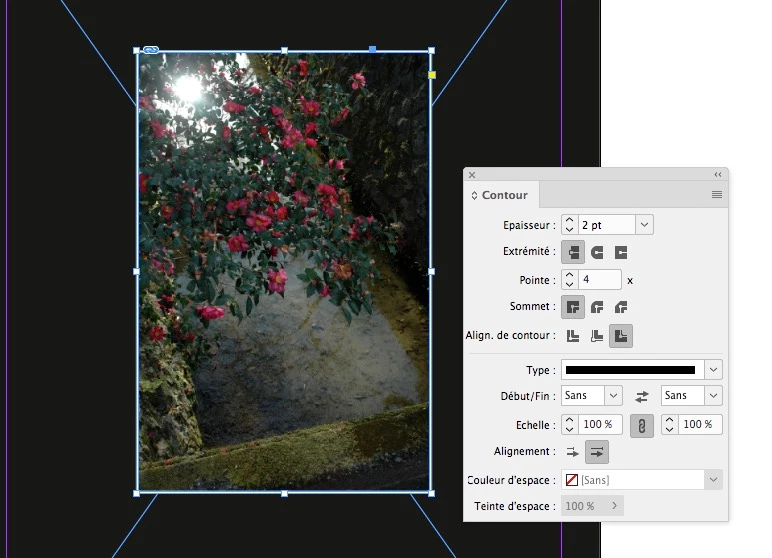
Essentially what I am trying to do is create my own borders for images whose borders are disporportionate. Here is an example (you can see the white border if you hover the mouse over the image).

If you look at the image above, you can see the white border around it is not the same size on each side. I've tried to just create boxes, have them all be the same size, and then place them around the image, but when I export, I end up with the same problem I had despite using what I thought were equally-sized boxes all around the image.
Does anyone know of a way to ensure that I can create an equally-sized border?
Thanks.
 AdChoices