Inspiring
December 2, 2025
Question

font installed not showing

  • December 2, 2025
  • 2 replies
  • 282 views

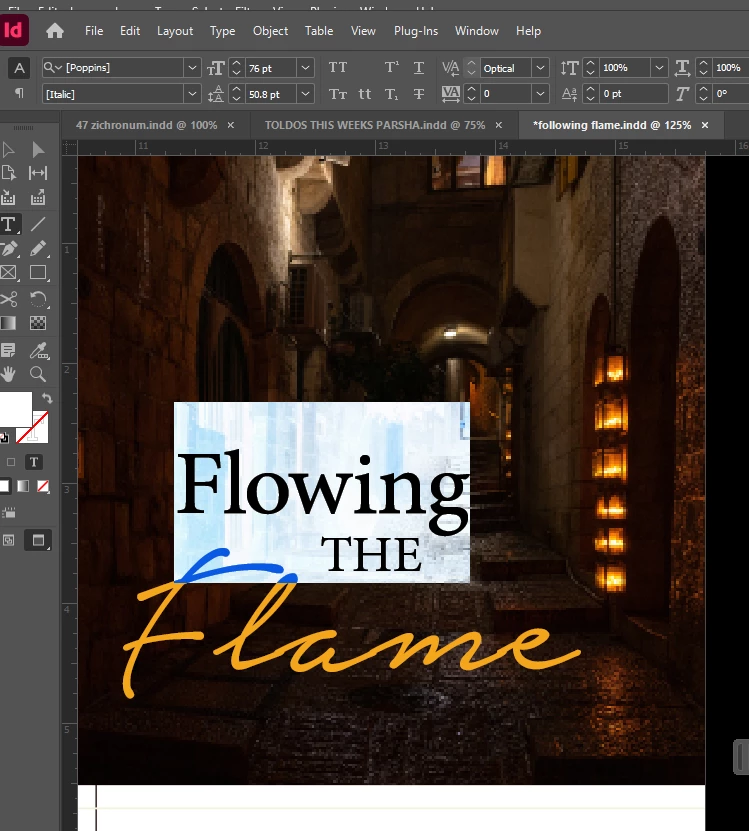
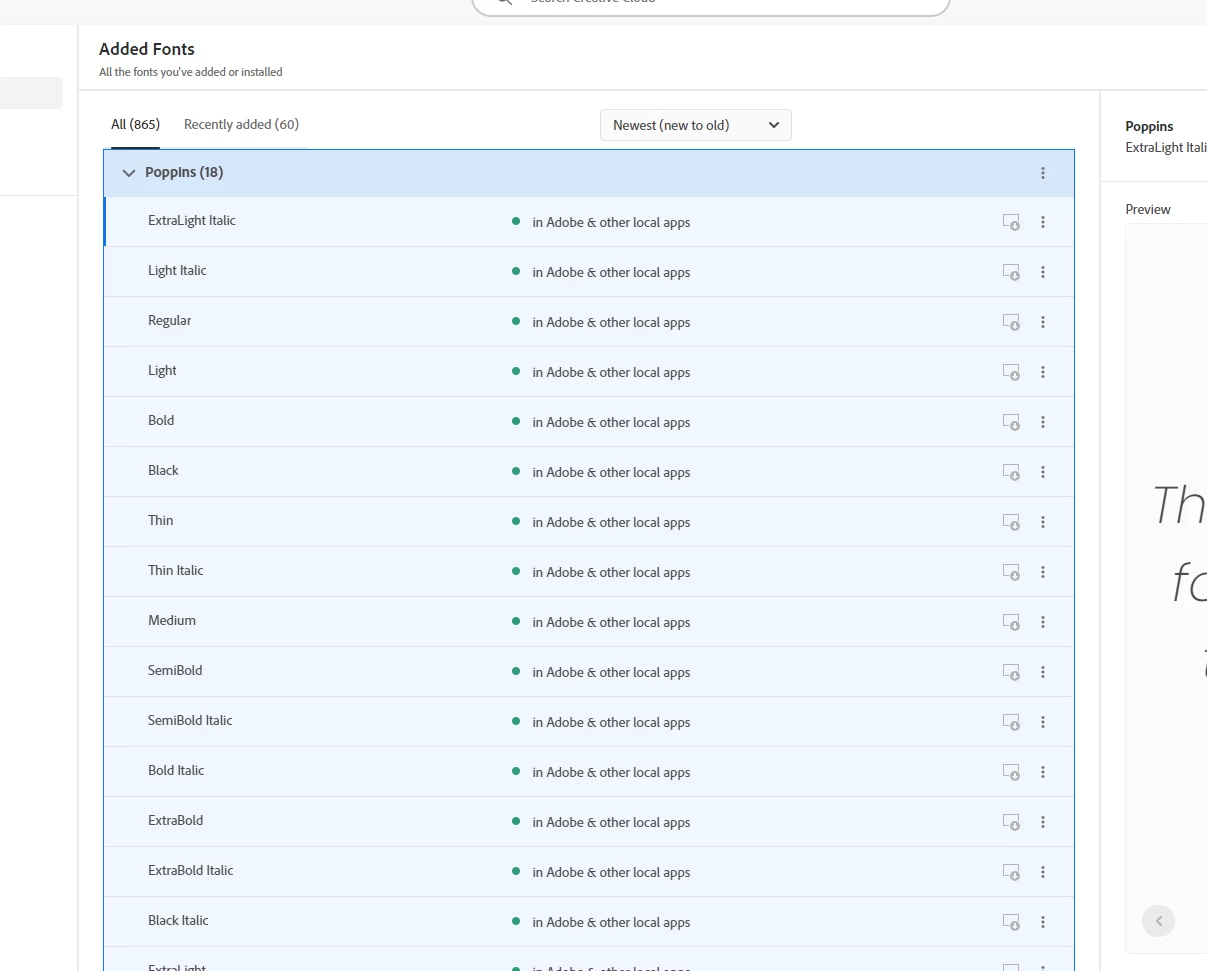
why is the font i added not showing?

i have this many times.

it's extremely frustrating.

i tried closing indesign a few times.

each time i open it up it doesn't allow the font to be used
hendy_5450_0-1764677307493.png

hendy_5450_1-1764677321296.png


2 replies

Abhishek Rao
Community Manager
Community Manager
December 2, 2025

Hi @hendy_5450,


I know how frustrating it can be. I tested with Poppins(added from Adobe fonts) on InDesign 21.0.2 on Windows, and the font loaded correctly, so I want to help narrow down what might be different on your setup.

Could you please try signing out of Creative Cloud and then signing back in? This will refresh the sync between Adobe Fonts and InDesign. If the issue continues afterward, please clear the font cache using the steps in this article: https://adobe.ly/3XqGnEy

It would also really help if you could confirm the exact version of InDesign and your operating system. Additionally, let me know if you are using any third-party font manager. Please make sure Poppins is only activated through Adobe Fonts and not installed multiple times on your system in different formats, as that can sometimes cause conflicts.


Looking forward to your update.

Abhishek

Inspiring
December 3, 2025
yes, i tried signing out and then back in
didn't help.
this happens to me all the time with different adobe fonts
today again, i open another doc and it says the font isn't available
available, i check my fonts, it's there i can't even install it again

this is extremely frustrating.
I'm spending all day at work figuring this out without getting
anything done.
Inspiring
December 4, 2025

can you please help me with this?

i need to print this today and the entire document is done with.

nothing to do ?


Olivier Beltrami
Legend
December 2, 2025

Make sure that you do not have the font installed more than once (once as TT once as PS once as OTF, for example). Windows will allow this, as will plugins such as Extensis, but then InDesign tries to deal with it by referring to these fonts with a () in the name. For example you get Helvetica Neue (TT) 45 Light and Helvetica Neue (PS) 45 Light and then all bets are off.