


Participant
October 5, 2022
Question

Font not found

  • October 5, 2022
  • 1 reply
  • 162 views

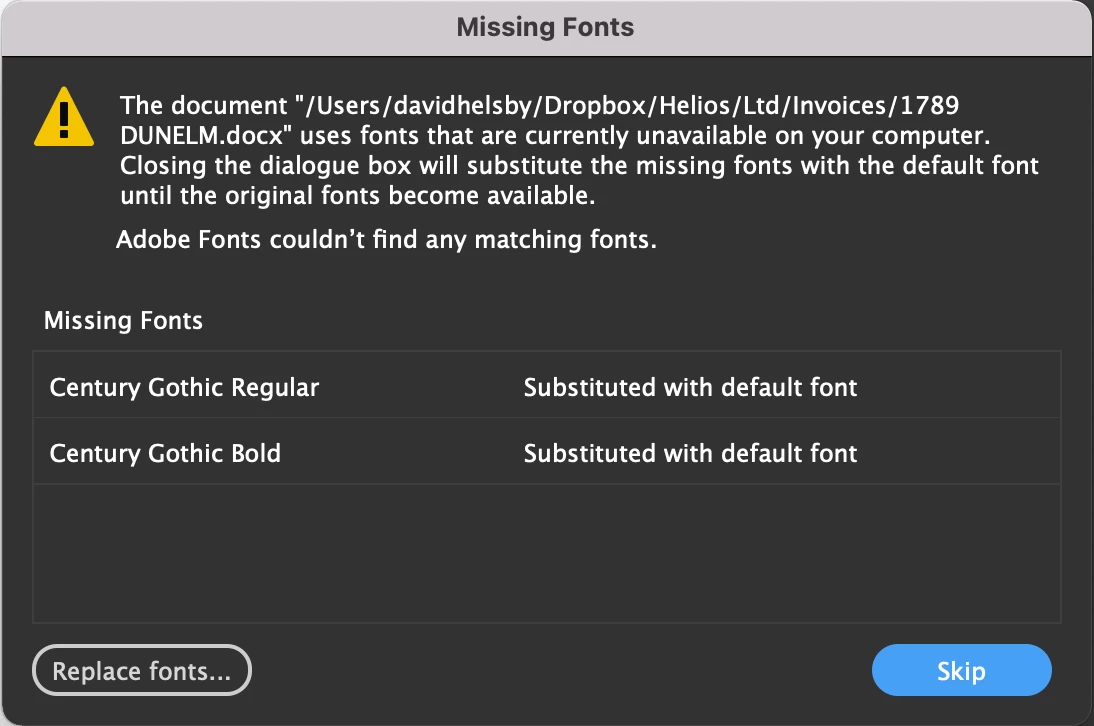
I have an issue when 'Placing' a Word document in an InDesign document and get the attached warning dialogue saying that the fonts, Century Gothic Pro, can't be found and needs to be substituted. I have this font enabled in Word and InDesign. But when I look in the Font App on my MacBook its not listed though. Is this the issue?

Thanks in anticipation

David
This topic has been closed for replies.

1 reply

Willi Adelberger
Community Expert
Community Expert
October 5, 2022

Microsoft saves their fonts inside the application:

Go to Word or PowerPoint  in the finder

Right click on the app icon

From the context menu > Show Package Content

Contents > Ressources > DF Fonts

Copy the font you need to your personal font folder.


Participant
October 5, 2022

Sorted! Many thanks Willi!