Font weight issue with Jaldi font
Hello!
First of all i want to apologize because i am sure this has been asked before here in some way.. Unfortunately i don't have a clue which keywords to use to find a solution to my problem.
My issue is that I installed the font "Jaldi" from Google Fonts which comes in both Regular (400) and Bold (700). I am 100% positive that i have installed both font weights. In fact I have installed it multiple times, tested the font in non adobe software (ms office in this case) and I have verified that both weights are installed via the "Font Settings" or "Fonts" option in windows settings. They are both being displayed as properly installed and ready to use.
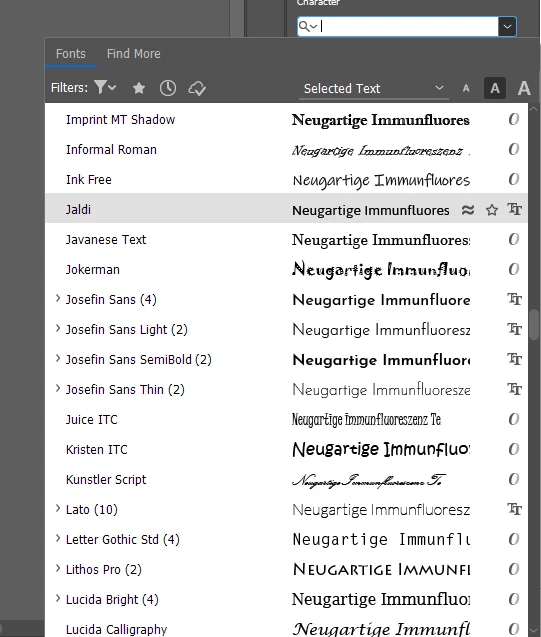
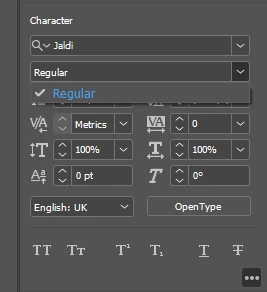
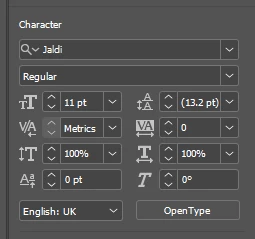
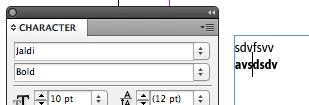
However, when using InDesign, in fact any adobe CC app, the "bold" weight does not show, neither as a "weight" nor as a seperate font family (sometimes you can choose e.g.: "FFMark - Bolt" instead of just setting the weight of the parent font to "bold".
Unfortunately I am at a loss here. For now I have adjusted the "weight" of the parts I need bold via "Character Colour"->(Choosing Stroke Colour)->"Weight" but as i understand this is kind of a workaround than an actual fix.
Is there any way to just use the regular bold weight that comes with the font?
Attached I have a few Pictures showcasing my issue.
Kind regards!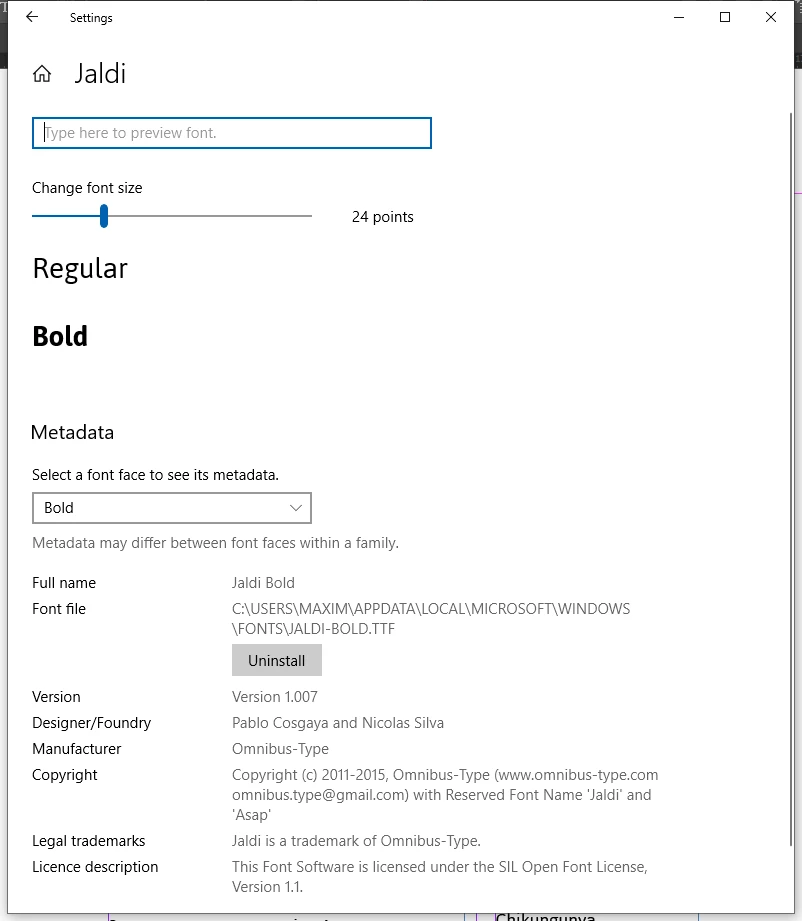
 AdChoices