
Participating Frequently
February 5, 2019
Question

Font Weights Mysteriously Unrecognized

  • February 5, 2019
  • 1 reply
  • 1278 views

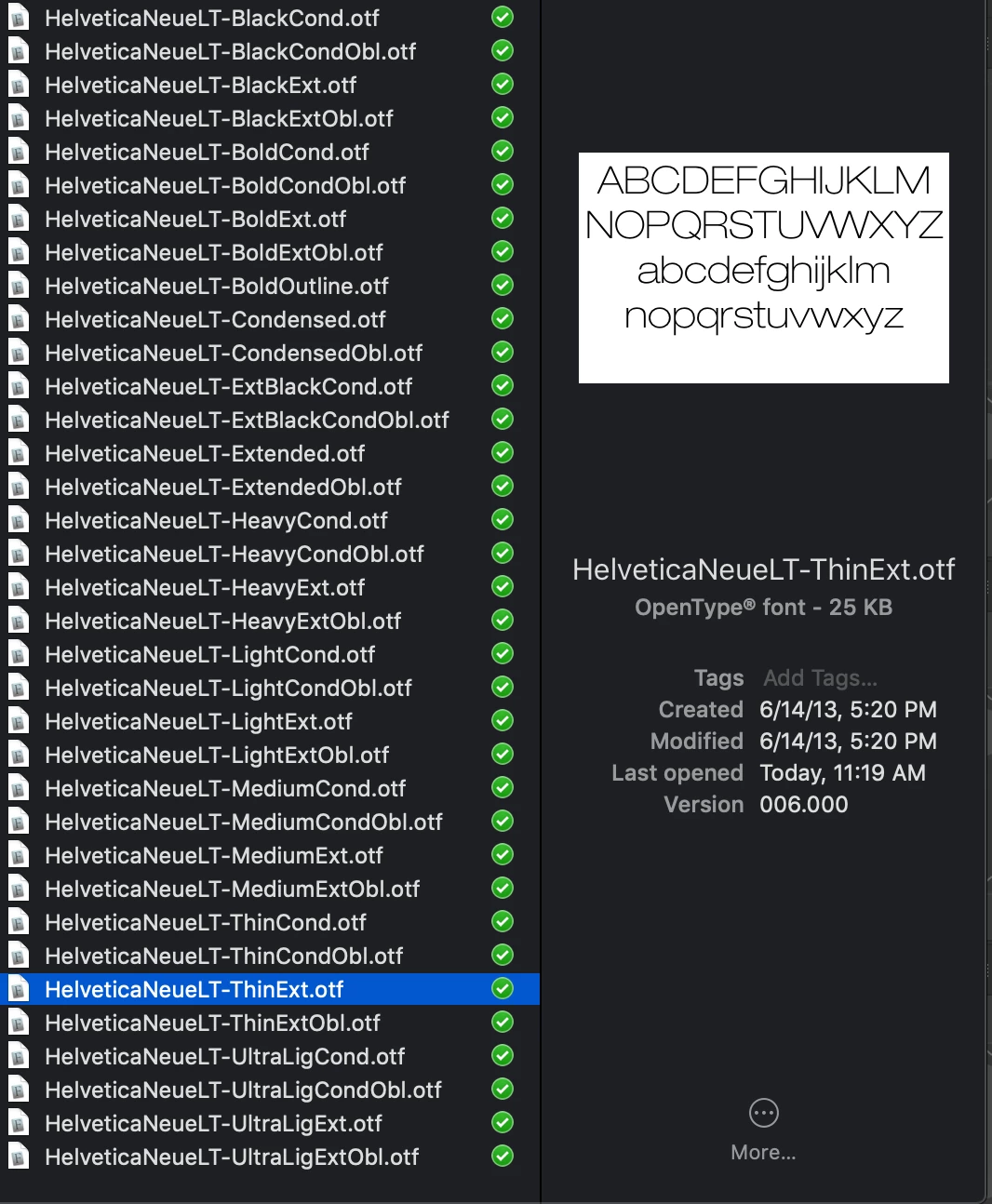
I am a graphic designer and I received a template from a client because they want me to work within an existing design. Along with the template they sent a folder of Helvetica Neue LT with 35 different files and weights:
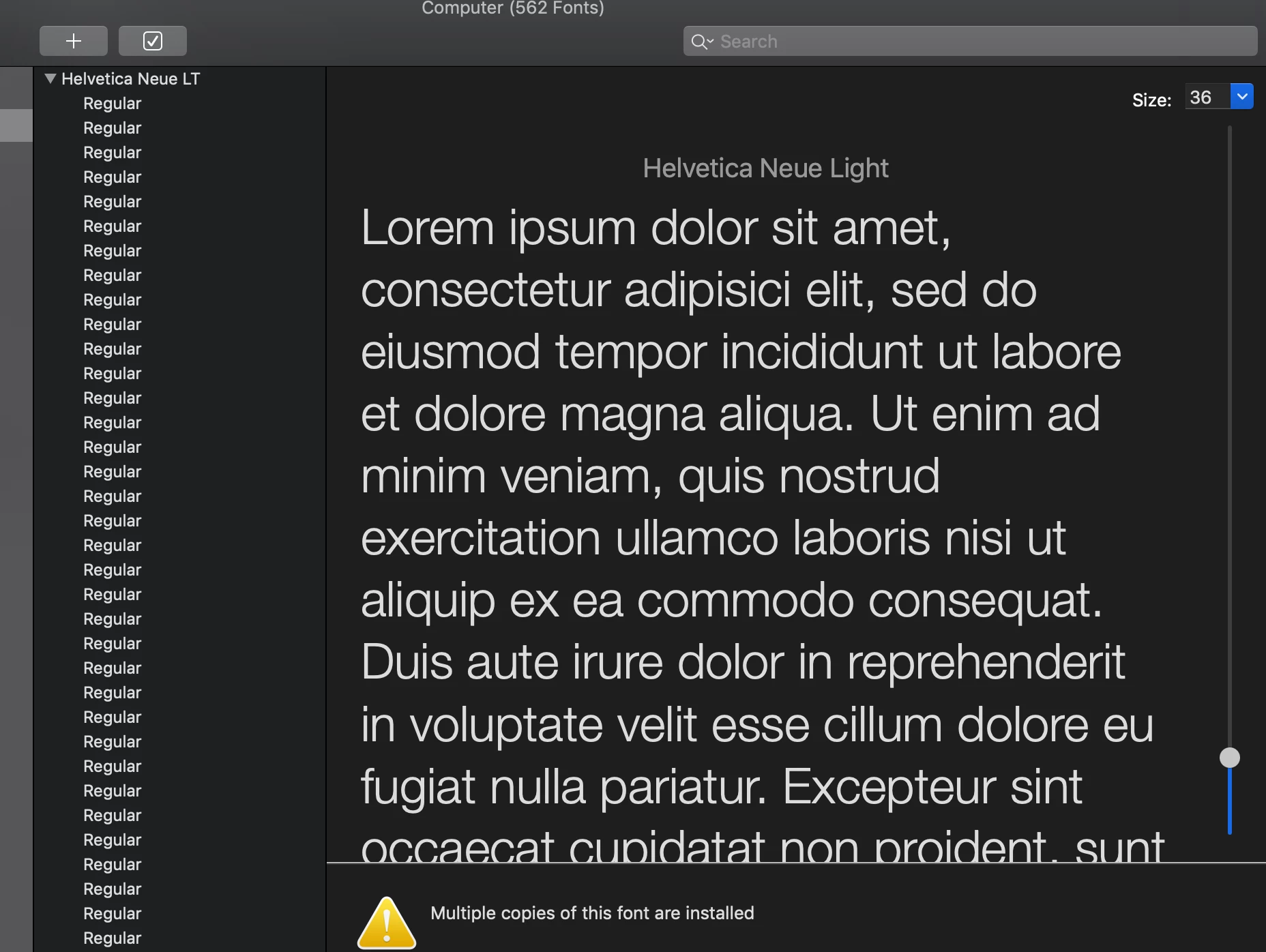
When I install them all, Fontbook shows them all as having the same name:
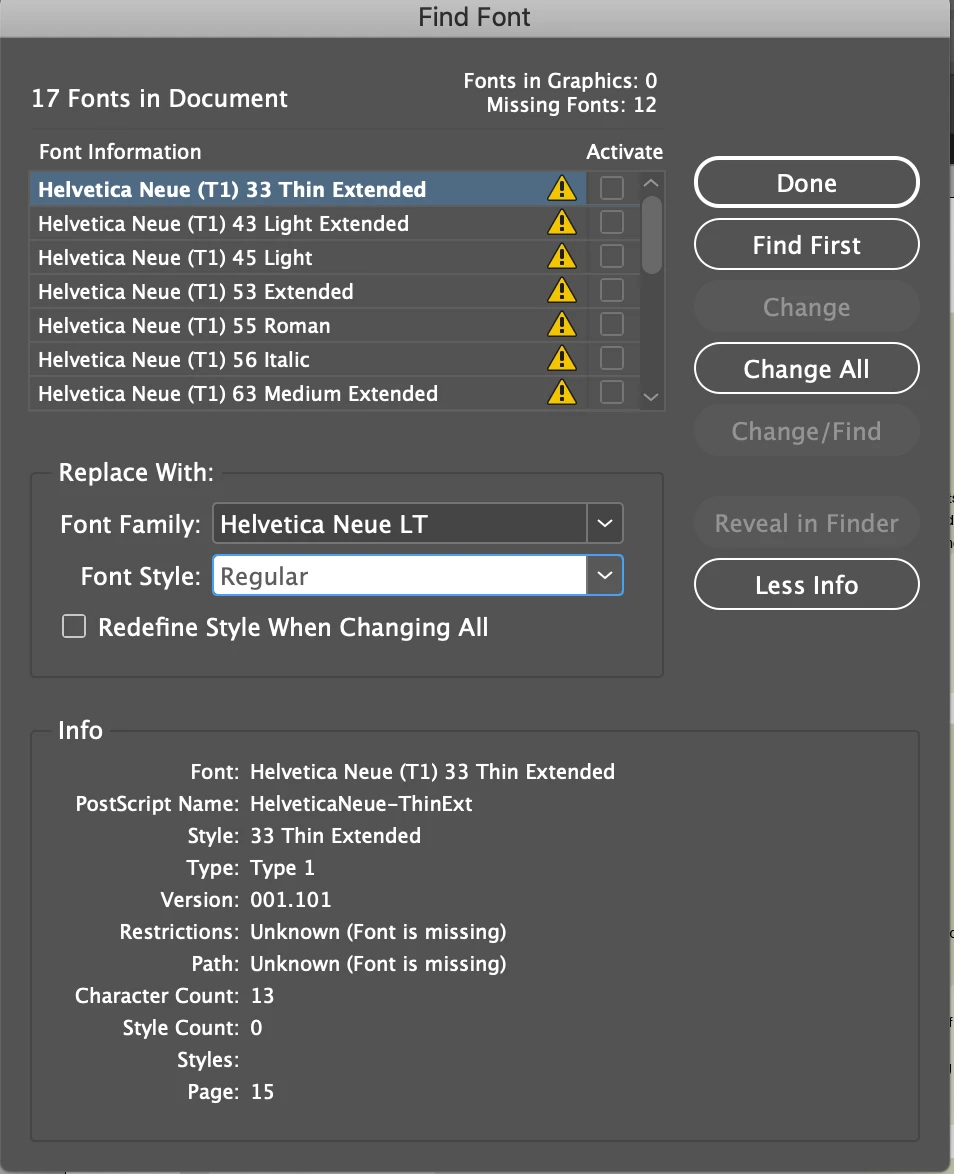
In InDesign, when the fonts show up as missing, I can't replace them because the system also only recognizes one Helvetica Neue File with on name, Regular.
I have tried deleting all the HN files from my library and adding them back in, restarting several times, and nothing is working. Does anyone have any suggestions as to how to properly install the different weights of the font so that they are recognized by the system?

Thank you in advance for the help!

This topic has been closed for replies.

1 reply

Steve Werner
Community Expert
Community Expert
February 5, 2019

It looks to me like your client did not send you the same set of fonts that were actually used in the document. They sent you OpenType fonts (the extension for all of them is .otf).

But in the Find Font dialog box, the name of each font used is appended with "(T1)" indicating they are a different kind of font, the old Type 1 format. And the one you highlighted also clearly lists Type 1 as the font type.

I don't understand why the OT fonts are not recognized by your system. Do they work in a new file?

m.e.longAuthor
Participating Frequently
February 5, 2019

No, the Helvetica Neue LT does not show up in any other file, it only shows up as "Regular" so I can't use all the weights. They don't seem to work anywhere on my system.