
Inspiring
May 23, 2026
Question

Fontes no InDesign

  • May 23, 2026
  • 4 replies
  • 56 views

Já reportei este problema, mas com as atualizações do InDesign e do Windows, isso se resolveu; mas agora, novamente, as fontes estão aparecendo em negrito em partes do texto, mesmo o estilo correspondente não conter esta opção:
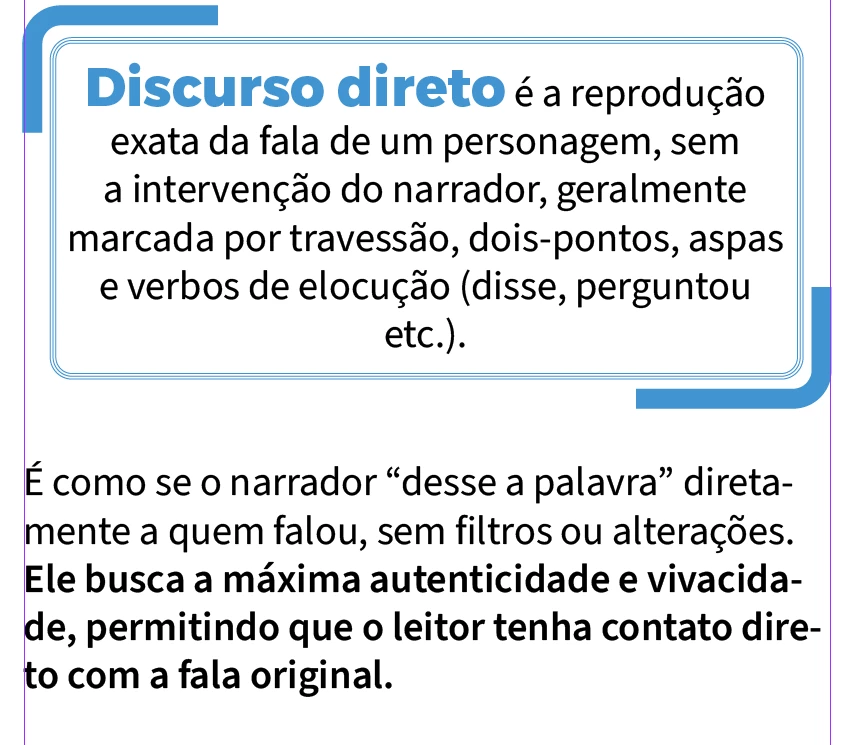
Adobe, por favor me informe, quando o programa funcionará sem problemas após atualizações do Windows e do programa? Essa mudança de estilo muda todo o espaçamento do arquivo e desconfigura o documento que não pode seguir para a produção. 😔

    4 replies

    Inspiring
    May 26, 2026

    Muito obrigada pelas respostas, como estou em fechamento de arquivos para a gráfica, precisei resolver o problema manualmente para conseguir atender o prazo. Eu estou utilizando a versão 21.3 do InDesign e a versão 26200.8457 do Windows. A fonte é a Source Sans 3 (TT) e instalada diretamente na máquina, já que ela não estava sincronizando corretamente pelo Adobe Fonts, como tem ocorrido com outras:


    Só esclarecendo mais um detalhe, o negrito está aparecendo dentro de um estilo que não tem negrito, a fonte muda em pedaços aleatoriamente para semibold sem que isso seja feito pelo diagramador.
     

    Como disse, este problema está ocorrendo apenas neste arquivo, também estou verificando com a diagramadora quais as versões dela para entendermos o problema

    Muito obrigada pela atenção.

    Abhishek Rao
    Community Manager
    Community Manager
    May 26, 2026

    Hi ​@Jupaganelli,


    Thanks for reaching out, and sorry to hear about the experience. Could you please let us know if the suggestions shared by the esteemed experts helped resolve the issue, or if you are still noticing the unexpected bold text behavior in InDesign?

    Additionally, please confirm the exact InDesign version and operating system version you are using. It would also be helpful to know whether this issue is occurring only with a particular font or specific file, or across multiple fonts and files.

    Once we have these details and your latest observations, we can continue investigating this further.


    Looking forward to your update.
    Abhishek

    Mike Witherell
    Community Expert
    Community Expert
    May 25, 2026

    And could you also name which font this is?

    Have you looked to see whether this font is installed in multiple versions or in multiple places; namely from fonts.adobe.com and from your operating system fonts and from your possible “Document fonts” sub-folder.

    Mike Witherell
    BobLevine
    Community Expert
    Community Expert
    May 24, 2026

    Are you sure there isn’t a character style or a nested style involved?

    Inspiring
    May 25, 2026

    Sim, por isso vim ao fórum. Esse problema já ocorreu outras vezes e só cessou após a atualização do InDesign.

    BobLevine
    Community Expert
    Community Expert
    May 25, 2026

    Can you place your cursor in the text where the unexpected bold type is located and take a screenshot of the paragraph styles panel and character styles panel?