
Fonts appearing bold when a transparent image is on the page
Whenever I apply a transparent image (such as a PNG), all the text turns bold on that page/spread. The issue seems to only occur when it is used on a page with a Parent Page. The only current workaround I have to this is to use SVGs, however, it doesn't have the same effect that I want.
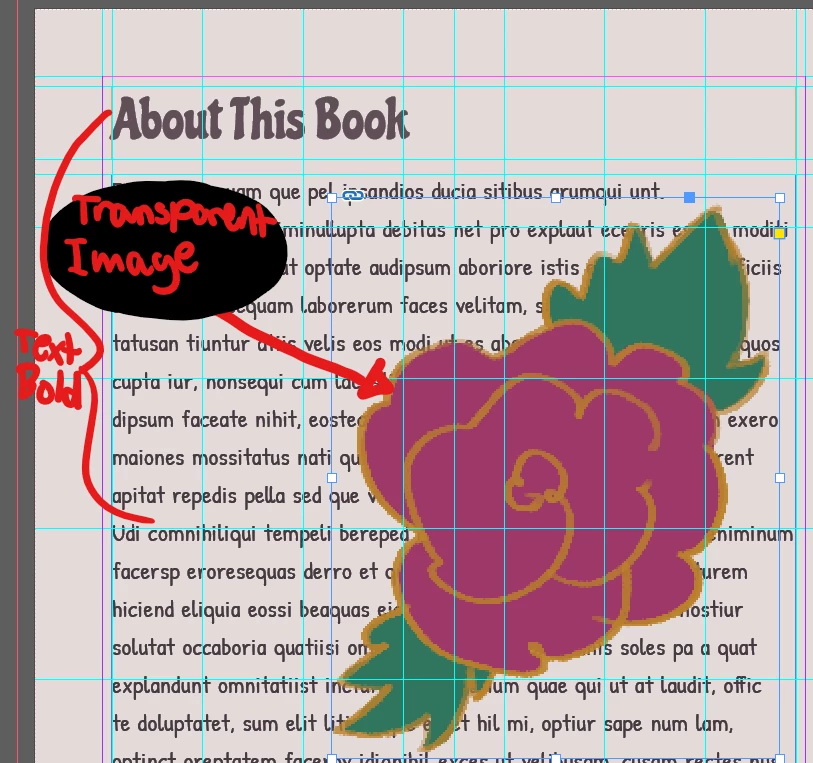
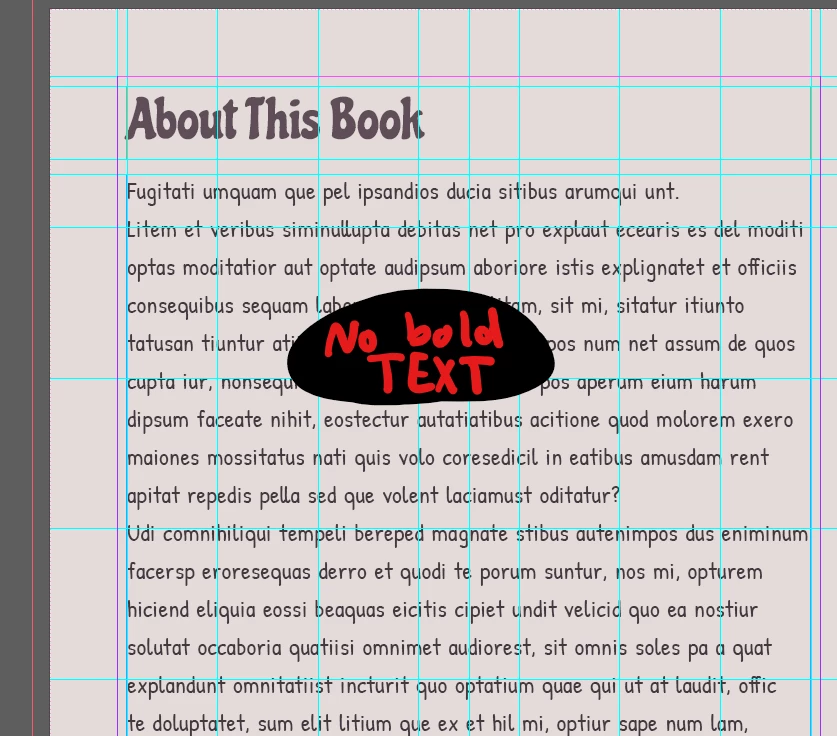
Below is an example of how the text becomes bold once I apply a transparent image (an image without transparency works just fine and won't result in the same issue).
After I apply a transparent image:
Before I apply a transparent image:
I have seen other threads discussing this issue, some including all the information about this bug I just
provided, others are just part of it.
I hope this bug gets fixed quickly since I am illustrating a book and I anticipate using a lot of transparent images.
 AdChoices