Inspiring
November 30, 2021
Answered

Footnote on first line of a page inserts a blank page

  • November 30, 2021
  • 1 reply
  • 546 views

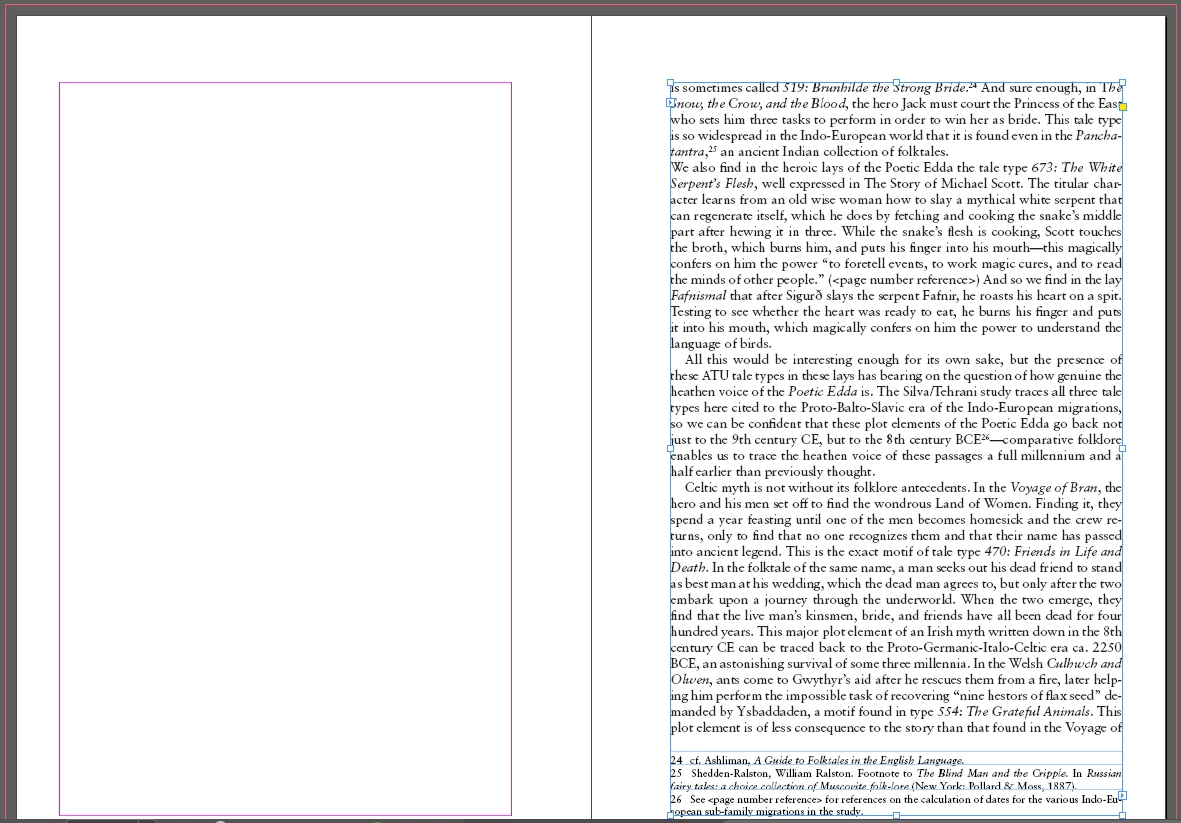
Every time the first line of a page contains a footnote, InDesign automatically inserts a blank page for some reason. See below:


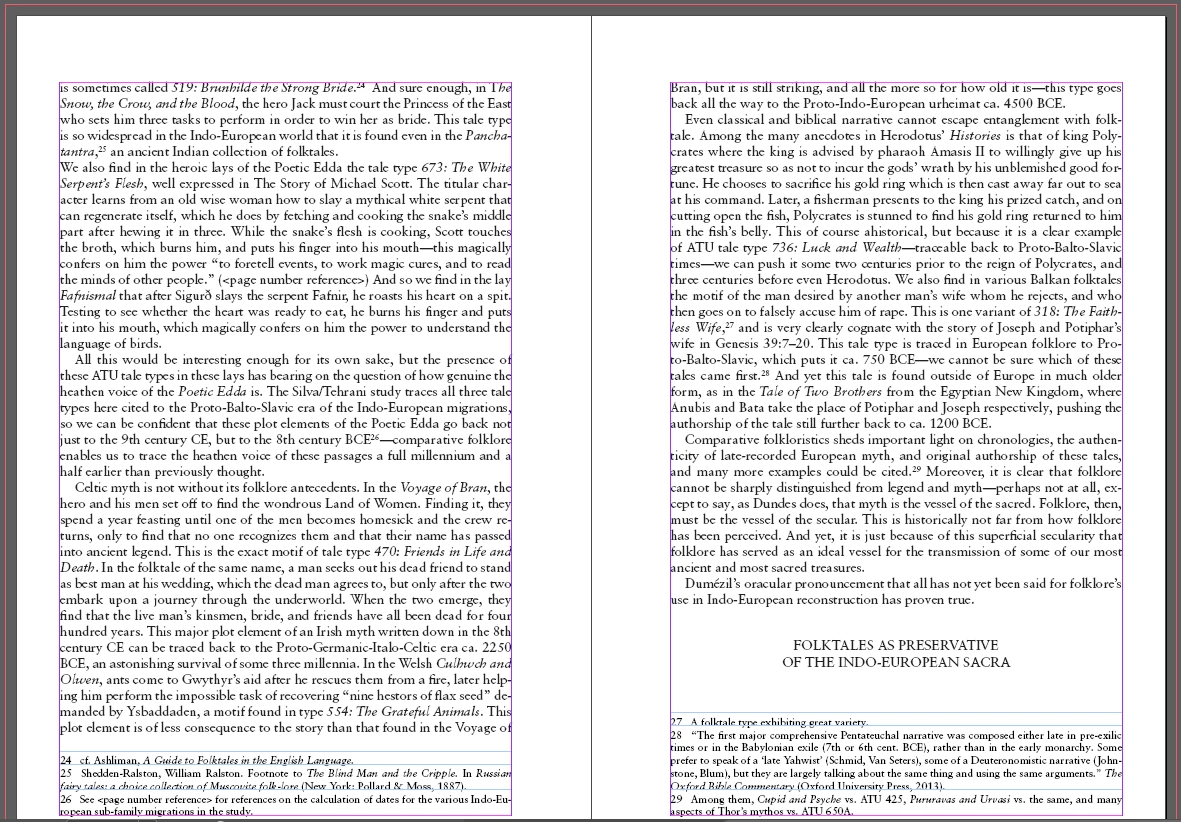
Not sure why, but if I do anything in that line--add a space, italicize something, etc.-- it will shift back to the way it's supposed to be. See below, where I added a space after the footnote:


It's not just this one InDesign file either, every ID project I've ever done has had this problem. Anyone else run into this?

This topic has been closed for replies.
Correct answer Barb Binder

Hi @rexsacrorum:


No, I have not encountered this and I have some very footnote-intensive documents. I'd start by examining the keep options for body text. Anything off there? Are there any keep options enabled for the notes? 


What happens if you simply recompose the story?

  • Cmd-Opt-/
  • Ctrl-Alt-/


I'm happy to take a look at the file to see if I can figure it out. You can post a link to the file on the CC drive or dropbox and post a link here (public) or message it to me directly (private).


~Barb


1 reply

Barb Binder
Community Expert
Barb BinderCommunity ExpertCorrect answer
Community Expert
November 30, 2021

Hi @rexsacrorum:


No, I have not encountered this and I have some very footnote-intensive documents. I'd start by examining the keep options for body text. Anything off there? Are there any keep options enabled for the notes? 


What happens if you simply recompose the story?

  • Cmd-Opt-/
  • Ctrl-Alt-/


I'm happy to take a look at the file to see if I can figure it out. You can post a link to the file on the CC drive or dropbox and post a link here (public) or message it to me directly (private).


~Barb


~Barb at Rocky Mountain Training
Inspiring
December 14, 2021

Hi Barb, sorry for the late response. Recomposing the story fixed the issue. If I recomposed it again the issue would re-appear, but recomposing it yet again fixed it again. I noticed this would happen when I would do something like synchronize the book (synchronizing again fixed it). But I wasn't aware of the recompose feature. Thanks for your help.