ElenaLeeMing
Known Participant
August 10, 2018
Question

Frequent "Changes cannot be saved" error message, followed by crashing

  • August 10, 2018
  • 1 reply
  • 3778 views

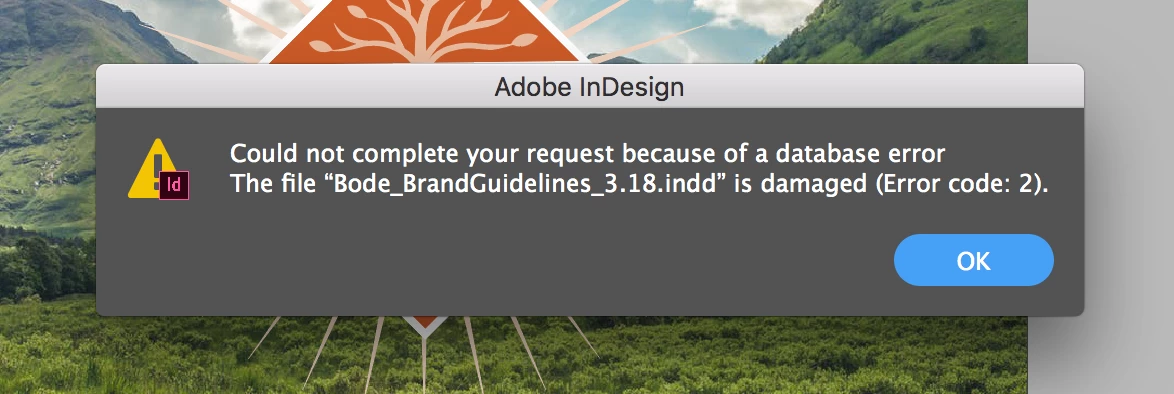
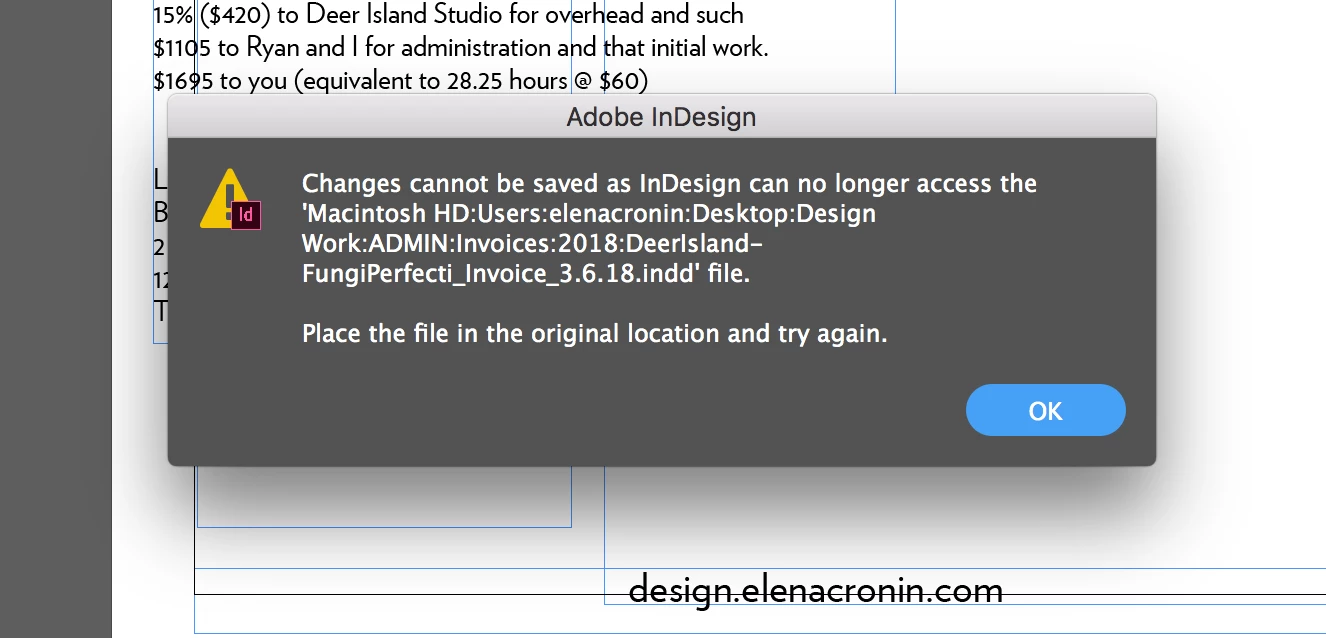
Hi there - This error has begun appearing on a near-daily basis when I try to save files, since about February. The error message says "Changes cannot be saved as InDesign can no longer access the <file name and location> file. Place the file in the original location and try again." InDesign then crashes immediately after. Sometimes I also get Error code 2 after the first message ("Could not complete your request because of a database error"). Neither seems to follow any particular actions or commands (aside from trying to save the file).

Working on Mac OS X.

Any suggestions?
This topic has been closed for replies.

1 reply

Legend
August 16, 2018

Are you working on files that are stored on your computers hard drive? or are you working on files opened across a network (e.g. stored on a Server)?

Have you maybe renamed the file on the system while it was open in InDesign?

Are you able to run a system check and see if the file contains appropriate file permissions that allow editing/saving? or ensure the correct permissions are set?

See also: File permission troubles on High Sierra - Apple Community

ElenaLeeMing
Known Participant
August 16, 2018

Hi, Cari - Thanks for your help. I'm working on my laptop's hard drive. I haven't renamed any of the files while they were open in InDesign (this has happened with about 40 files at this point). And I'll run a system check to make sure the file permissions all allow editing, but given that it's so many files and there's no reason why I would have changed the permissions on any of them, I doubt that's the problem (also, would that cause InDesign to freeze and crash every time?). How would I go about running that system check?

Thanks again,

Elena

Steve Werner
Community Expert
Community Expert
August 16, 2018

You should definitely check the integrity of your hard drive. It sounds like you may be near drive failure.