Participating Frequently
October 5, 2022
Question

Frustrated with print settings, need help understanding blacks

  • October 5, 2022
  • 3 replies
  • 371 views

Hello all!


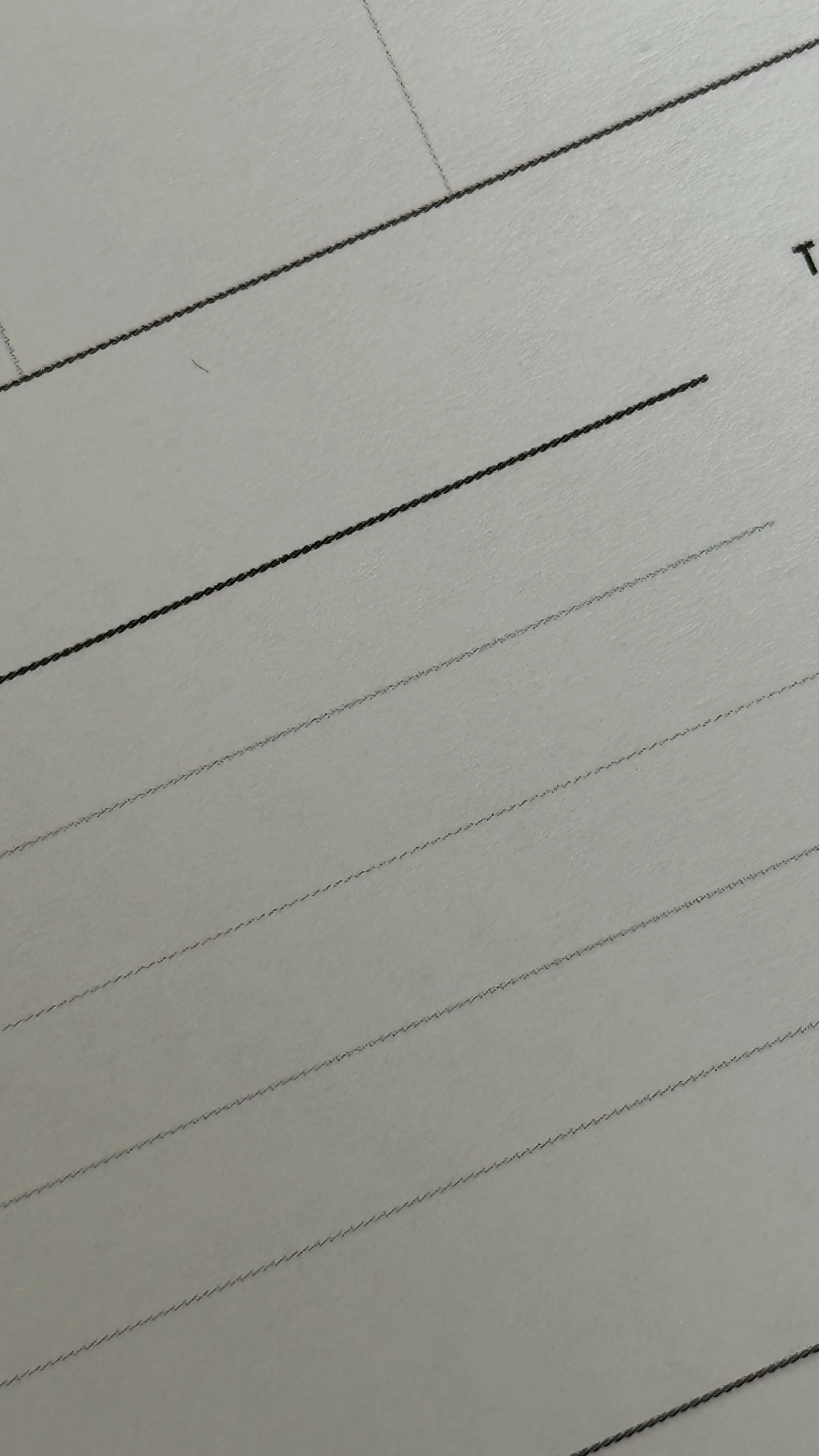
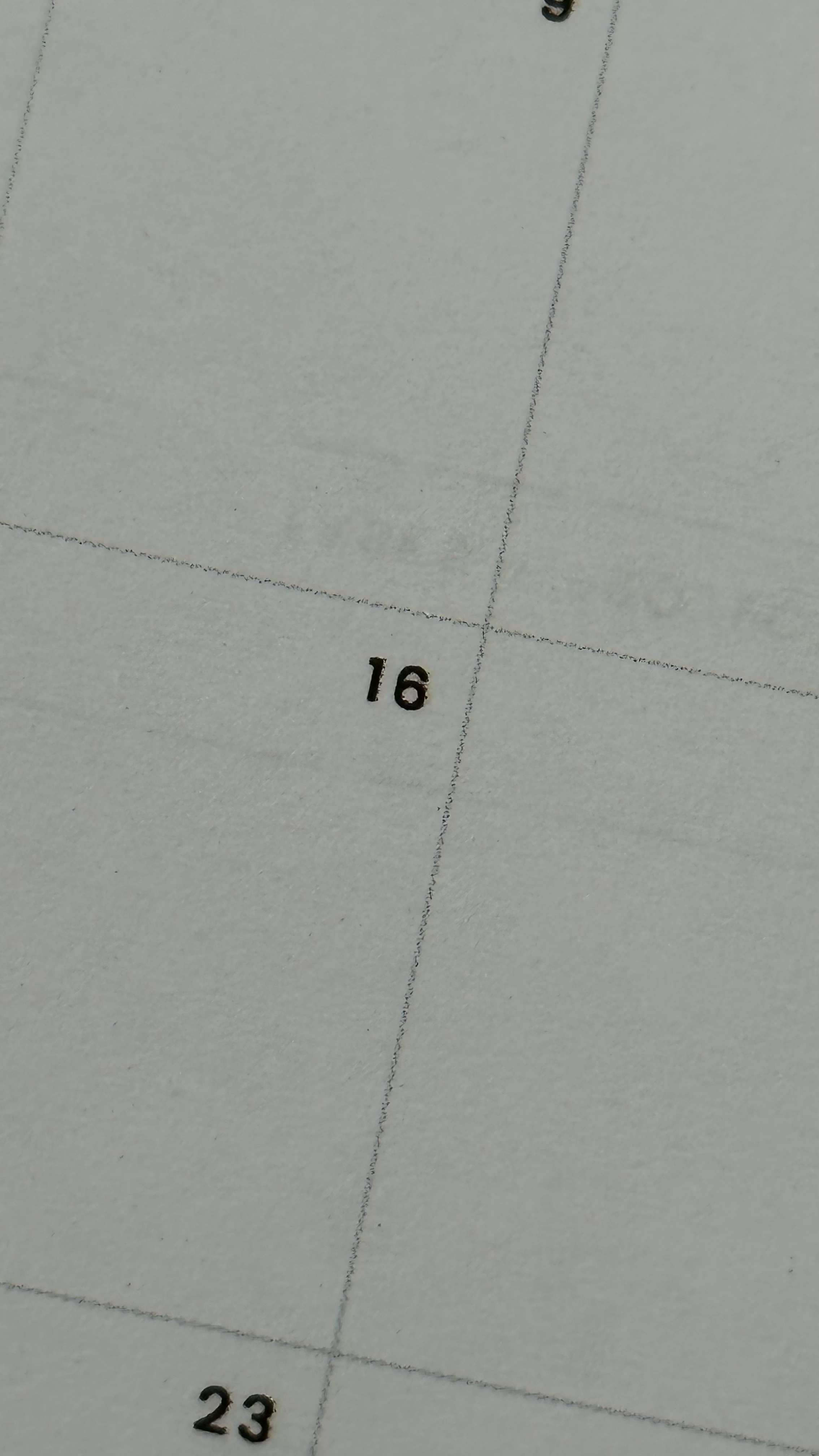
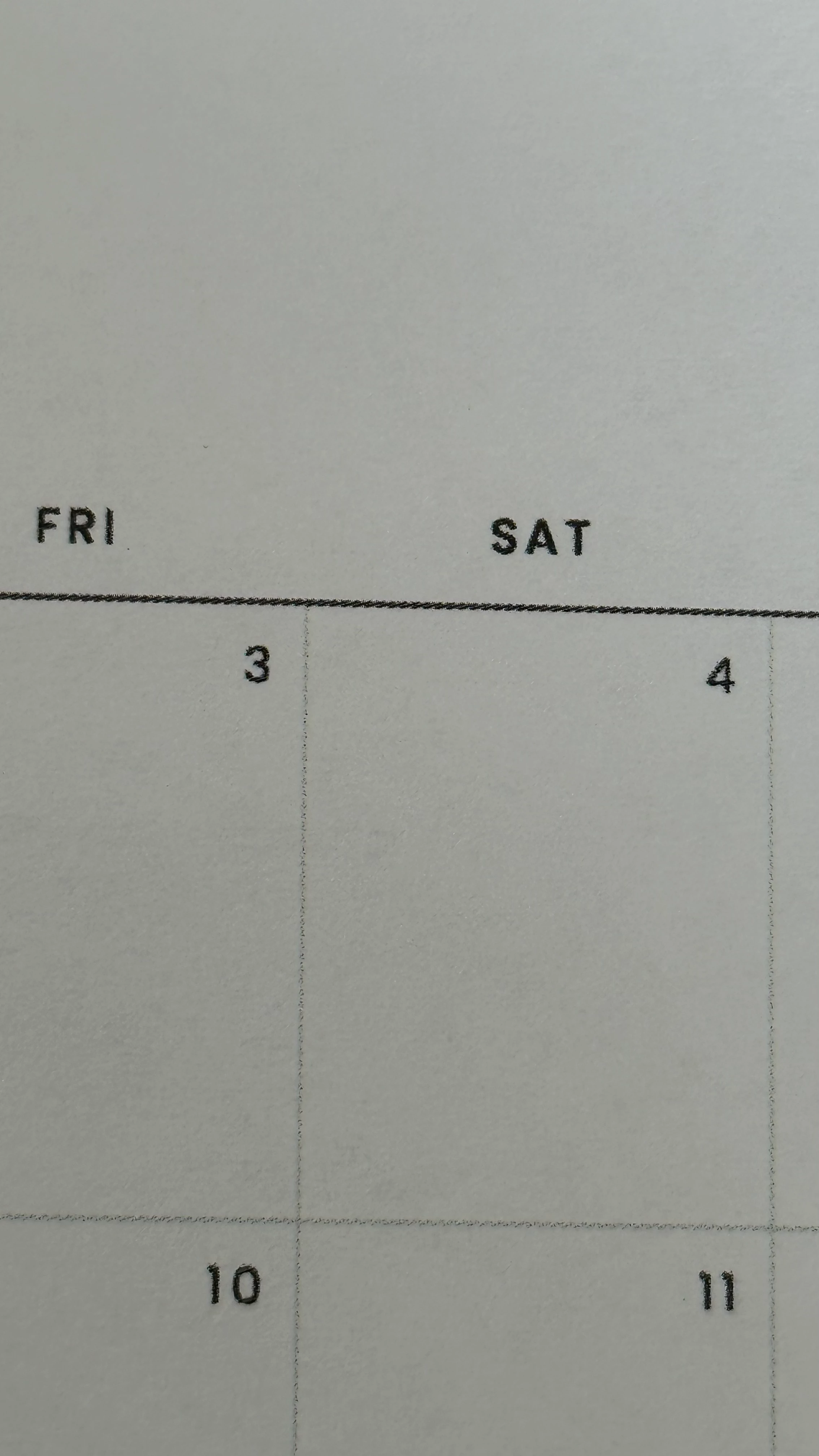
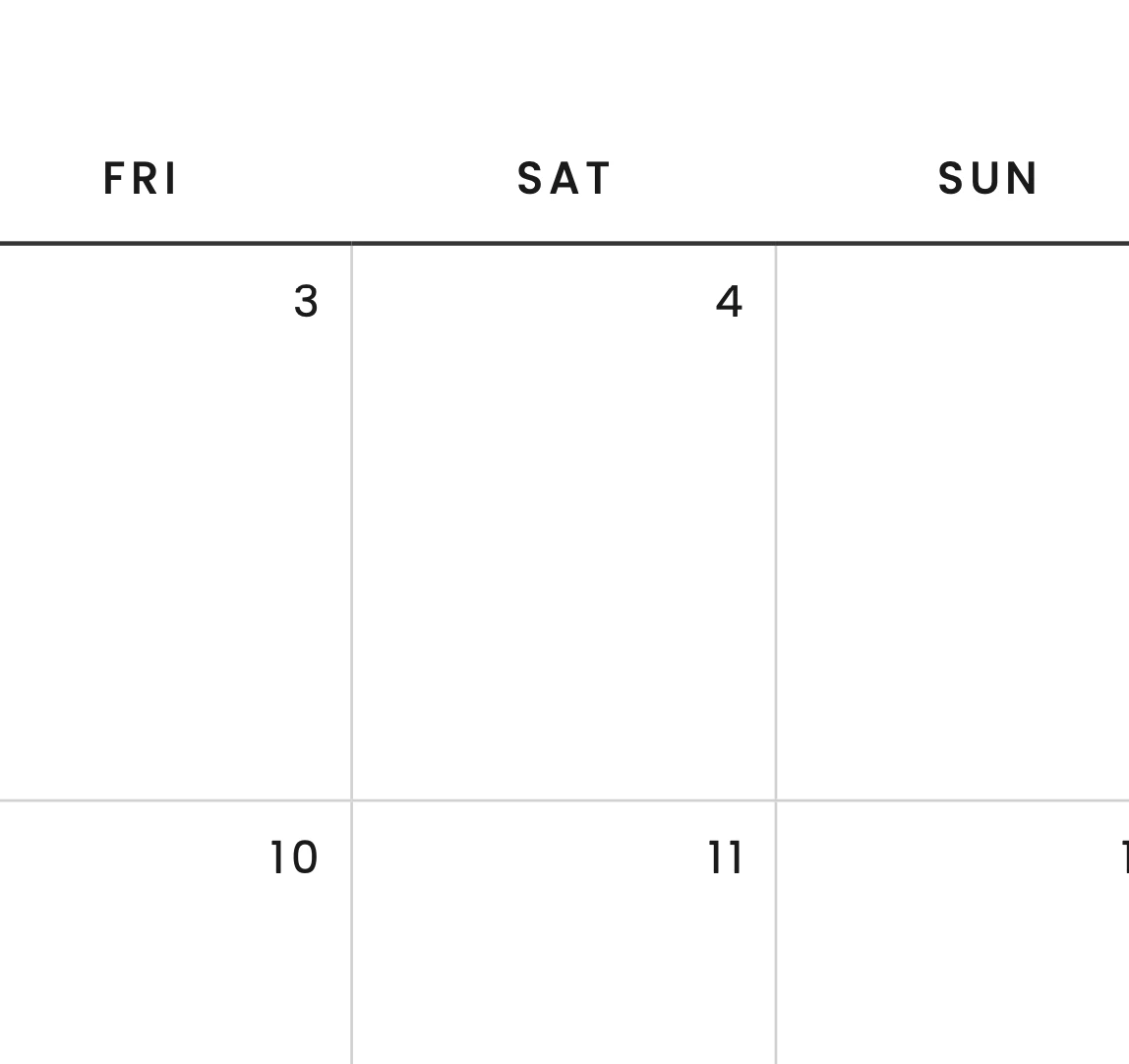
I'm creating little calendar templates for myself to use at home and I'm printing them all through my Brother Color Laser printer (MFC-L8900DCW to be exact) using Adobe Acrobat. I just cannot get the templates to come out looking like they do on the screen. See attached images. The solid black and grey lines and text come out looking very fuzzy/dotted? Not clean solid lines like they should be. It's not a printer issue, because I did a test print page from the printer itself and everything looked fine, so it must be something in the InDesign settings. My printer is set to the highest quality setting as well and is printing in colour and at least 300 DPI (I've tried 600 DPI as well). Print As Image is turned off. I've also tried regular copy paper and 32 lb paper and I get the same result.


I initially set all the black lines and text to the [Black] swatch, and made a CMYK grey colour for the grey lines. I exported it as PDF/X-1a. Transparency flattener is High Resolution. All the elements printed out as though they were dotted/spotty lines and the text was not crisp at all. I tried to set my own rich black using 60 40 40 100 which seemed to improve the fullness of the black lines, but because the line is so thin, the other CMY colors were showing up on the line, so I'm pretty sure I'm not supposed to do that. I'm at a complete loss trying to understand whether this has anything to do with the Black settings, I've tried turning Overprint on and off but I'm seeing no improvement with that. I'm having a hard time deciphering what I should do so that all my lines and text print out smoothly. I'm a complete newbie to print settings so any guidance will be appreciated. Thanks in advance!

 

This topic has been closed for replies.

3 replies

j25m27cAuthor
Participating Frequently
October 5, 2022

Thank you for your feedback, @James Gifford—NitroPress and @rob day. I appreciate you taking the time out of your day to help. 


I was under the impression that I have to print in colour because black + white only would not be able to produce a proper grey colour? Again, I'm a newbie to printers so I could be wrong. If it is a printer limitation, then that would be unfortunate.


@rob day - Thanks for the visual guide! I have played around with the Rich Black output setting, but I still get the same result with the jagged lines (see below). If I use Registration black, then the black lines are much more defined but that and the text end up ghosting with some magenta around it, and I know it's not recommended to use Registration for printing, so I'm straying from that.


I'm honestly stumped! I have no idea why the lines keep coming out dotted even though the test prints are fine so I think I have to keep on figuring out what settings I need for it to print the way I want them to. This is really frustrating.


rob day
Community Expert
Community Expert
October 5, 2022

because black + white only would not be able to produce a proper grey 


Black can be screened (half toned) to a gray but you can’t hide the halftone dots. If you print directly from InDesign do you have the Composite Grayscale I’m showing in my capture?


If the native printer resolution is only 300dpi, that’s a quality limitation.

rob day
Community Expert
Community Expert
October 5, 2022

Hi @j25m27c , When you Export or Print out of InDesign, set your Appearance of Black>Printing / Exporting Preference to Output All Blacks as Rich Blacks. If you need a PDF, Export to Document RGB—the default [Black] will export as absolute RGB black 0|0|0:


Also, you should be able to print directly from ID. Along with the Appearance of Black Preference I use this setup from ID:


Here’s a scan of the 1200dpi print output magnified


James Gifford—NitroPress
Legend
October 5, 2022

Will rich black improve the light grays, though? Seems contradictory.


Hers is also a 300dpi printer with a boost to a simulated 600, not 1200.


rob day
Community Expert
Community Expert
October 5, 2022

Right, I thought the question was about the quality of the 100% black lines. Gray lines would obviously have to be screened by the relatively low res printer and there’s nothing that can be done about that.


The Print as Rich Black setting would affect 100% black objects and lines, because a regular color conversion from CMYK black (0|0|0|100) to RGB or Grayscale for composite printing would be something less than absolute black. The document’s CMYK Profile determines what an Accurate Black conversion would be. The Rich Black preference forces absolute black conversions.

James Gifford—NitroPress
Legend
October 5, 2022

Okay, first of all, if you're printing in all-black, you might tell the printer that in the setup menu (often a checkbox like "Print in grayscale" or an option like "Color/B+W".)


You can also export PDF using any of several black-and-white/grayscale color profiles; I use sGray although it's not technically the best option if you want all-black with halftones.


There are others here with much better grasp of color output and profiles who might have better options, but my observation is that SOHO printers often have resolution limitations and fairly hard-coded color management meant to make the best of home/amateur printing, and can be difficult to beat into submission and deliver more controlled/professional output.


Fine gray lines may simply be more than your printer can handle without some degradation.