
Answered
Gap tool: adjusting exact values
Hi!
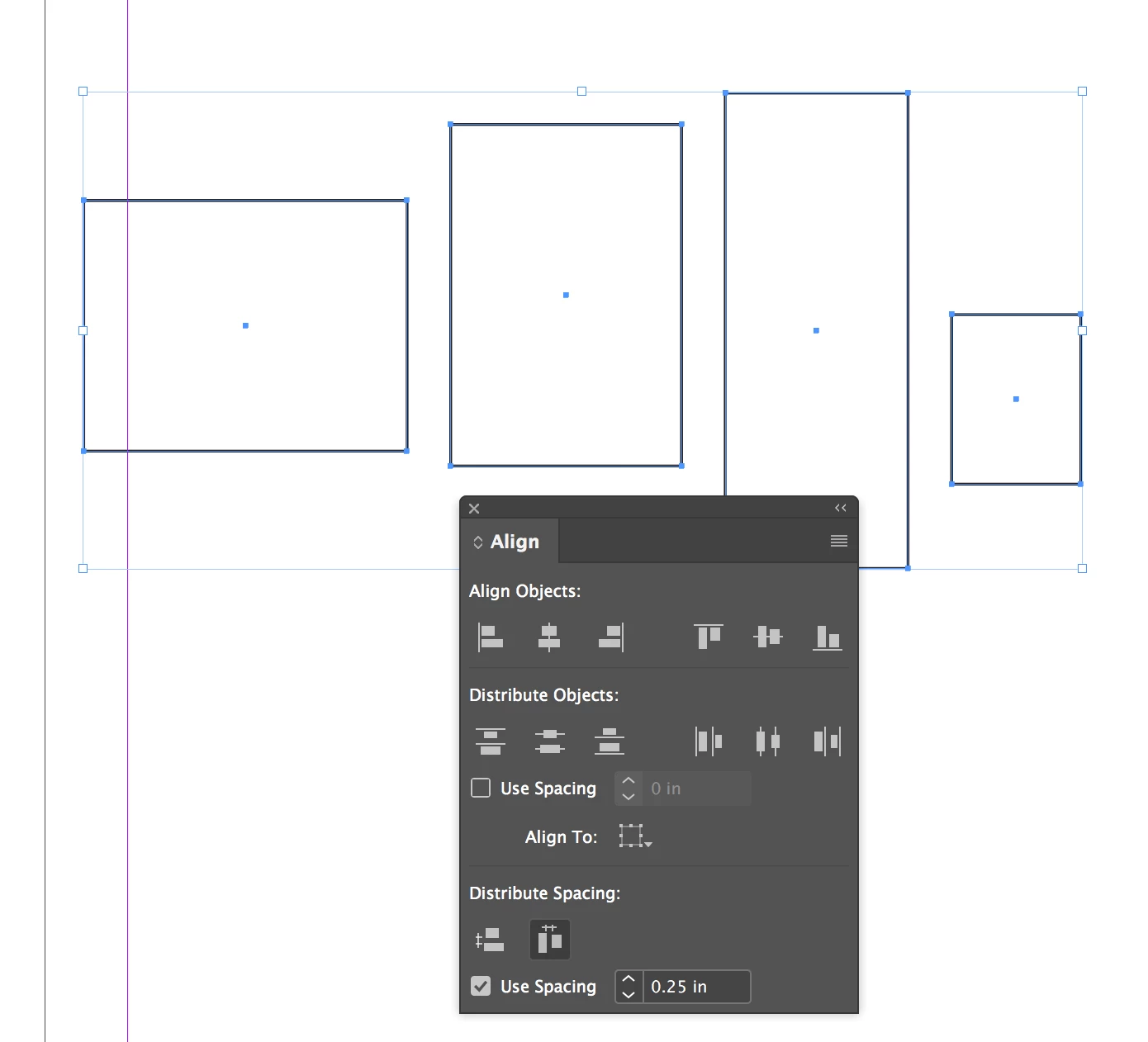
I have a frustrating problem whenever I use the gap tool in InDesign CC 2019. When I adjust a gap, I see the numerical size of it next to the cursor as well as in the control panel, so far so good. But I have not found a way to enter a numerical value or otherwise control exactly how big the gap becomes. It is nearly impossible for me to adjust two gaps to be exactly the same size because, 1) the values do not change continuously when I move the cursor, and 2) even when I find the right value, it changes very slightly as I release the mouse button.
Adjusting several gaps to exactly the same sizes seems like such an obvious thing people do, that I figure there has to be a way. But what is that way?


 AdChoices