

GIFs in my 'publish online' document only play once, but I've had GIFs work previously.
Hi there,
I'm having an issue where GIFs, that I've exported from Adobe Premiere, only play a single time when featured on my Adobe Publish Online interactive treatment document.
Strangely, this was a problem for a previous project, but it solved itself for a reason I don't know. And now, the document plays the same GIFs in an endless loop. You can see the working one (A) - HERE.
Although it takes a while to load some of the pages, the GIFs are endlessly looping. All as it should be.
With my latest document (B), I'm running into the problem where GIFs don't loop when in the published document.
You can see document B - HERE
Another issue is, the GIFs seem to stutter poorly on both documents. I'm not certain if that's just the performance of my laptop.
Some things I've tried:
- It seems to have nothing to do with the size of the GIFs, since the A document has GIFs that are equivalent size to the B document.
- This seemingly has little to do with InDesign's internal animation programme, since I'm not actually animating inside of InDesign, I'm simply just importing a GIF file. So, the 'timing' section is greyed out when I highlight my GIFs.
- I've updated inDesign. I'm on 18.2.1
- In the EPUB Interactivity Preview, the GIFs also don't loop. So, for some reason the programme doesn't seem to be enabling looping on the B document. But, when looking at EPUB on the A document, they do loop.
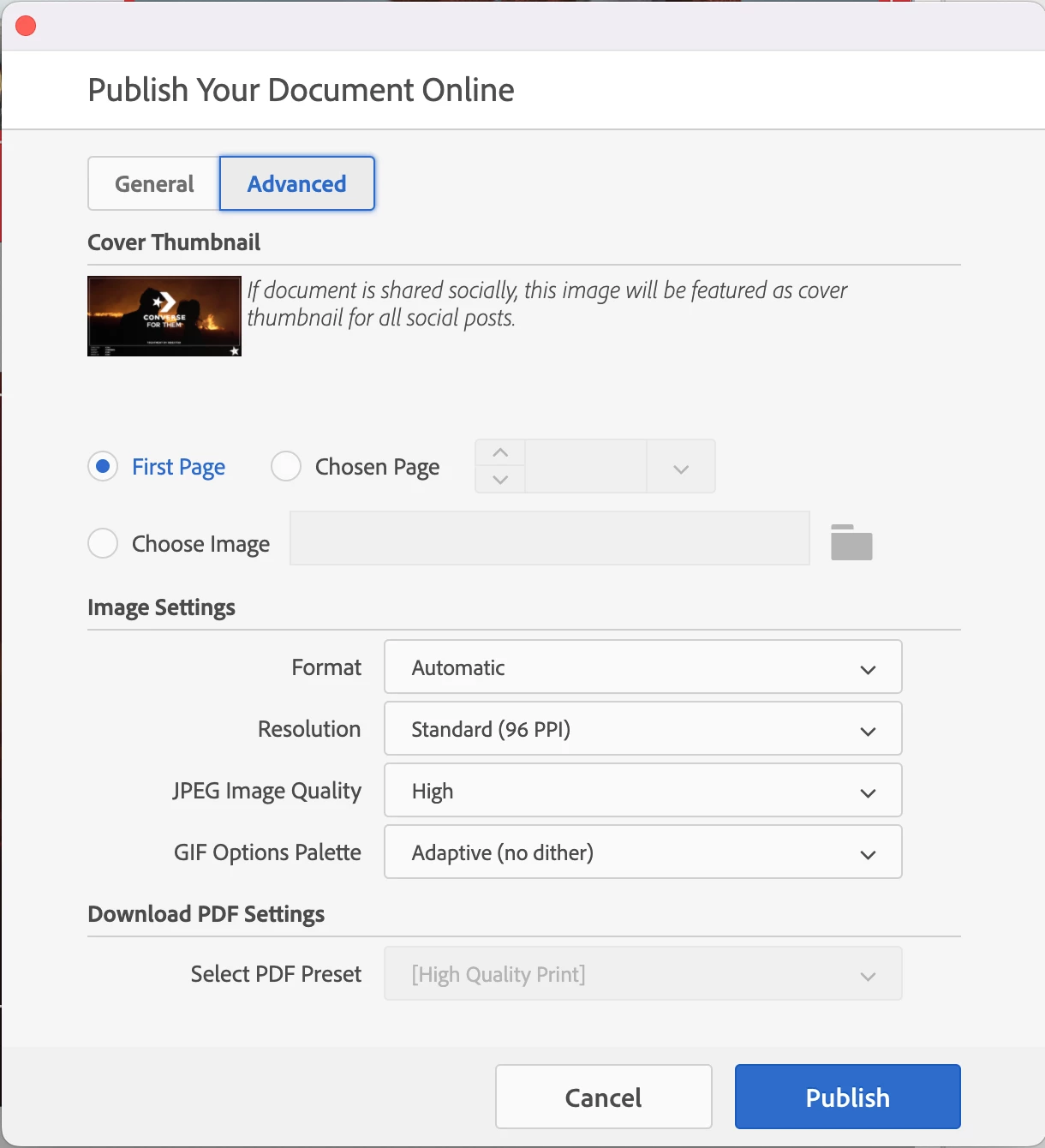
My Publish Online settings are the same for both documents, see below. I've tried various iterations of the GIF options pallette, with no success.
 AdChoices