This topic has been closed for replies.
Correct answer rob day

hi rob

This is what happens when I run the script 😞
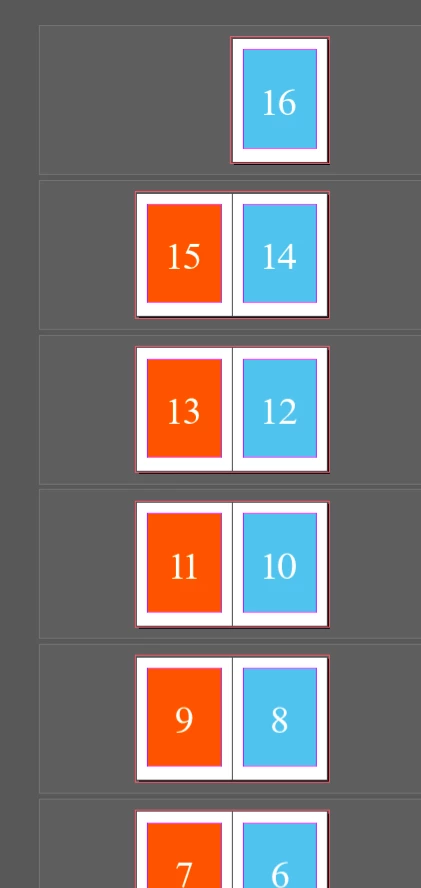


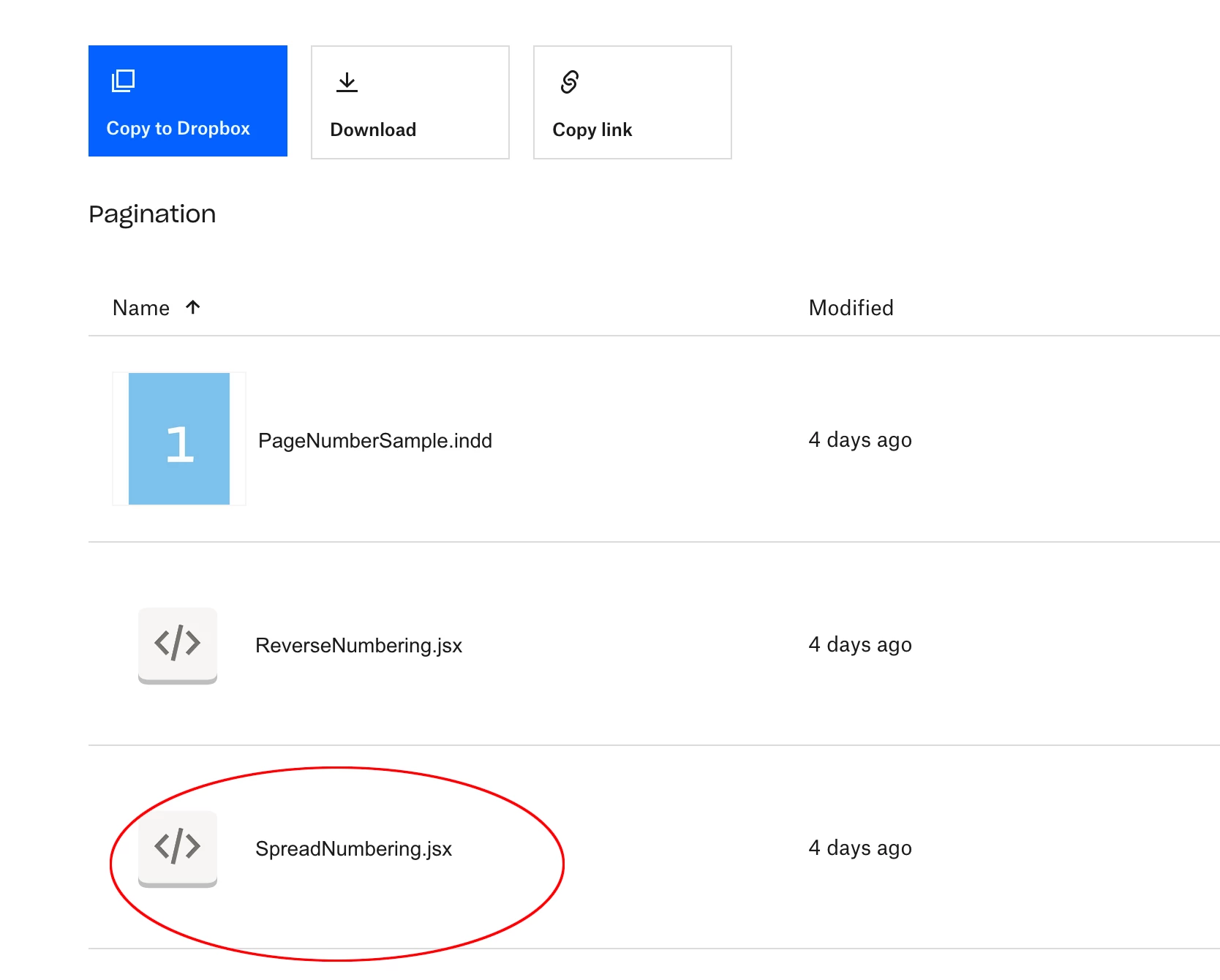
There are two scripts in the DB folder, one reverses page numbering the other numbers spreads. looks like you downloaded ReverseNumbering.jsx—try SpreadNumbering.jsx


3 replies

Harun 34Author
Known Participant
May 6, 2024

Hi werner

a definitive solution must be found

rob day
Community Expert
Community Expert
May 8, 2024

a definitive solution must be found


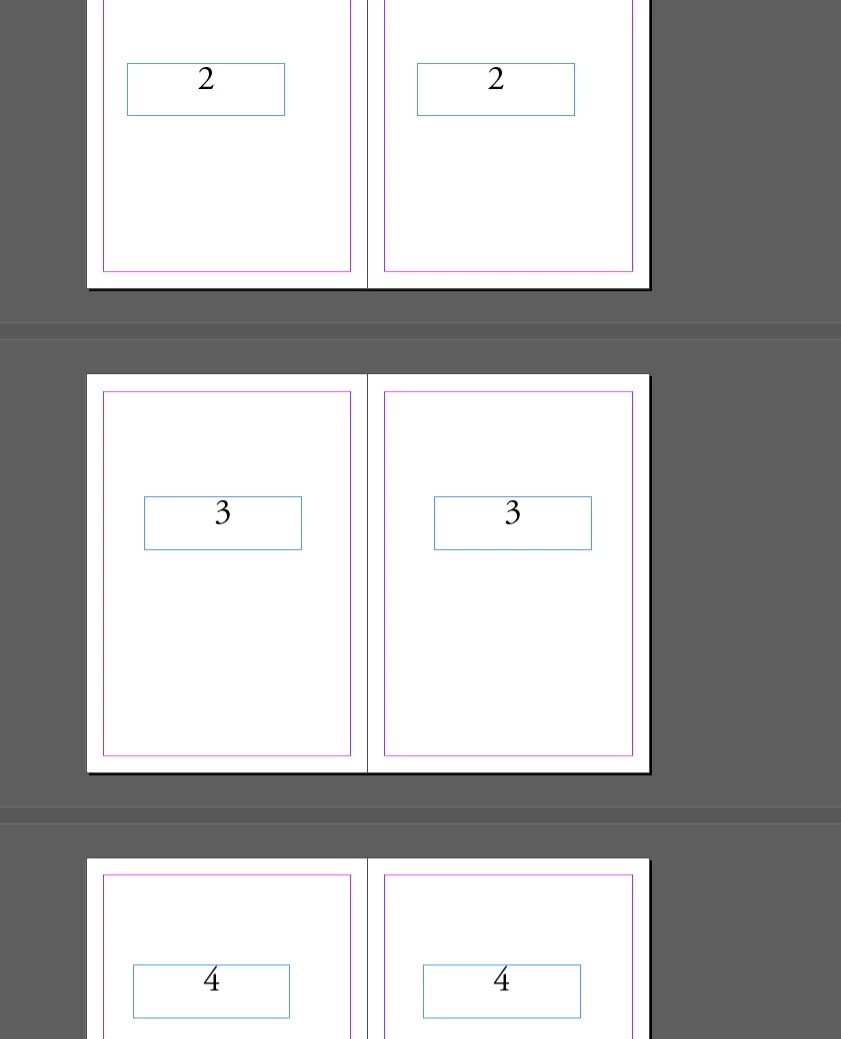
Hi @Harun 34 , you can also set spread numbering via Section starts. Doing it manually for a large document would take some time, but it can be scripted:


Here the pages are numbered from the masters with the Current Page number:


Before


After:


You can download the compiled script here:


/**
* Set sections for spread numbering 
* @ return Void 
* 
*/
function spreadNumbers(){
    var d = app.activeDocument;
    var sp = d.spreads.everyItem().getElements();
    var ds = d.documentPreferences.allowPageShuffle
    d.documentPreferences.allowPageShuffle = false;
    
    //Clear any existing sections;
    var s = app.activeDocument.sections;
    if (s.length > 1) {
        s.itemByRange(1,s.length-1).remove();
    } 
    var sn;
    for (var i = 0; i < sp.length; i++){
        sn = i+1;
        try {
            d.sections.add({continueNumbering:false, pageStart:sp[i].pages.lastItem(), pageNumberStart:sn})
        }catch(e) {} 
    };  
    d.documentPreferences.allowPageShuffle = ds;
}


app.doScript(spreadNumbers, ScriptLanguage.JAVASCRIPT, undefined, UndoModes.ENTIRE_SCRIPT, 'Spread Numbers');
Barb Binder
Community Expert
Community Expert
May 6, 2024

Steve is right, of course, but here is a work around: https://creativepro.com/create-spread-numbers/.


This is slightly diffferent from what you are asking—the steps (all of which work the same way today in 2024) will add numbers to one side of your spread, so just repeat on the facing parent page. (Note: master pages are called parent pages these days.)


~Barb

~Barb at Rocky Mountain Training
Steve Werner
Community Expert
Community Expert
May 6, 2024

It's currently not possible to do that with InDesign numbering.


You could make a feature request on the InDesign User Voice website but I don't think it's very likely to be popular.


https://indesign.uservoice.com/forums/601021-adobe-indesign-feature-requests