
Participant
February 11, 2024
Question

Glow effect is cropping out on interactive PDF

  • February 11, 2024
  • 3 replies
  • 237 views

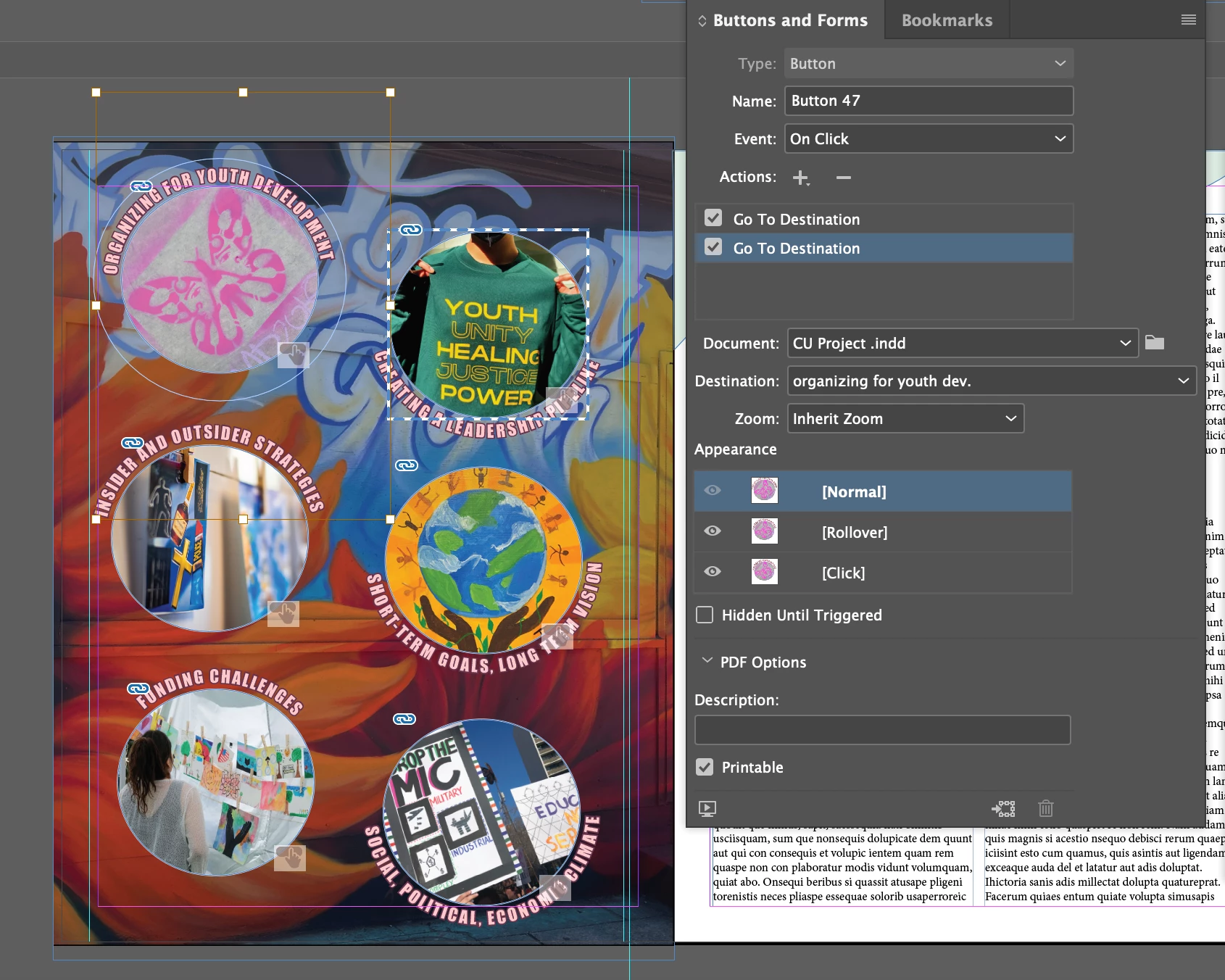
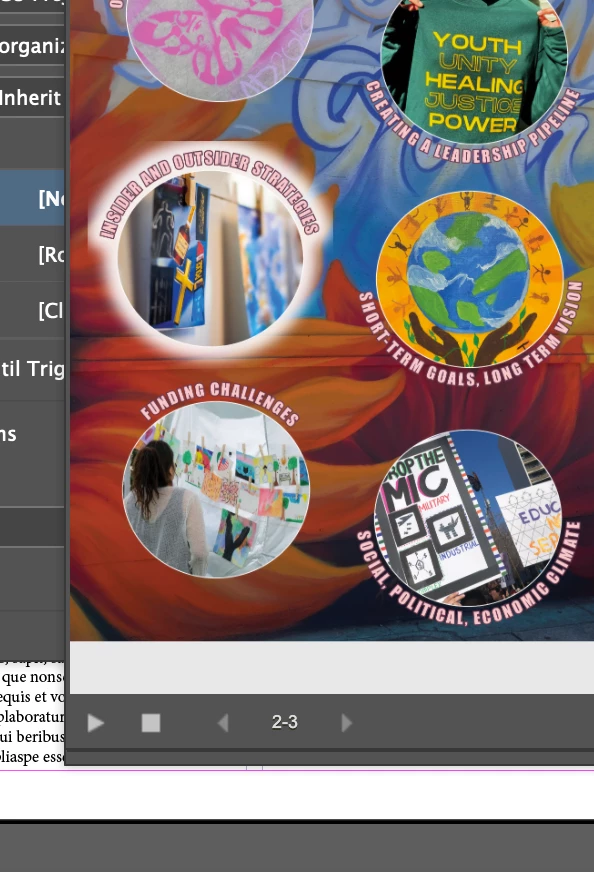
I'm working on an interactive PDF, and adding a rollover effect to the table of contents so that when you hover over it, the circles glow and when you click it, it takes you to the desired destination. All seems to be working okay except the glow is cutting off at the edges of the circle and looking like a square and isn't seamless. Any suggestions would be GREATLLY appreciated as this project is due soon. Thank you so much !!
This topic has been closed for replies.

3 replies

Frans v.d. Geest
Community Expert
Community Expert
February 12, 2024

You are previewing in epub/publish online window, that is NOT a PDF previewer (hence PDF is not in the name if that Preview Window), so what you see in the epub preview has little to do with PDF. Interactive PDF is almost always a very bad idea as it will only work when viewed in Acrobat Reader/Pro (and then some things won't work) and you can not know which app (or even browser) your readers are going to view the PDF.

Instead you can use Publish online and provide your readers the link to your work there.

BobLevine
Community Expert
Community Expert
February 12, 2024

How are you previewing this? Why did you tag it as Publish Online if it's PDF?


That said, I can't possibly recommend this. Buttons in PDF are notoriously wonky even in Acrobat and beyond that, such as browsers and mobile devices, they don't work at all. 

Brad @ Roaring Mouse
Community Expert
Community Expert
February 11, 2024

It depends on how you applied the glow. If you placed your wrapped text as, say, an illustrator element, and you then apply the glow to it using the Direct Selection tool (so that the graphic itself (left image in my example) is selected and not the graphic frame containing it), the glow will be considered part of the graphic, so will be (properly) cropped by the graphic box that contains it. However, if you apply the glow to the whole object (right) using the normal selection tool to select the graphic frame, the glow will go past the edges. Of course, how this works depends entirely on what you have.


You could just always simply expand the sides of the graphic frames so they no longer interfere with the glow.