Inspiring
June 27, 2018
Answered

GREP replace not working as intended

  • June 27, 2018
  • 2 replies
  • 492 views

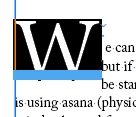
I am having troble with GREP find/replace - I want to find a specific instance [in this case the first letter of a paragraphand  replace it with teh same plus a thin space
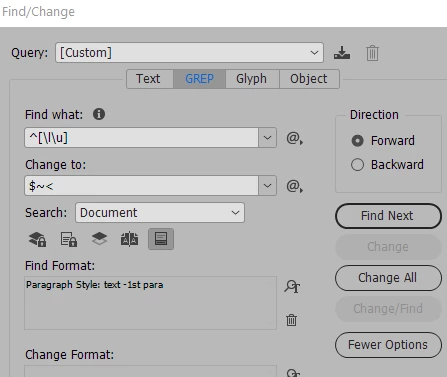
when I say change - I get a $ instead of the letter
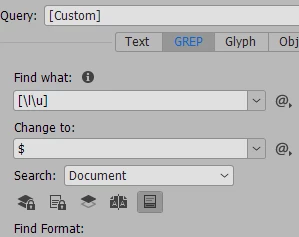
I have tried simplifying  just to  test the expression - but still only get $
    This topic has been closed for replies.
    Correct answer winterm

    try change to:

    ~<$0

    2 replies

    Inspiring
    June 27, 2018

    yes - that did the trick - although I reversed the ~> to put it after the letter - but I don't udnerstnad why  it needed the 0 after $

    winterm
    Legend
    June 27, 2018

    $0 refers to the whole match (what is found using Find what field). So you can leave your findings intact and add something to it.

    Sure you need $0~<, I just wasn't careful, sorry.

    winterm
    wintermCorrect answer
    Legend
    June 27, 2018

    try change to:

    ~<$0