November 21, 2014
Question

Group Objects

  • November 21, 2014
  • 3 replies
  • 769 views

Hi All,

Is there a way to select group item based on placed image name? I have a document containing numbers of boxes that I need to select and export.

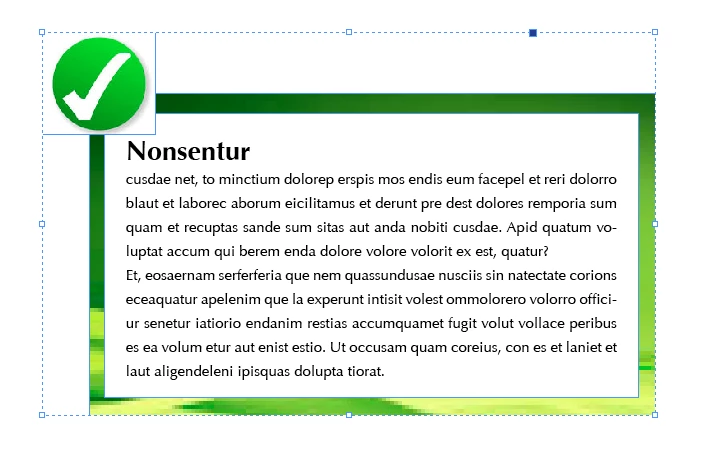
There are three frames. 1 text frame and 2 graphic frames. Tick mark image name is tick_icon.eps and background image name is green_bg.eps.

I need to select it through script based on graphic name. Needed help!
Regards,

DanuP

This topic has been closed for replies.

3 replies

Chinnadk
Legend
December 23, 2015

try this,

var doc = app.activeDocument;

var links = doc.links;

for(var i=0;i<links.length;i++)

{

        if(links.name == "test.eps")

        {

                var grp = links.parent.parent.parent;

            }

    }

Regards,

Chinna

Participating Frequently
December 22, 2015

This would be the general approach in AppleScript - get a reference to the link via the file name, then navigate up the link's parental hierarchy to find the group.

tell application "Adobe InDesign CC 2015"

  tell document 1

  set theLinks to links whose name = "tick_icon.eps"

  set theLink to item 1 of theLinks

  set theParent to parent of theLink --parent should be PDF

  set theGrandparent to parent of theParent --parent should be rectangle

  set theGreatGrandparent to parent of theGrandparent --parent should be group

  if class of theGreatGrandparent is group then

  select theGreatGrandparent

  end if

  end tell

end tell

Inspiring
December 17, 2015

try using a Script Label to identify each element that will be sought by the script.