
Group text and objects for the same color
Hi there,
This is something very simple to deal on illustrator. I group texts and different kind of objects and can decide on their fill or stroke to be the same.
But I'm struggling on inDesign and after a few researches I didn't find the answer.
I know that I can press "j" and directly change the fill color for the font, but that's what I'm not looking for.
I want everything to be grouped and then I click in a new fill color and I have text and objects on the same color, is that possible, with a simple one click?
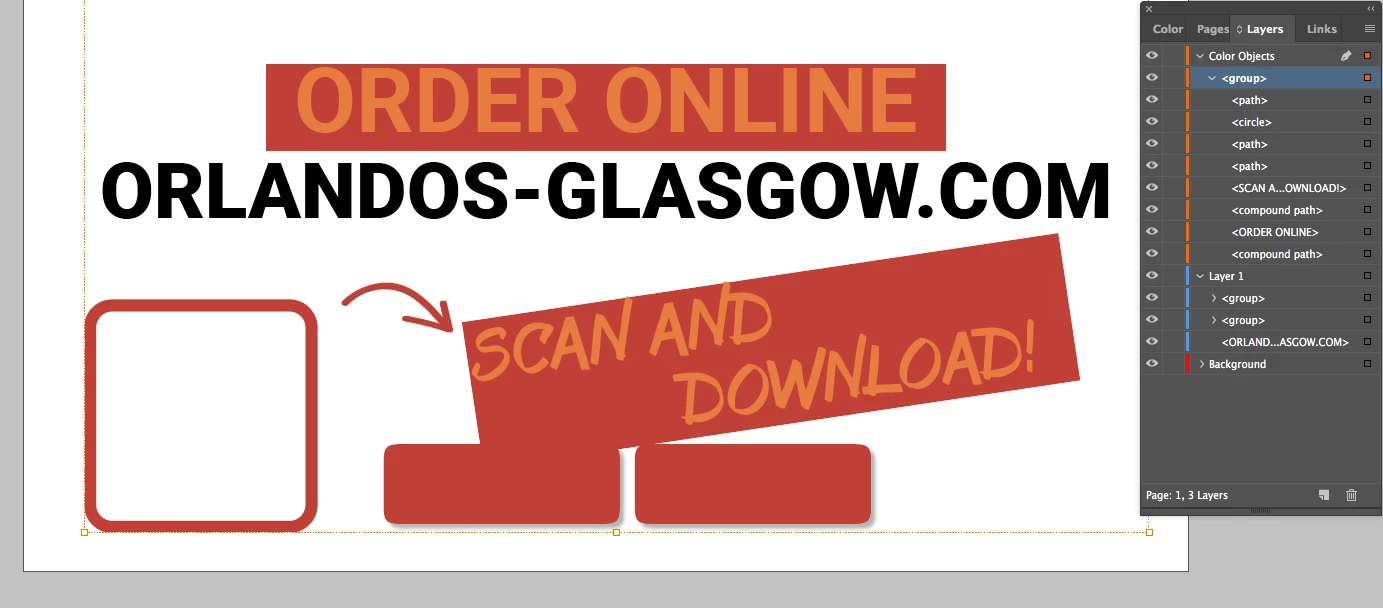
I need to change colors quite often for different proposes so it would be great. Have a look on what happens.
Is anything I'm missing to have on the inDesign configurations? Can I set text to always be out of the "frame". I think I hate framed texts 
Here is the file:

Then I want to change everything from the group to red, but then, boom:
 AdChoices