Participant
January 26, 2020
Answered

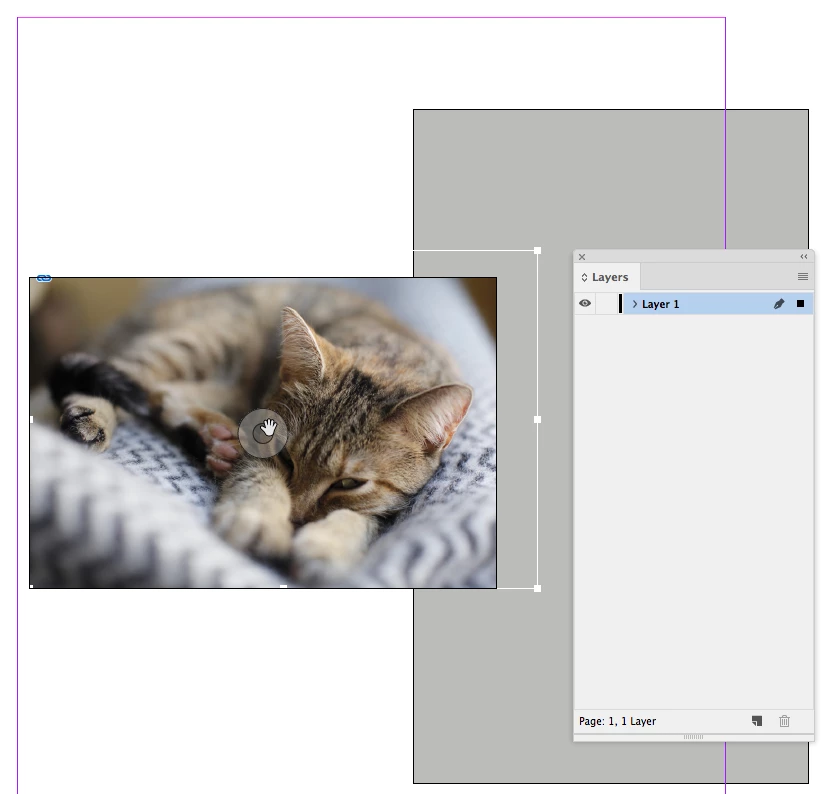
Handles for placed graphics are invisible (well, technically white!) when using the hand tool

  • January 26, 2020
  • 2 replies
  • 430 views

I've placed a graphic within a box and selected the target with the hand tool to resize the image within the box but unfortunately the handles for the graphic are white so I can't see them to resize the image. 


Is there any way I can change the colour back to the default red so I can resize the image?


Thanks in advance.
This topic has been closed for replies.
Correct answer rob day

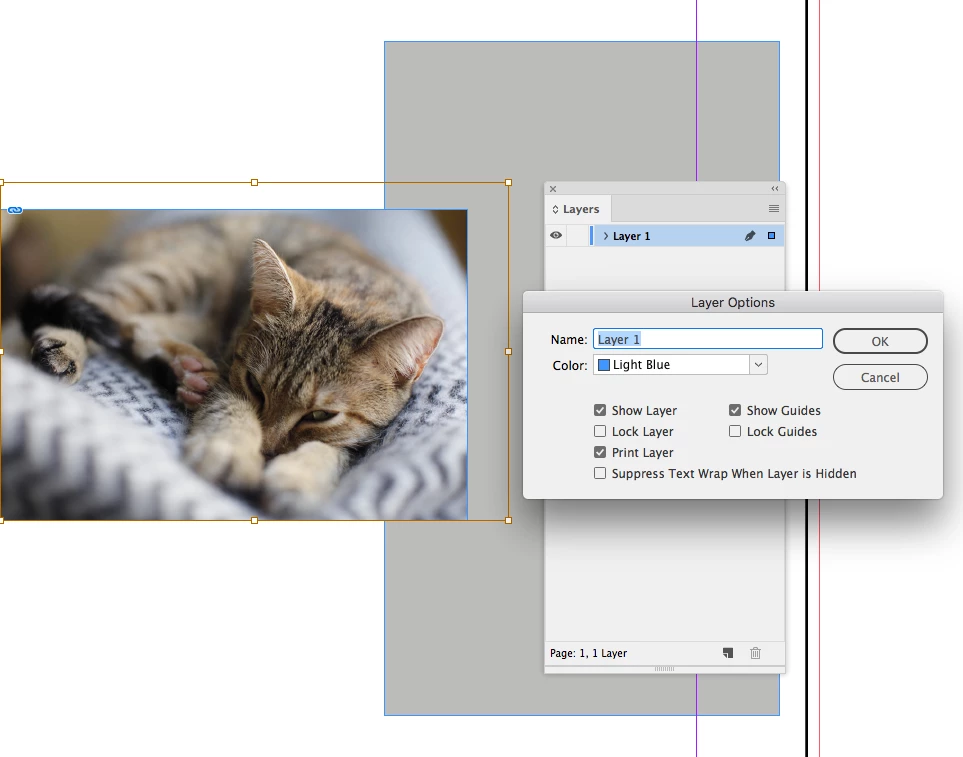
The object selection color is the inverted color of the item layer’s Layer Options Color. So If the Layer Options Color is set to Black, the selection interface color will be white—Light Blue will get you Red


2 replies

rob day
Community Expert
rob dayCommunity ExpertCorrect answer
Community Expert
January 26, 2020

The object selection color is the inverted color of the item layer’s Layer Options Color. So If the Layer Options Color is set to Black, the selection interface color will be white—Light Blue will get you Red


Participant
January 27, 2020

Hi Rob,


That's fixed it! I had no clue about this and I've used InDesign for years!


Many thanks,


Simon

Legend
January 26, 2020

If the default color uou see for graphic frame handles, it means the assigned color (highlight) for that layer is red. Therefore you may have assigned a white color (?) to that or another layer where that frame is.

Check your layers panel and the color (narrow vertical color bar) assigned to each.

Double click the name of a layer in the Layers Panel to change its options, namely the color.


If that "invisibility" happens also in a new file with the default layer using a blue color, update your video card driver.


(Version number for ID, OS version, video card model)?