
Inspiring
October 24, 2023
Answered

Hard Lines Appearing in my Image that has a Gaussian Blur Effect

  • October 24, 2023
  • 4 replies
  • 677 views

Hi there 


I have an image that made in procreate that has a gaussian blur effect. When I bring it into InDesign, it looks fine. However, when I preview my document in the EPUB interactivity preview, the image has these lines/streaks that appear. I tried adding the gaussian blur effect in Illustrator instead, then saving the image and bringing that into InDesign, but the same lines appear. 


Is there a way to fix this? Is it a bug?
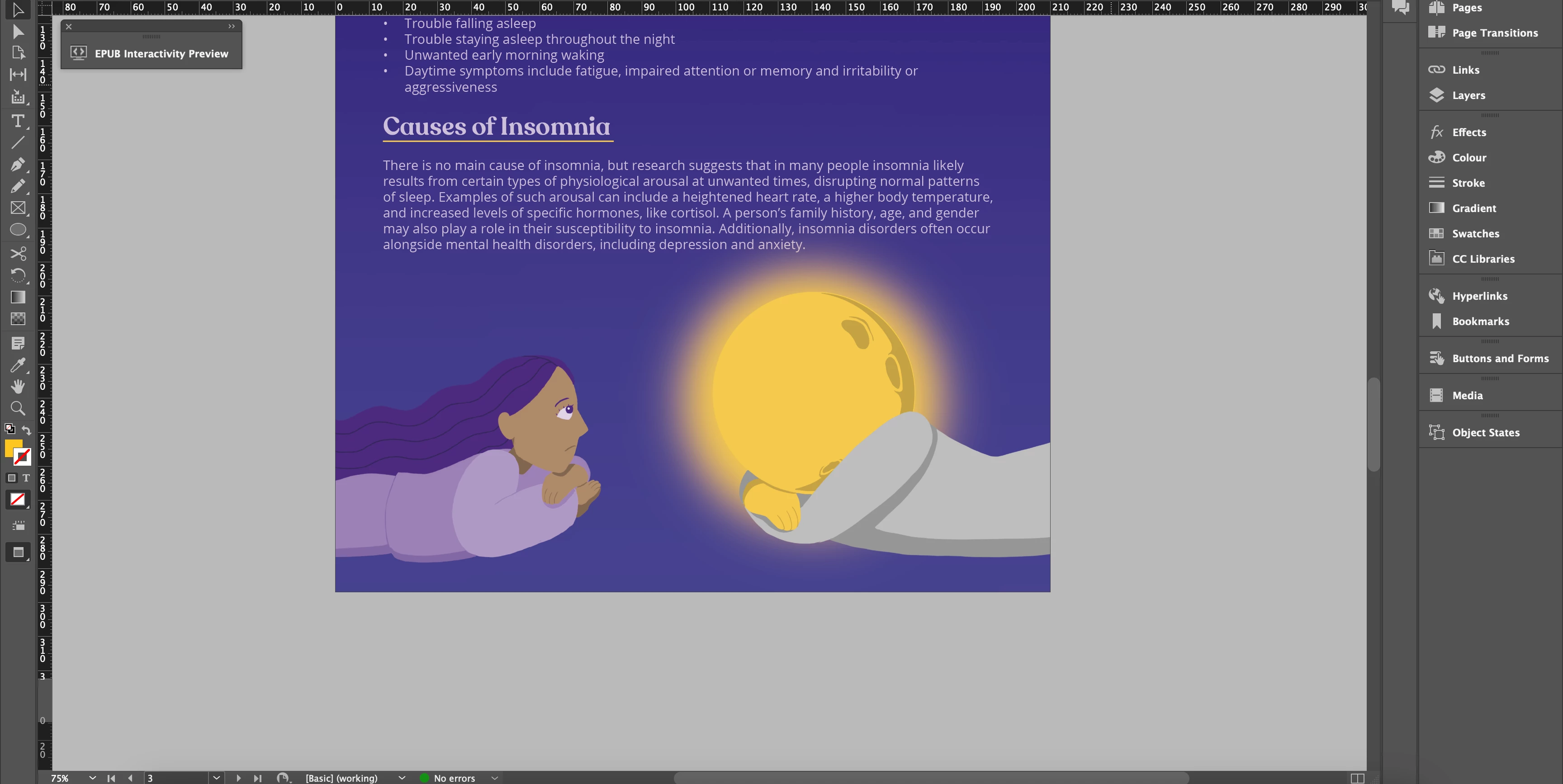
 Here is a screenshot of the document when not in preview mode
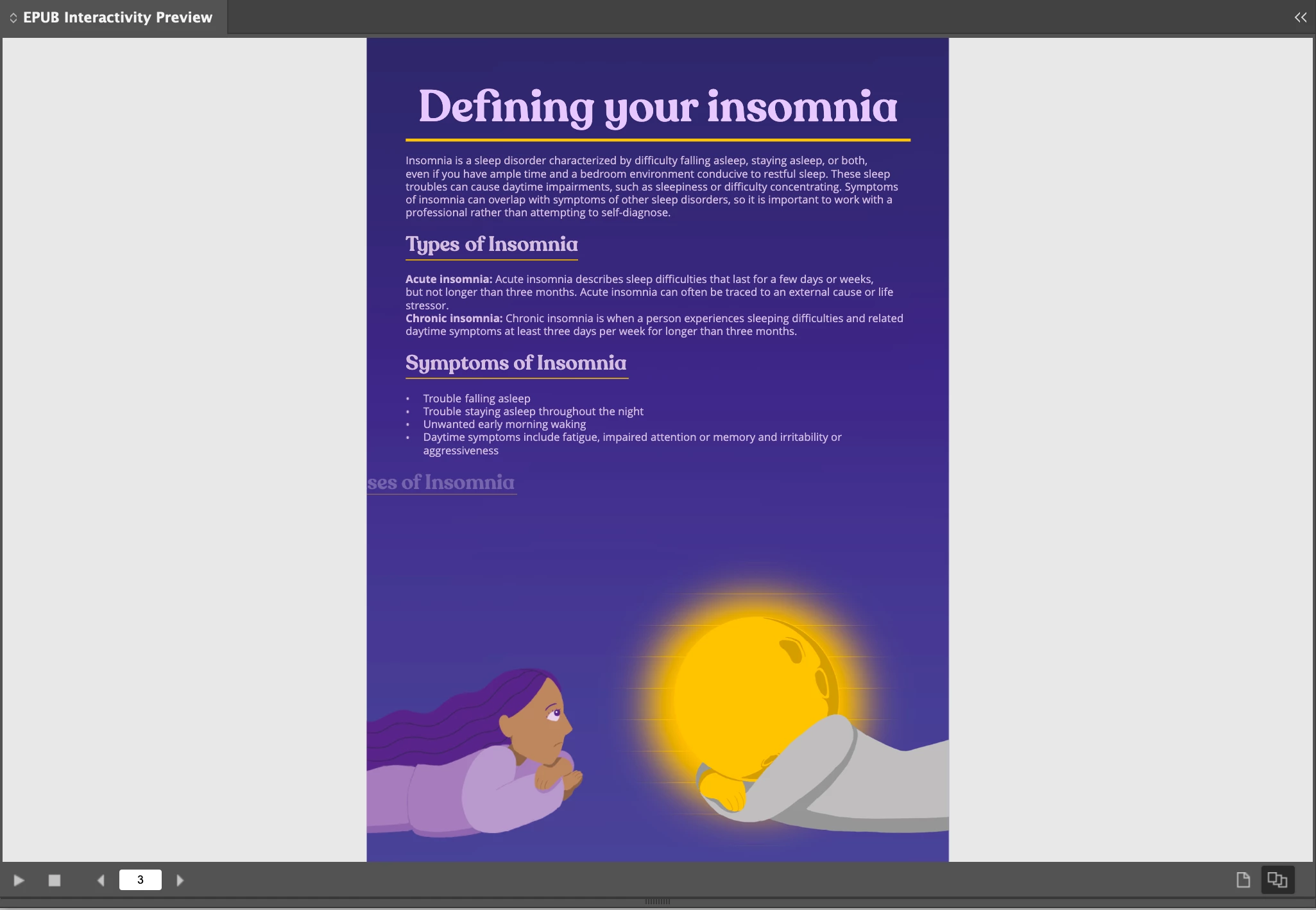
 

 This is what it looks like in preview mode

This topic has been closed for replies.
Correct answer rayek.elfin

I did a bit of research, and it might be caused by an InDesign preview issue when the Windows GUI scaling factor is set to something other than 100%.


https://community.adobe.com/t5/indesign-discussions/indesign-issue-with-horizontal-lines/td-p/13118647


Others have 'fixed' this by setting the image to overprinting.

https://community.adobe.com/t5/indesign-discussions/indesign-cc-2019-transparent-objects-showing-lines/td-p/10463229


@Shaye288885574y88Did you actually test your exported epub in a reader that copes with FLX epub files such as Thorium or Apple's ebook reader? Do the lines show up there?

I will bet you that they will not.

4 replies

rayek.elfin
rayek.elfinCorrect answer
Legend
October 25, 2023

I did a bit of research, and it might be caused by an InDesign preview issue when the Windows GUI scaling factor is set to something other than 100%.


https://community.adobe.com/t5/indesign-discussions/indesign-issue-with-horizontal-lines/td-p/13118647


Others have 'fixed' this by setting the image to overprinting.

https://community.adobe.com/t5/indesign-discussions/indesign-cc-2019-transparent-objects-showing-lines/td-p/10463229


@Shaye288885574y88Did you actually test your exported epub in a reader that copes with FLX epub files such as Thorium or Apple's ebook reader? Do the lines show up there?

I will bet you that they will not.

rayek.elfin
Legend
October 25, 2023

Could you unzip the epub and check the image(s)? Are the lines part of the actual image file(s)?

Mike Witherell
Community Expert
Community Expert
October 24, 2023

Do the lines still occur when you export the epub and look at the finished epub in an epub viewer software? If so, it is just the InDesign epub preview panel, and not a real production problem.

Mike Witherell
Inspiring
October 24, 2023

Even when I export it and view it the lines still appear.

Steve Werner
Community Expert
Community Expert
October 24, 2023

Tell us more about your system: Please tell us what operating system (exactly) you're running. Please tell us (exactly) what InDesign version you're using. What IMAGE FILE FORMAT did you use to save the file from Procreate? If you have Photoshop, open the image file in Photoshop and resave it as PSD or TIFF.

Inspiring
October 24, 2023

I am using a MacBook Pro 16 inch, macOS Ventura 13.0 with a Apple M2 Pro chip and 16 GB RAM. InDesign 2023 18.4. I saved it as a PNG.  I tried opening the image in Photoshop and saving it as a PSD and bringing that PSD file into InDesign instead, but the lines were still there when I did EPUB preview. I've tried saving it as a JPEG instead, on procreate and on mac, but then it creates a white background instead of a transparent background. 

Inspiring
October 24, 2023

I've tried TIFF file too, same result.