


inesm32419043
Participating Frequently
March 23, 2021
Answered

Having issues with Buttons in InDesign interactive PDF

  • March 23, 2021
  • 3 replies
  • 910 views

Hi! I'm creative an interactive poster where I ahve an info icon buuton which will open a pop-up window with more infomration. 

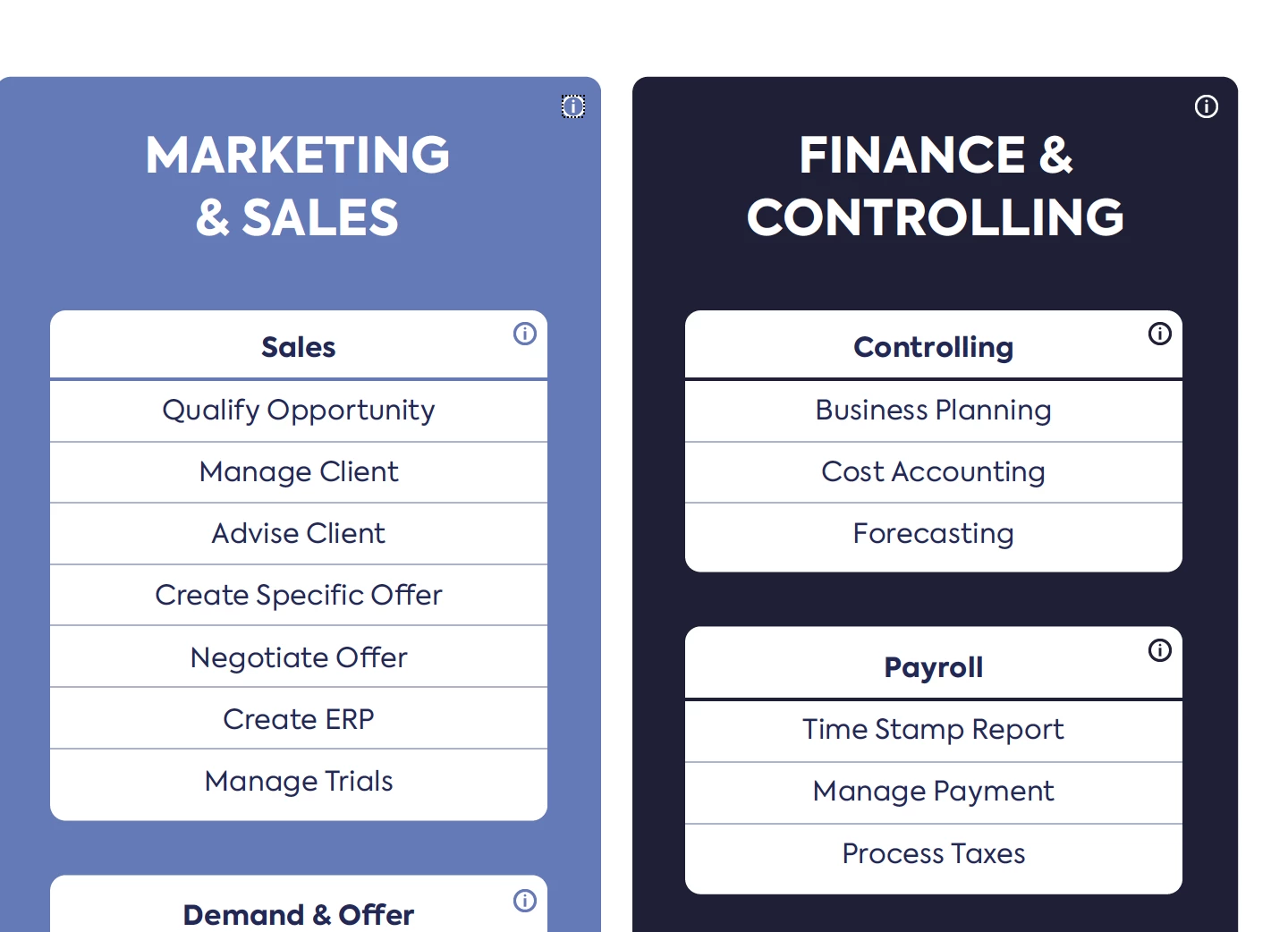
FRom 63 buutons, 50 are finally working, but the last 13 are not. The info button is in the PDF, but when I click nothing pops-up.

an someone tell me why or suport me with this.

Thanks


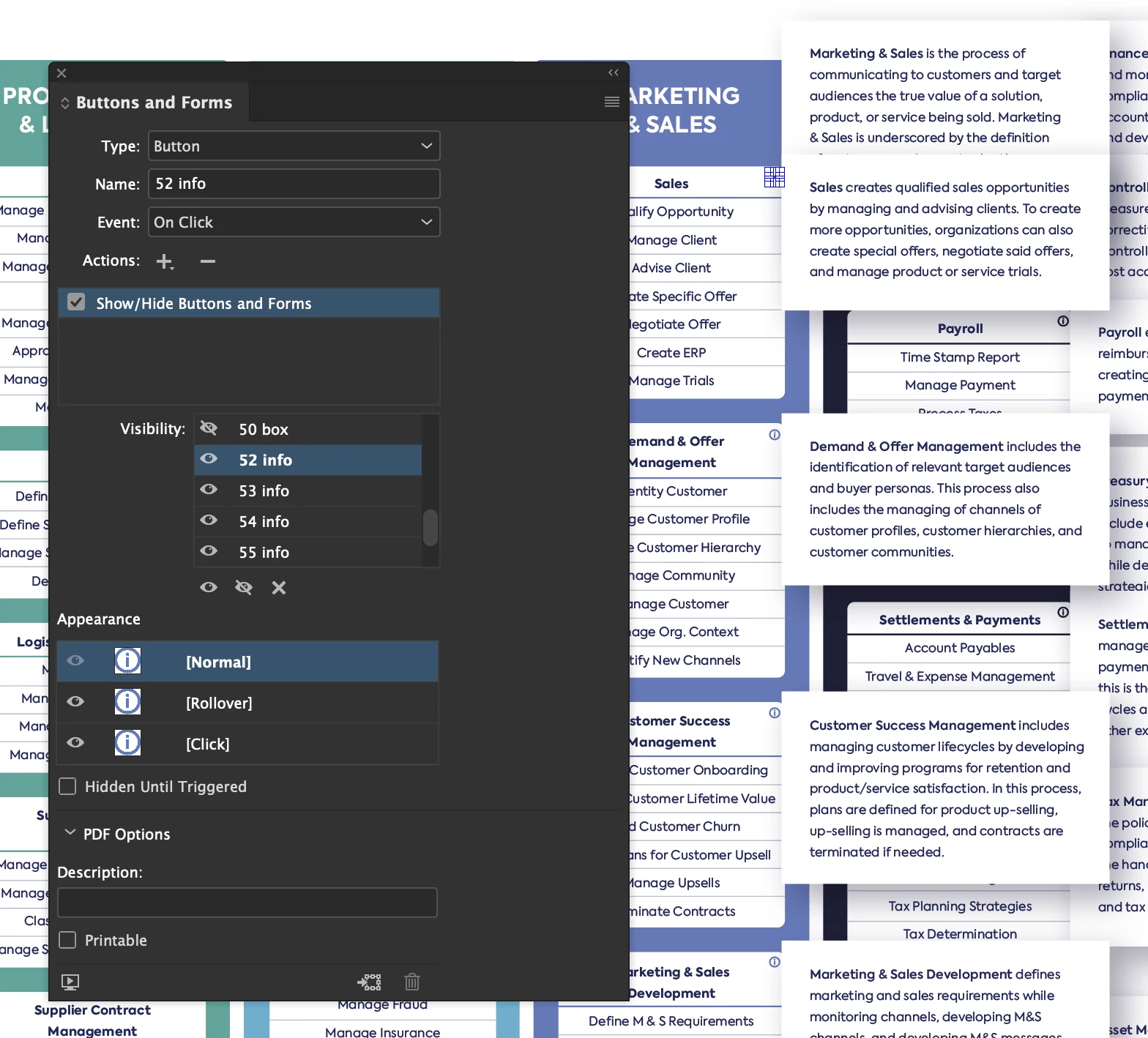
Characteristics of the "info" icon button:
 

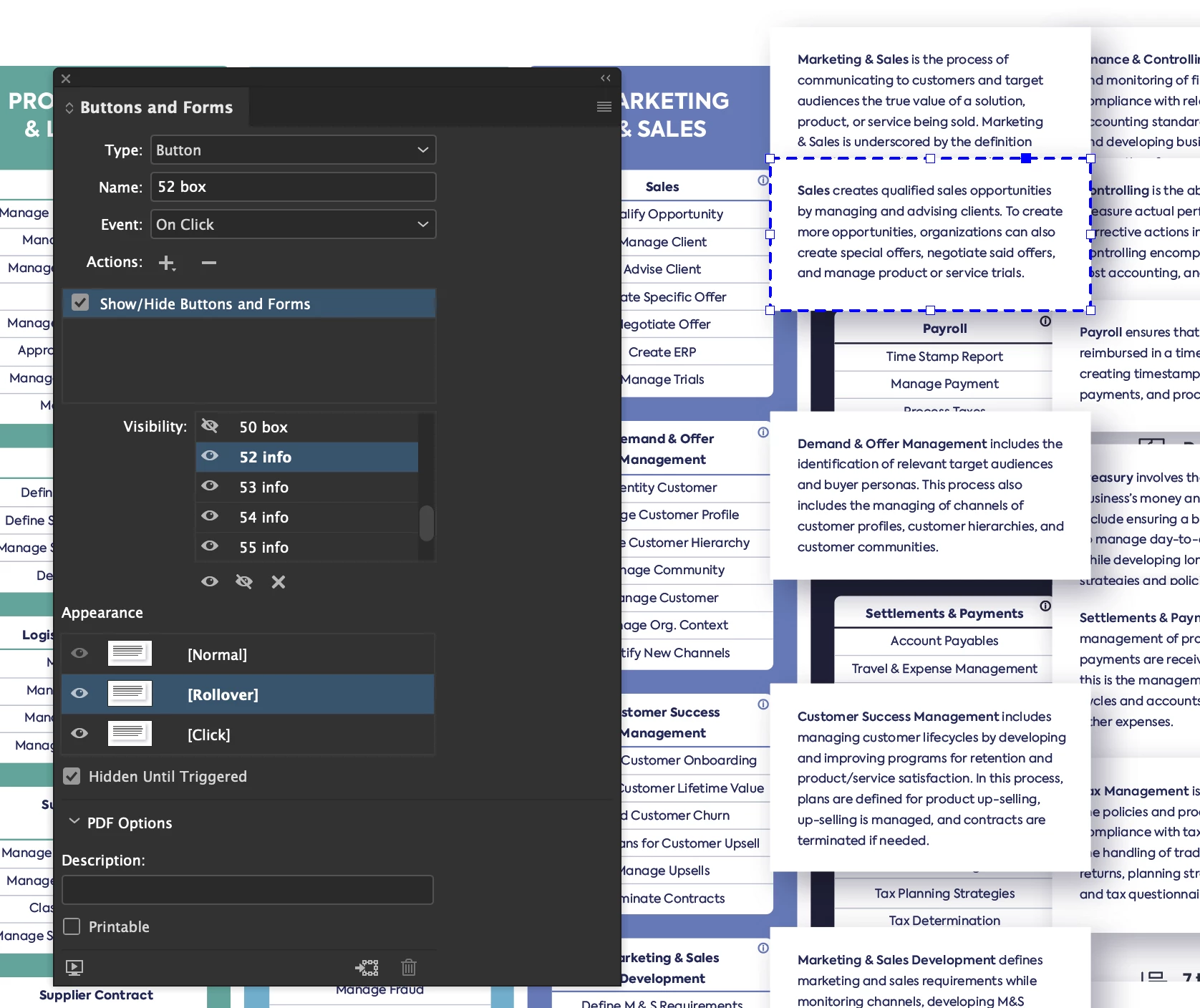
Characteristics of the pop-up window:
 

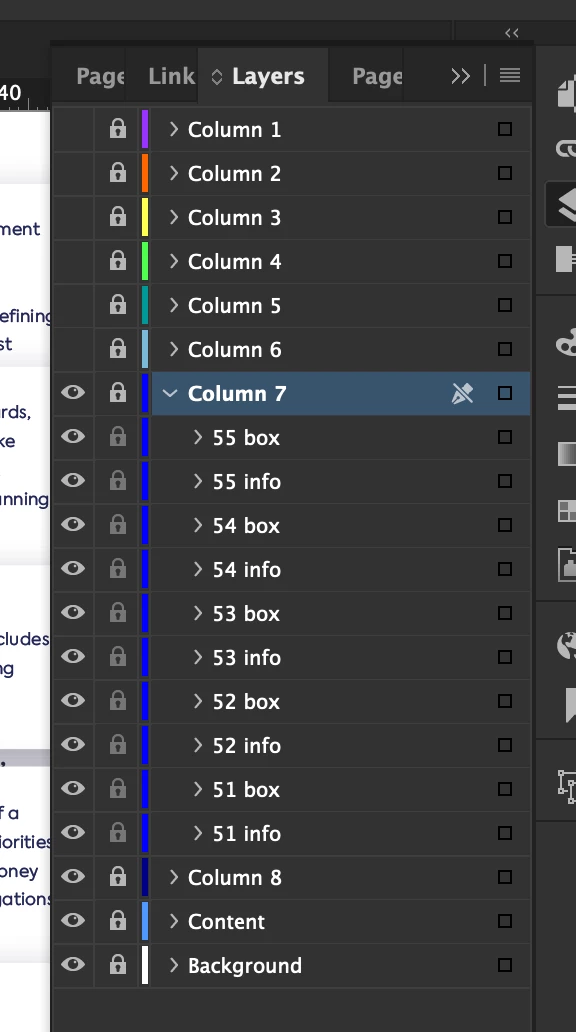
I'm working with layers:
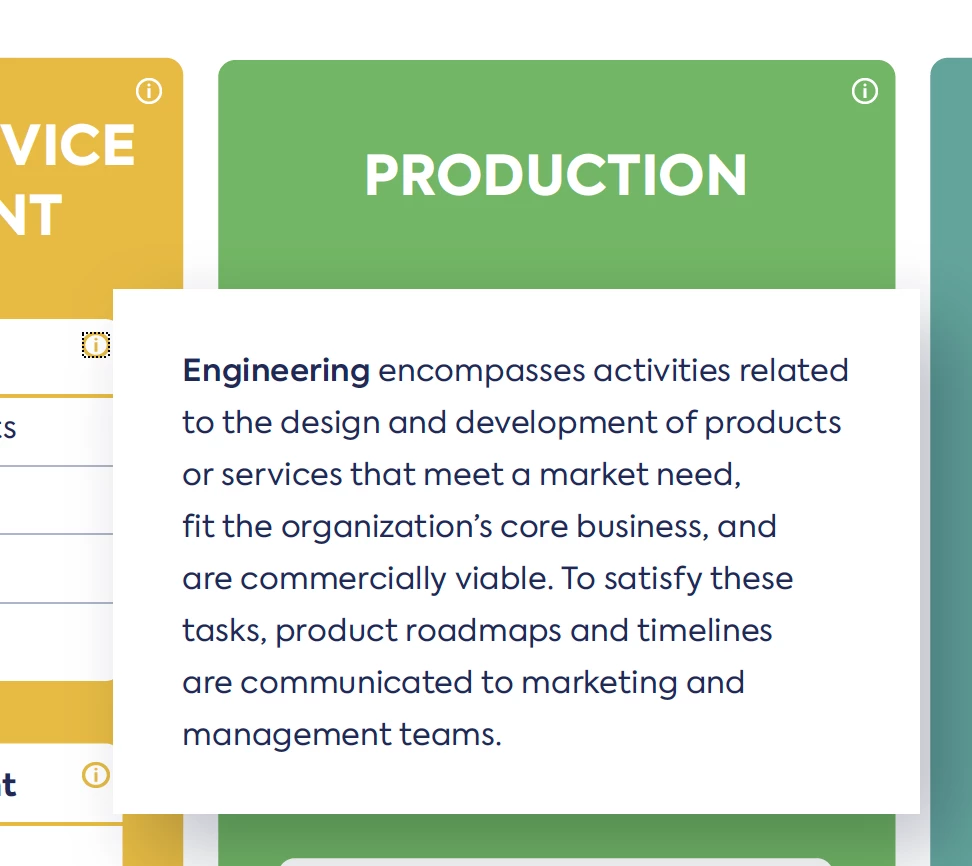
 Works fine here:
  Does not work at all in these last 2 columns:


This topic has been closed for replies.
Correct answer Derek Cross

You can have a word or words or an image (such as a button shape) as a document hyperlink to say another page in the document, or to an external website. Some devices, for example, iPads, don't have rollover capability – only click – you should avoid multi-action buttons like On Click, On Roll Over, etc. Multi-state object (MSO) don’t work at all in an Interactive PDFs.

3 replies

Derek Cross
Community Expert
Derek CrossCommunity ExpertCorrect answer
Community Expert
March 24, 2021

You can have a word or words or an image (such as a button shape) as a document hyperlink to say another page in the document, or to an external website. Some devices, for example, iPads, don't have rollover capability – only click – you should avoid multi-action buttons like On Click, On Roll Over, etc. Multi-state object (MSO) don’t work at all in an Interactive PDFs.

inesm32419043
Participating Frequently
March 24, 2021

Thanks, Derek.

It is the first time I'm actually using all this features like this and maybe the last time I use with this extent 🙂

JonathanArias
Legend
March 24, 2021

You may have found the limits of the software.

JonathanArias
Legend
March 23, 2021

can you duplicate a popup that does work and just swap out the text?

i often have issues like this with indesign. inconsisten performace. i also make things into objects to clear them out and set up the popup again one at the time till it works.

inesm32419043
Participating Frequently
March 24, 2021

Thanks Jonathan for your support. No, it doenst work after trying what you suggested, but I will give it a try again with not with the info" button instead of the pop-up boxs.

I will keep you updated on the results 🙂

inesm32419043
Participating Frequently
March 24, 2021

Okay, I just tried it and it doesnt work 😞 I really don't understand why it doenst work.

Is there a limit for buttons or something when it open on the Acrobat?

inesm32419043
Participating Frequently
March 23, 2021

Hi! I'm creating an interactive poster where I have an "info" icon button which will open a pop-up window with more information. 

From 63 buutons, 50 are finally working, but the last 13 are not. The "info" button is in the PDF, but when I click nothing pops-up.

Could someone, please, tell me why or helpe me out here. 🙂


Thanks and sorry about the writing on the original message.
