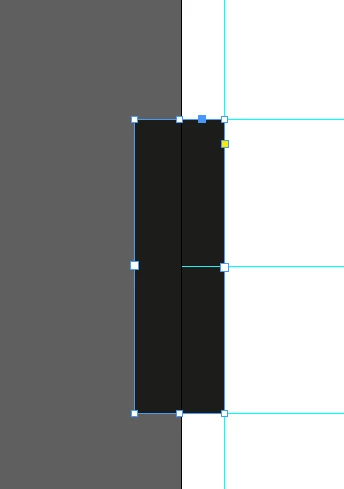
Having Trouble getting this box to Rotate.
I have having trouble getting this text box to rotate.
function addTextF(doc, layer, name){
app.generalPreferences.preventSelectingLockedItems= false;
var myBlendingSettings = { blendMode : BlendMode.NORMAL };
var myTransparencySettings = { blendingSettings : myBlendingSettings };
var tF = doc.textFrames.itemByName(name);
if(tF && tF.isValid) {
tF.remove();
}
var origUnit = app.scriptPreferences.measurementUnit;
app.scriptPreferences.measurementUnit = MeasurementUnits.INCHES;
tF = doc.textFrames.add(layer, LocationOptions.UNKNOWN, {name: name, fillColor :"Paper", fillTint: 100, transparencySettings : myTransparencySettings, geometricBounds: ['.504in','.21in','.376in','-.21in'] });
tF.flipItem(Flip.HORIZONTAL,AnchorPoint.CENTER_ANCHOR);
tF.locked=true;
app.scriptPreferences.measurementUnit = origUnit;
return tF;
}
FROM THIS
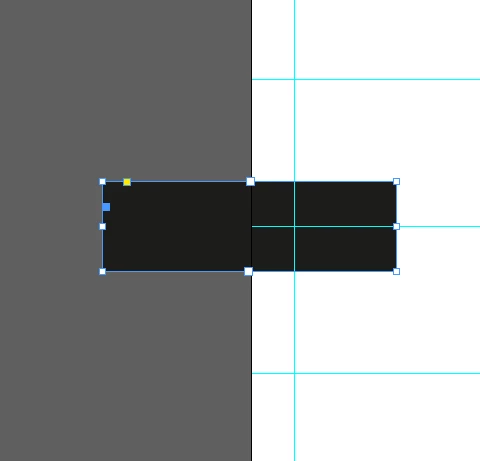
TO THIS
 AdChoices