Inspiring
September 16, 2022
Answered

Heading Shifted

  • September 16, 2022
  • 1 reply
  • 257 views

I'm struggling to return the first chapter link to its original position on the page after the TOC of the epub version. It somehow shifted from it's original position on the page after the TOC to just below the TOC. I have no idea how I caused this error, nor any clue how to rectify it. This is how it looked before:
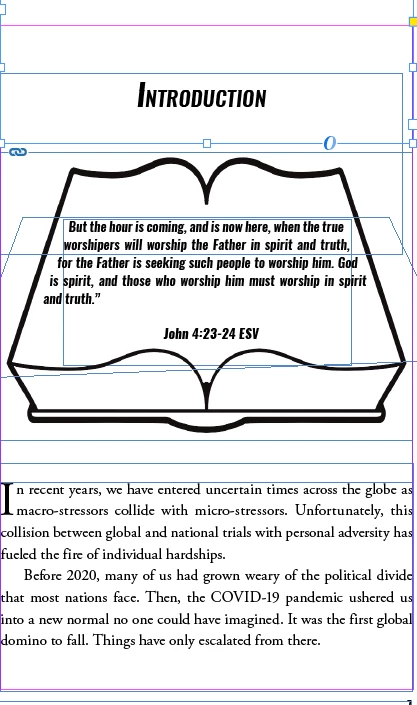
 

This is what it looks like now:
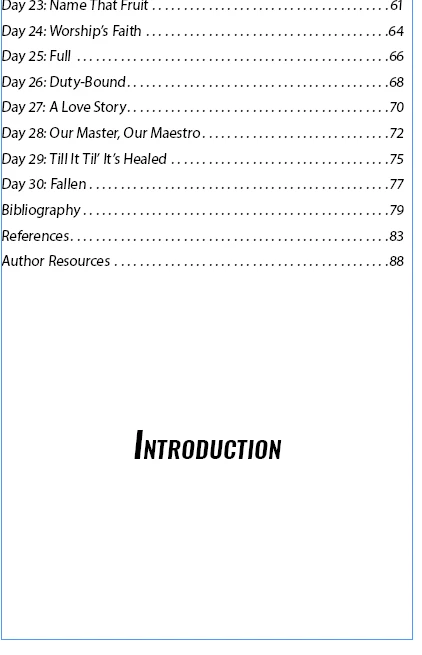
Any ideas what I did wrong and the easiest way to correct it?

This topic has been closed for replies.
Correct answer Evg. Sharon N260378023is9

Thanks for your advice! I managed to get it to work. 

1 reply

Willi Adelberger
Community Expert
Community Expert
September 16, 2022

You need to define the paragraph style after the page break to start with a new document. It is found in the HTMLsection of the style.


Or you can define the object style of the image and define new document after that image.

Willi Adelberger
Community Expert
Community Expert
September 16, 2022

I might have had a missunderstanding, what you want to afford:

The headline and the text must be in the same frame. If you want to keep headline, Bible and text together, anchor the Bible in the text. Here I would create a paragraph style with auto leading (not a fixed value) and insert the Bible (or Group of the Bible Image and the text) into an paragraph with that style.

Evg. Sharon N260378023is9AuthorCorrect answer
Inspiring
September 16, 2022

Thanks for your advice! I managed to get it to work.