
Help automating imposition with custom trim marks
Hello,
For our offset printing process, we use trim marks show circled below. I've tried many imposition plugins to help expedite the process, unfortunately none have this style trim marks available. Also they are needed to be set at 30% opacity in registration color (this helps to visually mask the trim marks since they are partially printed). The current way we to achieve the required marks is to set up an InDesign document, draw/import the custom marks needed, step and repeat them to the correct position then place the 1 up art file and step and repeat that file to line up with the trim marks. It's quite cumbersome to do it this way. The imposition software is great in that it allows us to import a 1up file, set imposition rules and automate the process. I would love to be able to do this but with the required trim marks.
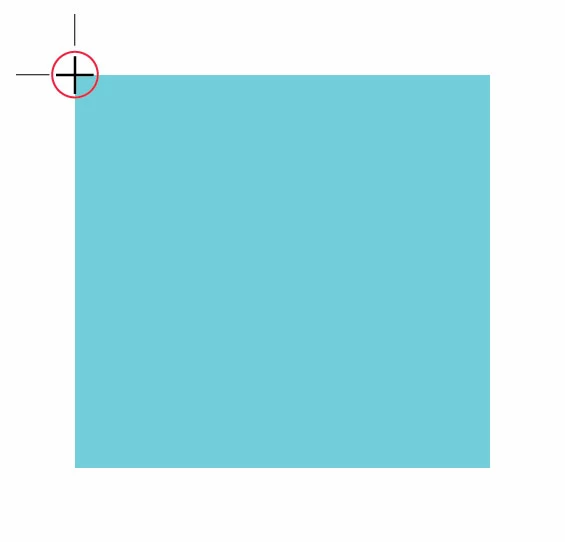
The reason for the custom trim marks is so the press operators can set their blades, check squareness, and also check for those things while the job is running. If the trim marks are offset, it's scrap paper that gets trimed/removed during the printing process into a recycle area therefore not allowing to check positions/squareness on the fly.
Any help/suggestions for automation would be great.
Thank you.
 AdChoices